



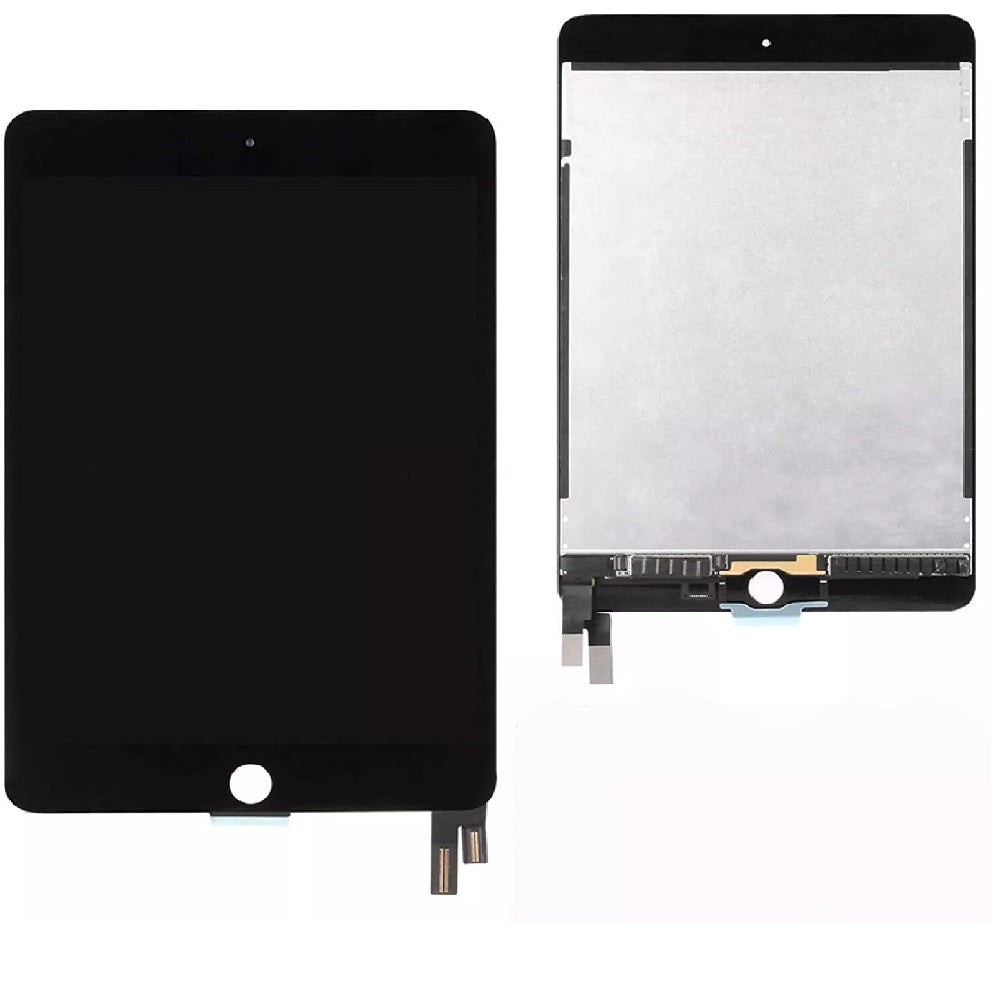
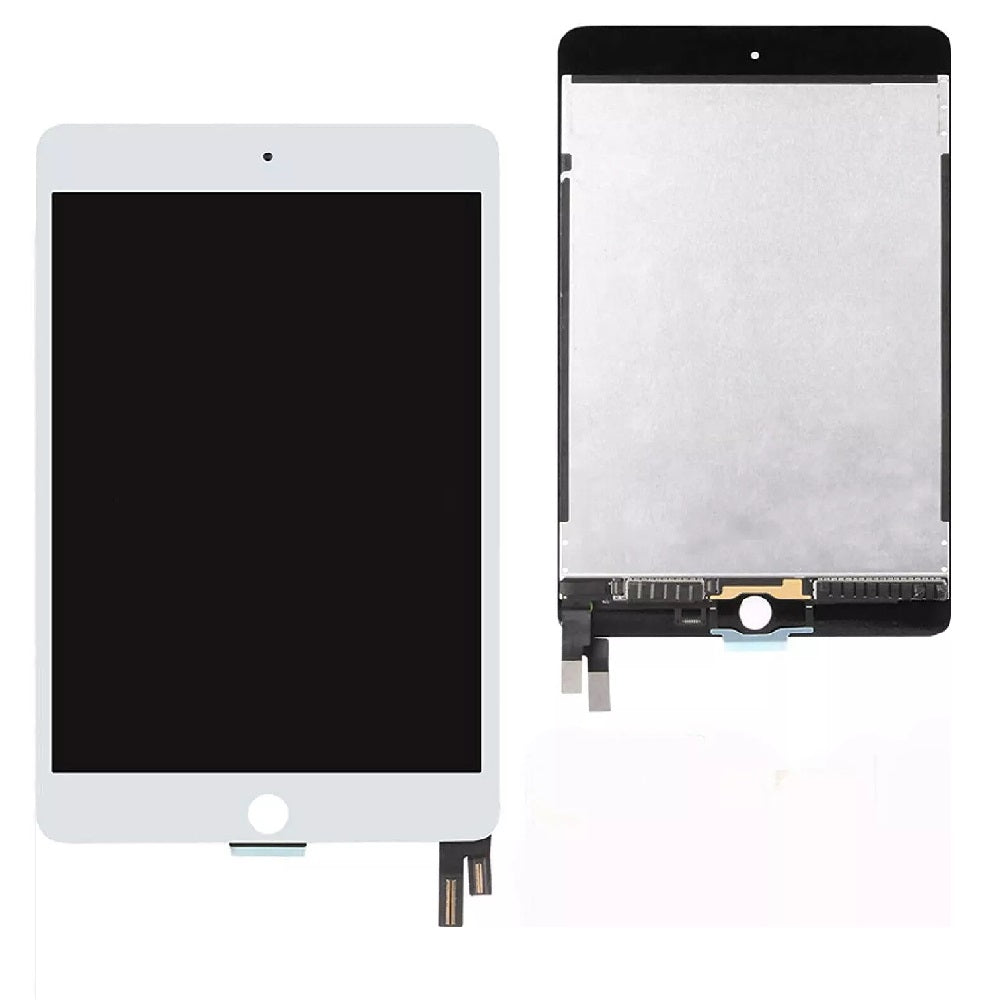
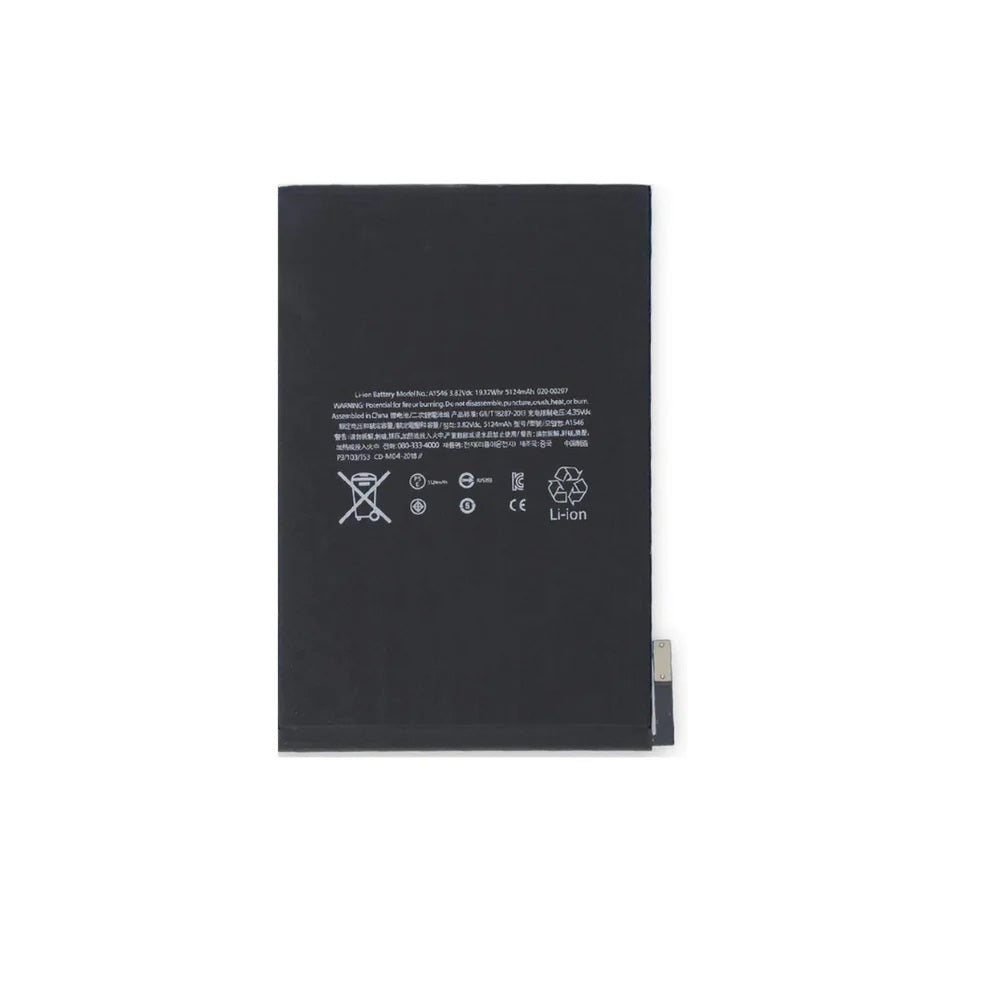
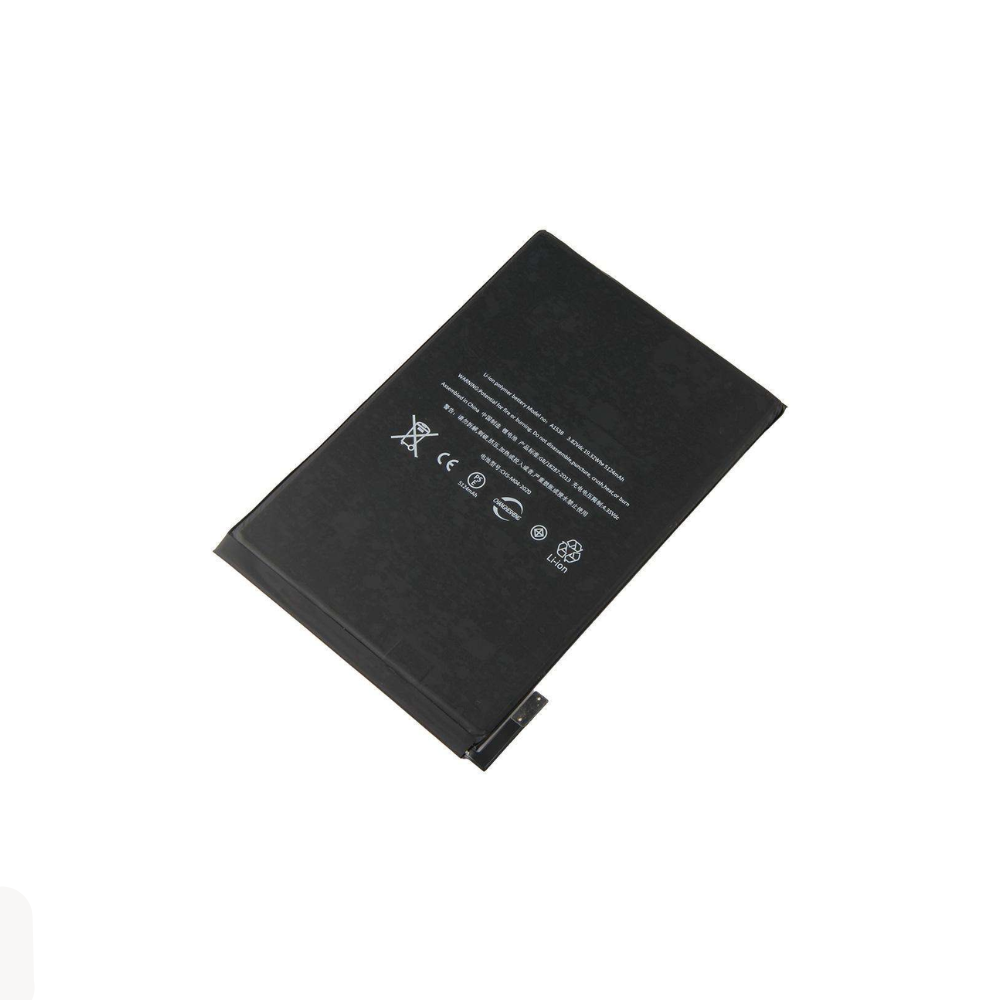
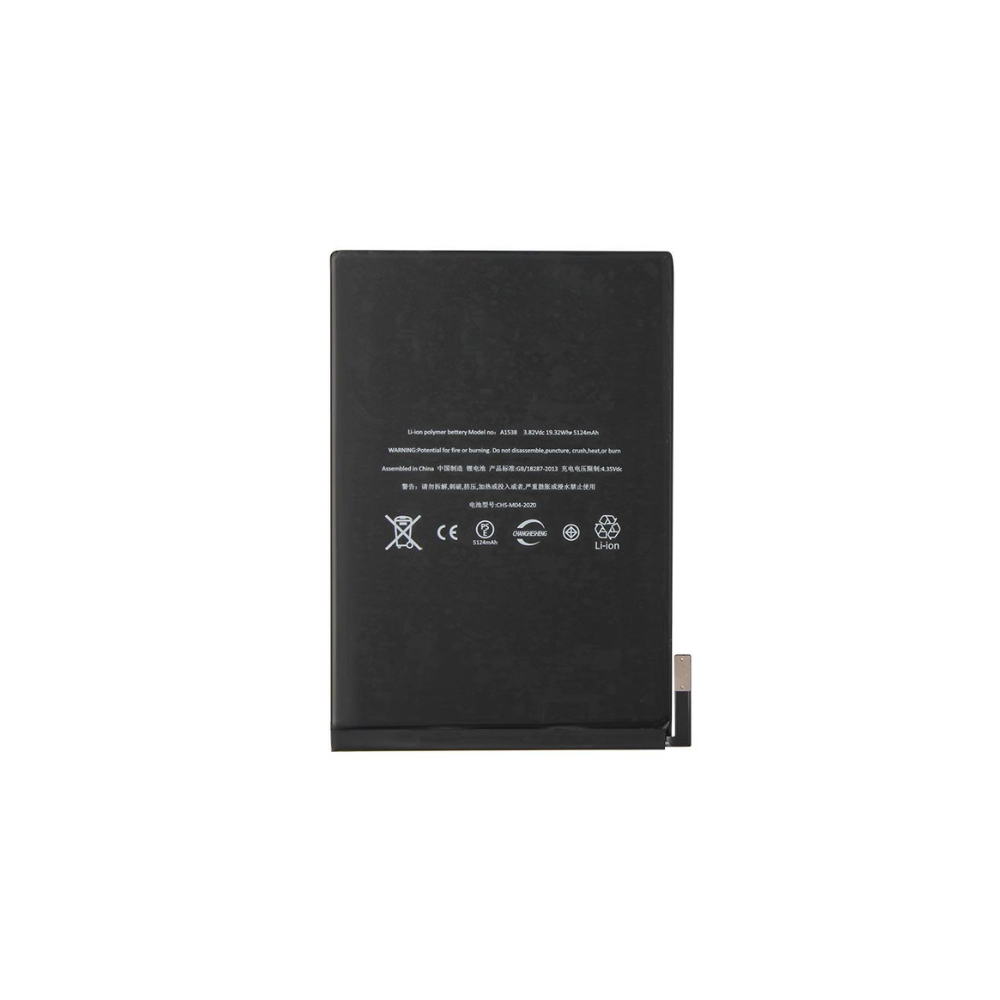
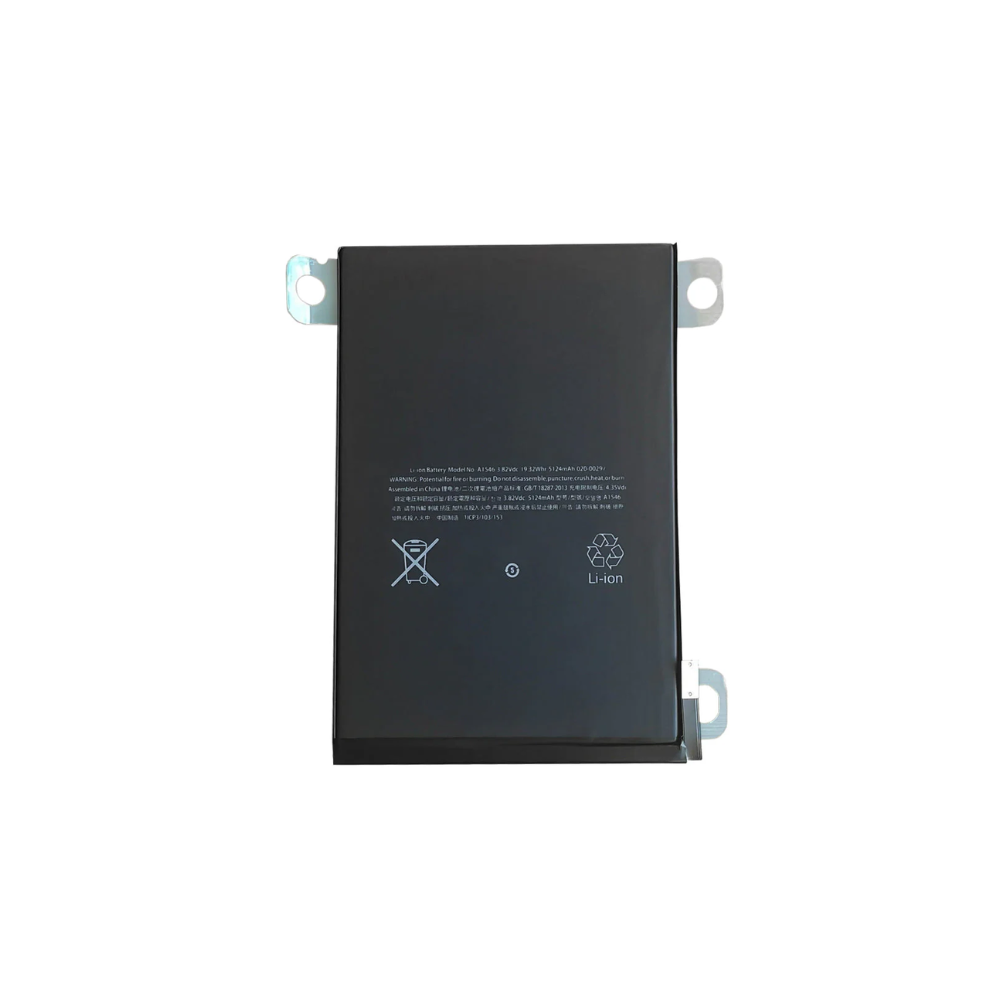
For iPad Mini 4 (A1538 / A1546 / A1550) Replacement Battery 5124mAh
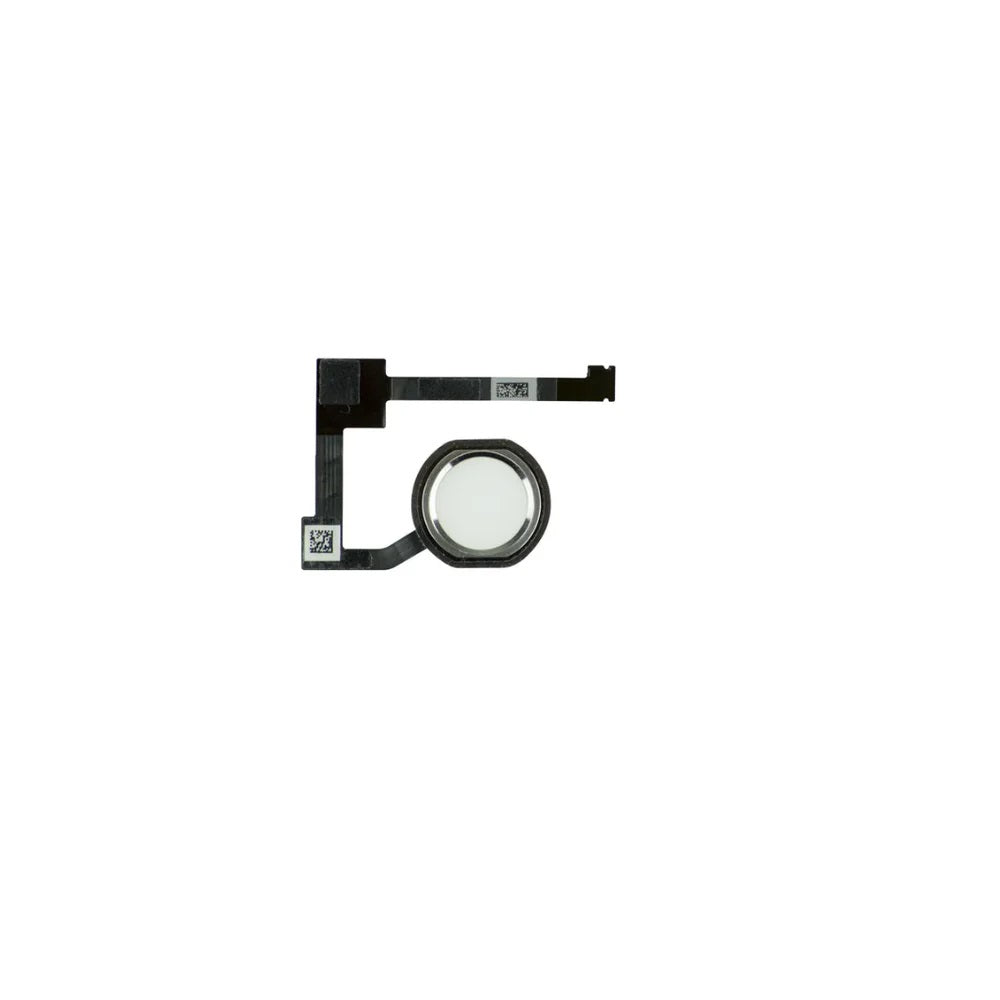

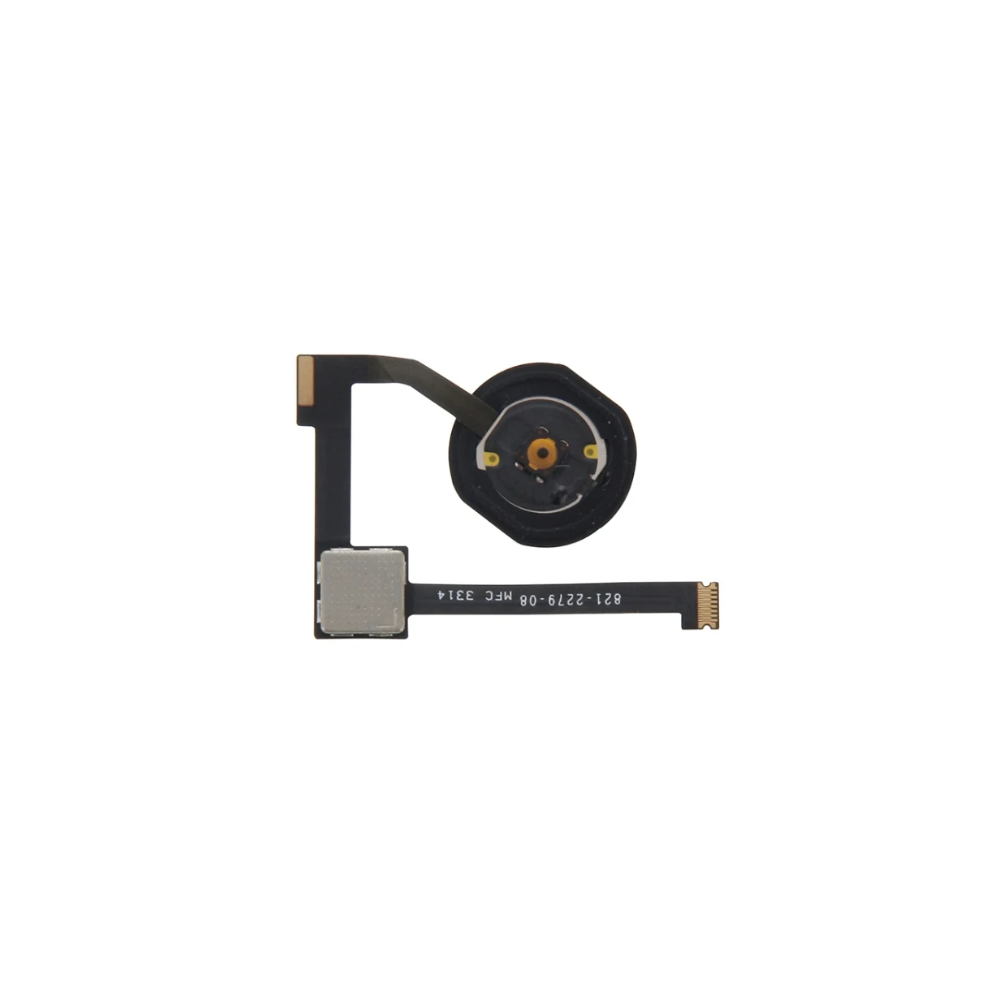
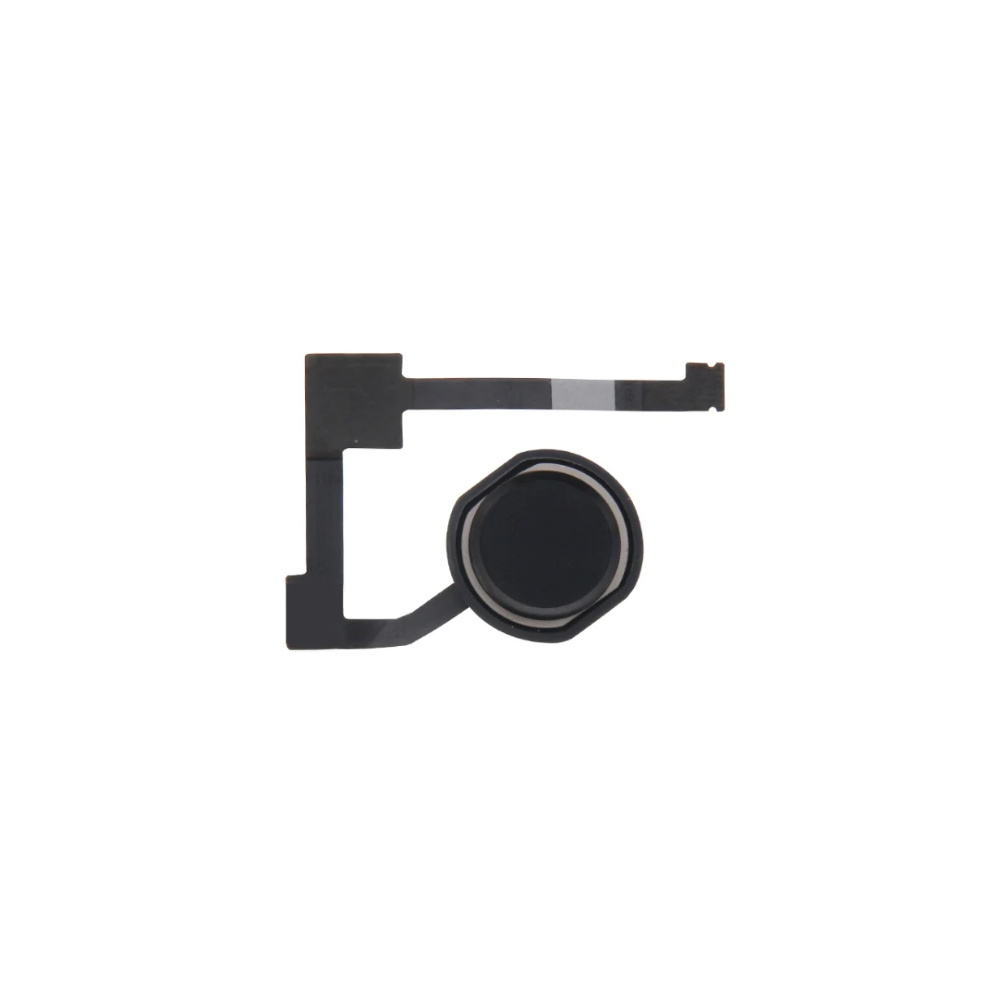
For Apple iPad Air 2 / Mini 4 & 5 / Pro 12.9 Home Button Flex Cable Assembly (Black)
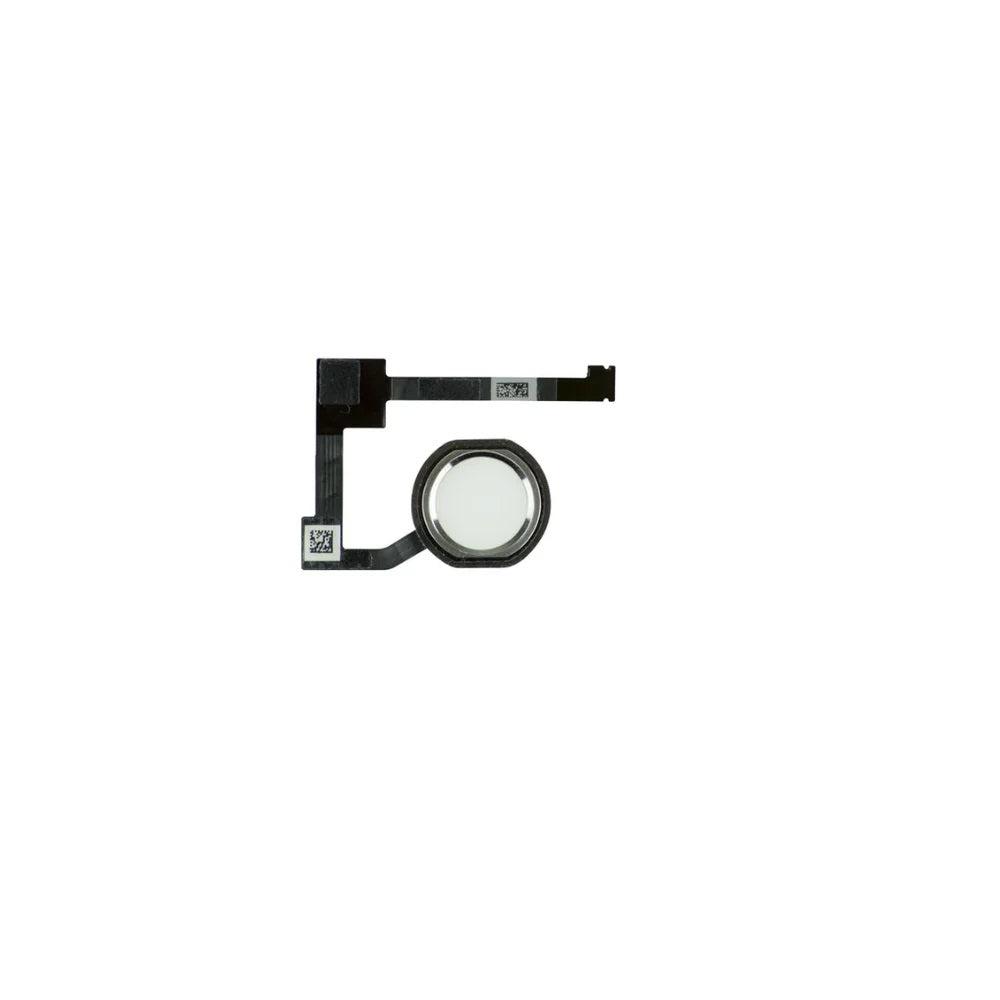
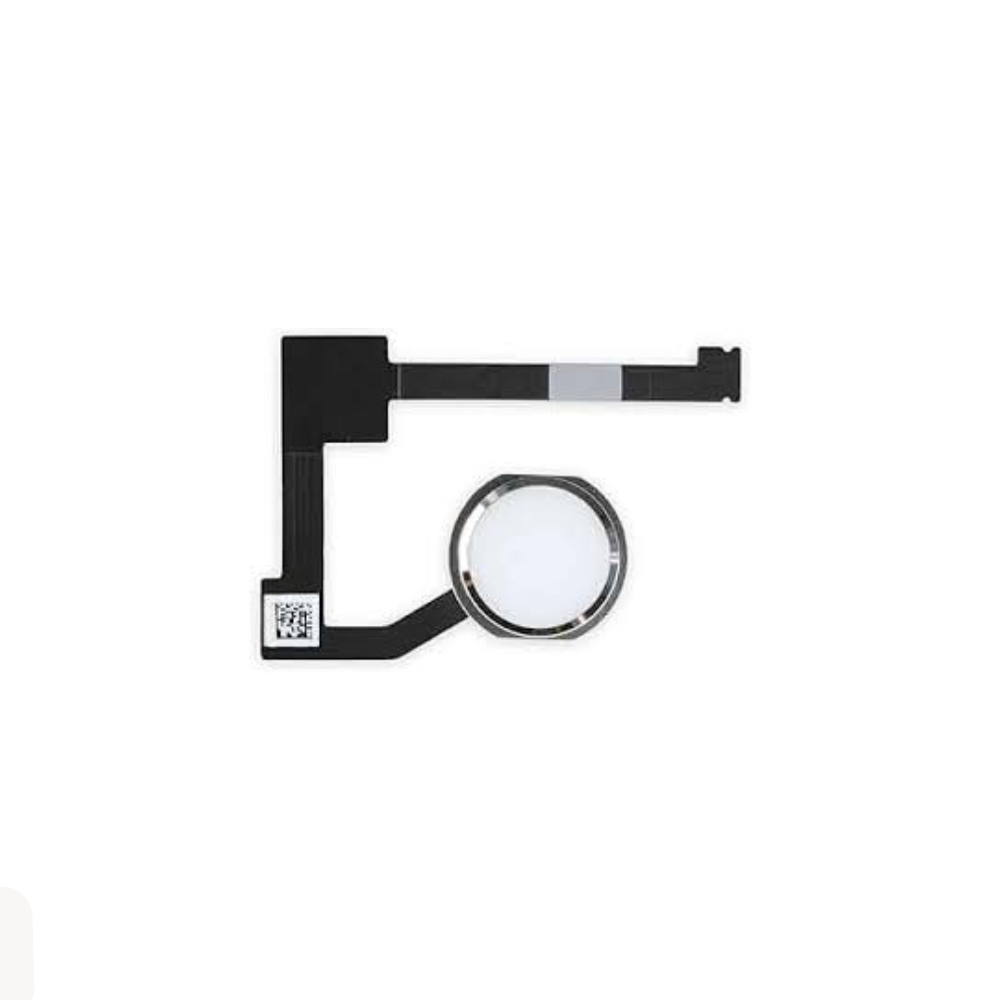


For Apple iPad Air 2 / Mini 4 & 5 / Pro 12.9 Home Button Flex (White/Silver)
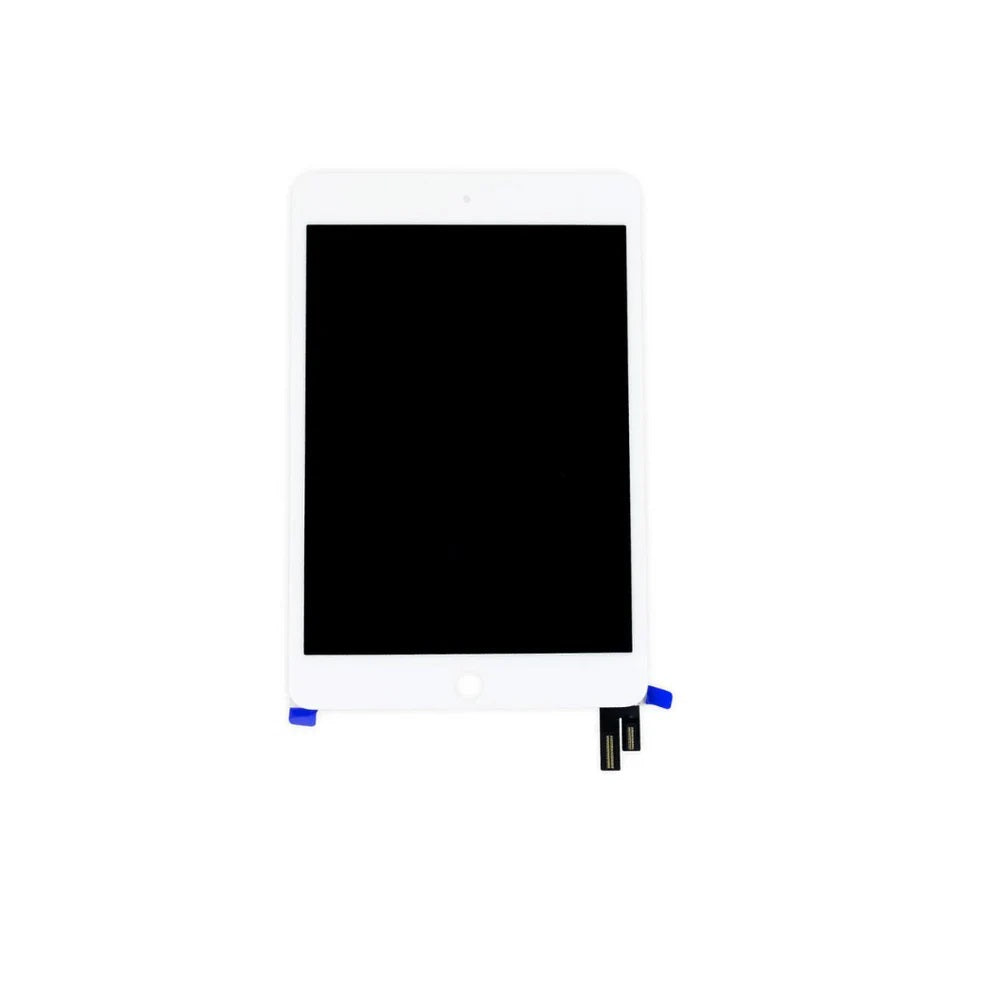
For iPad Mini 4 Screen & Digitiser Assembly (White)
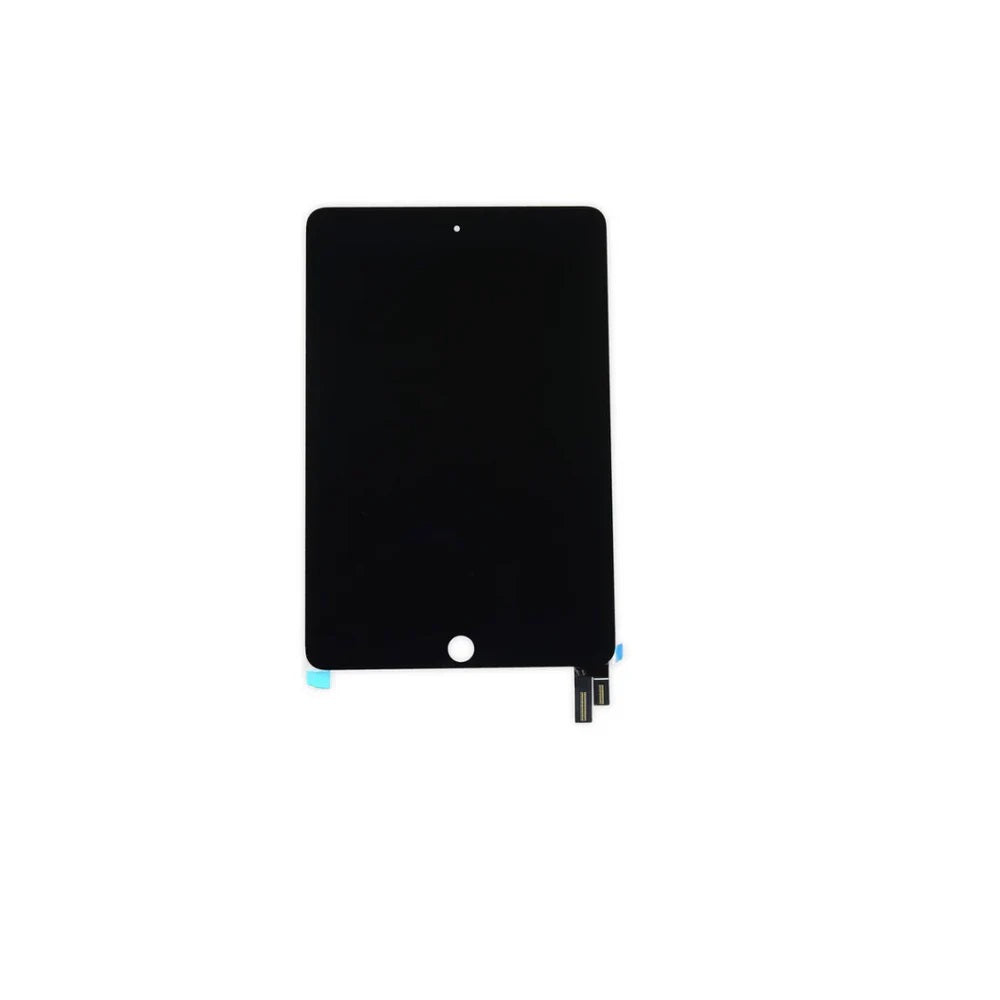


For iPad Mini 4 Screen & Digitiser Assembly (Black)
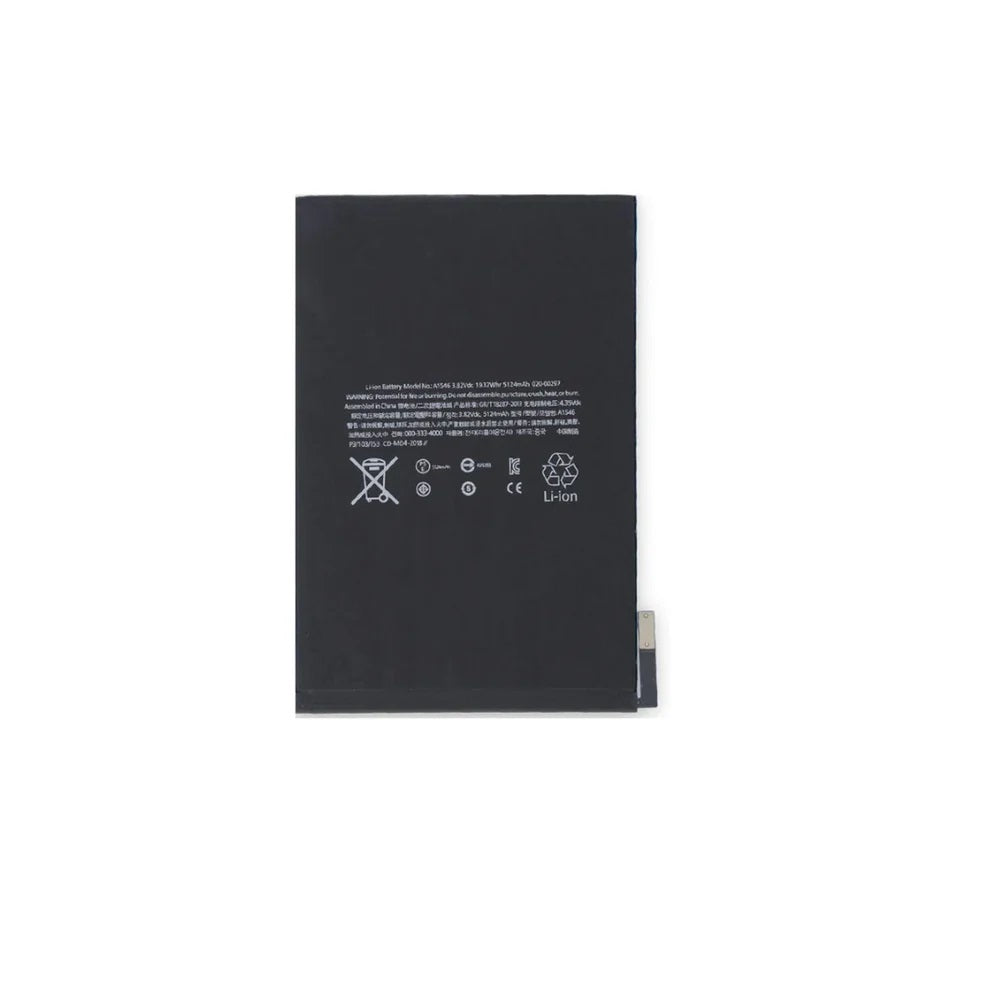
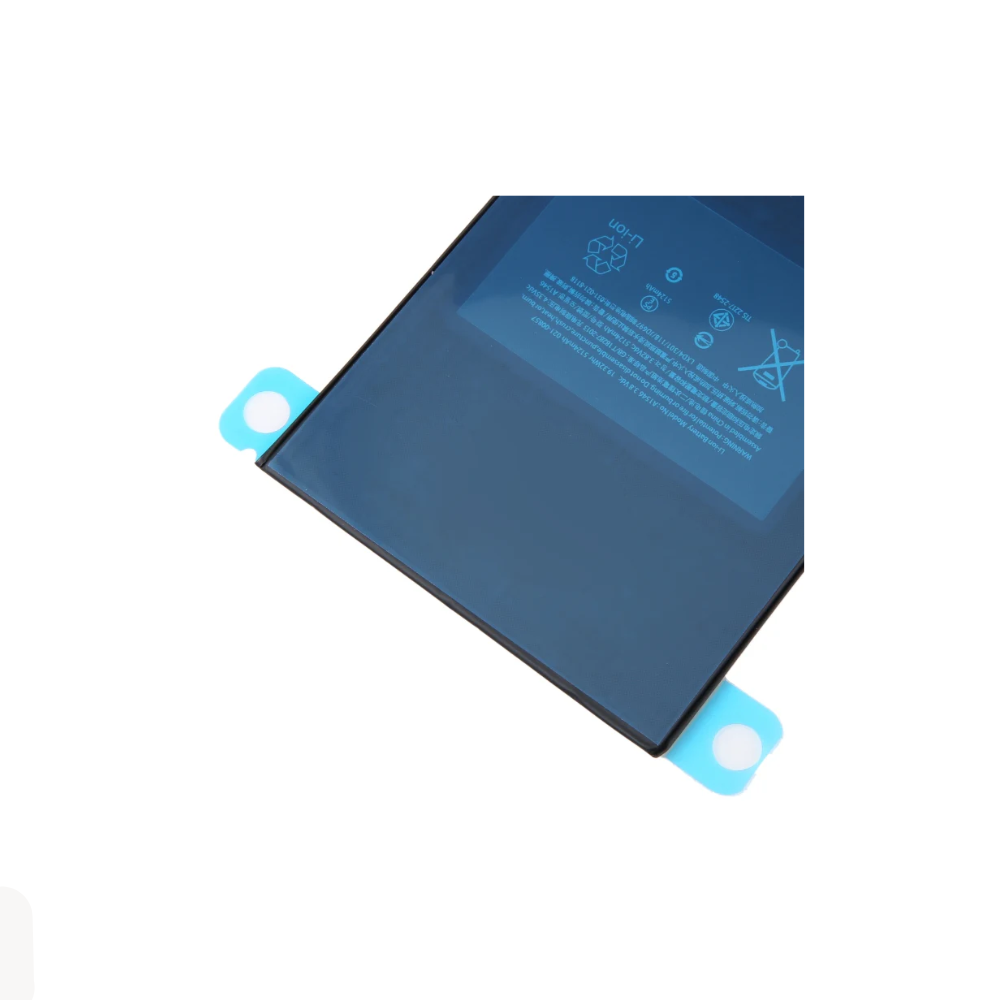
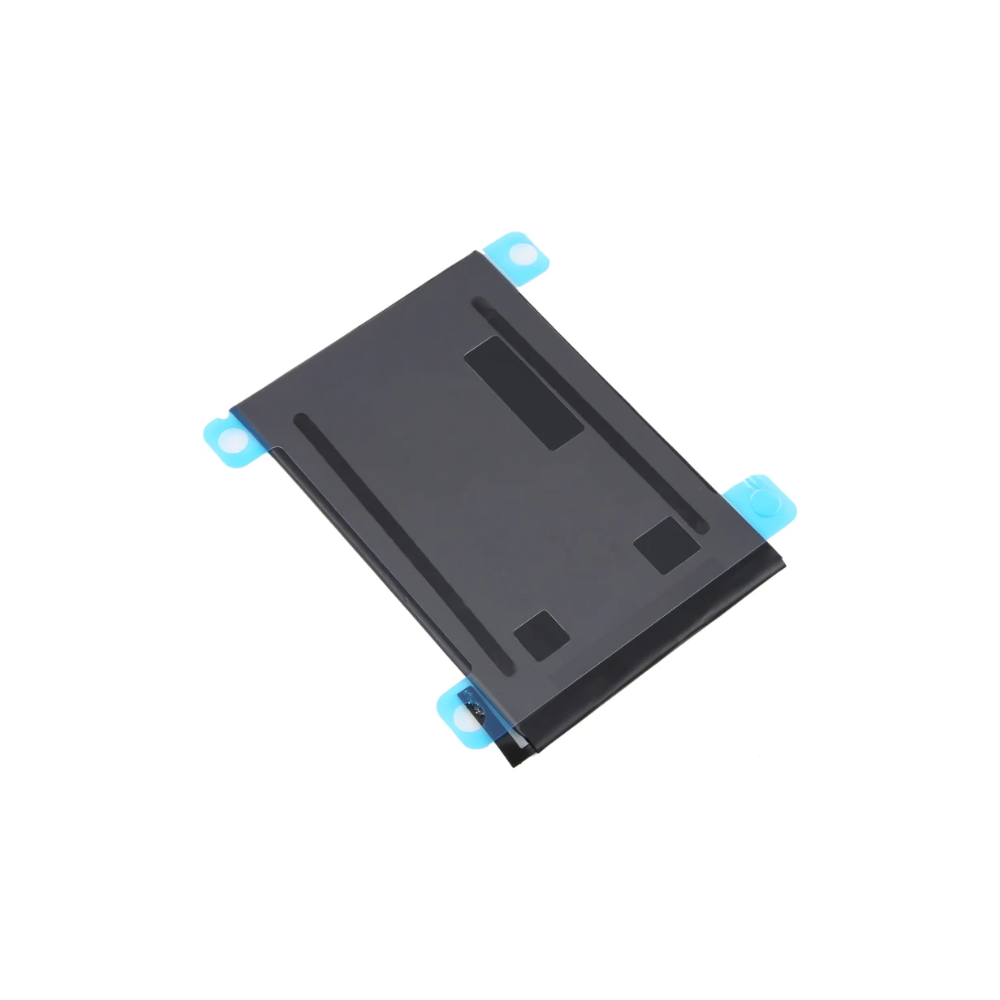
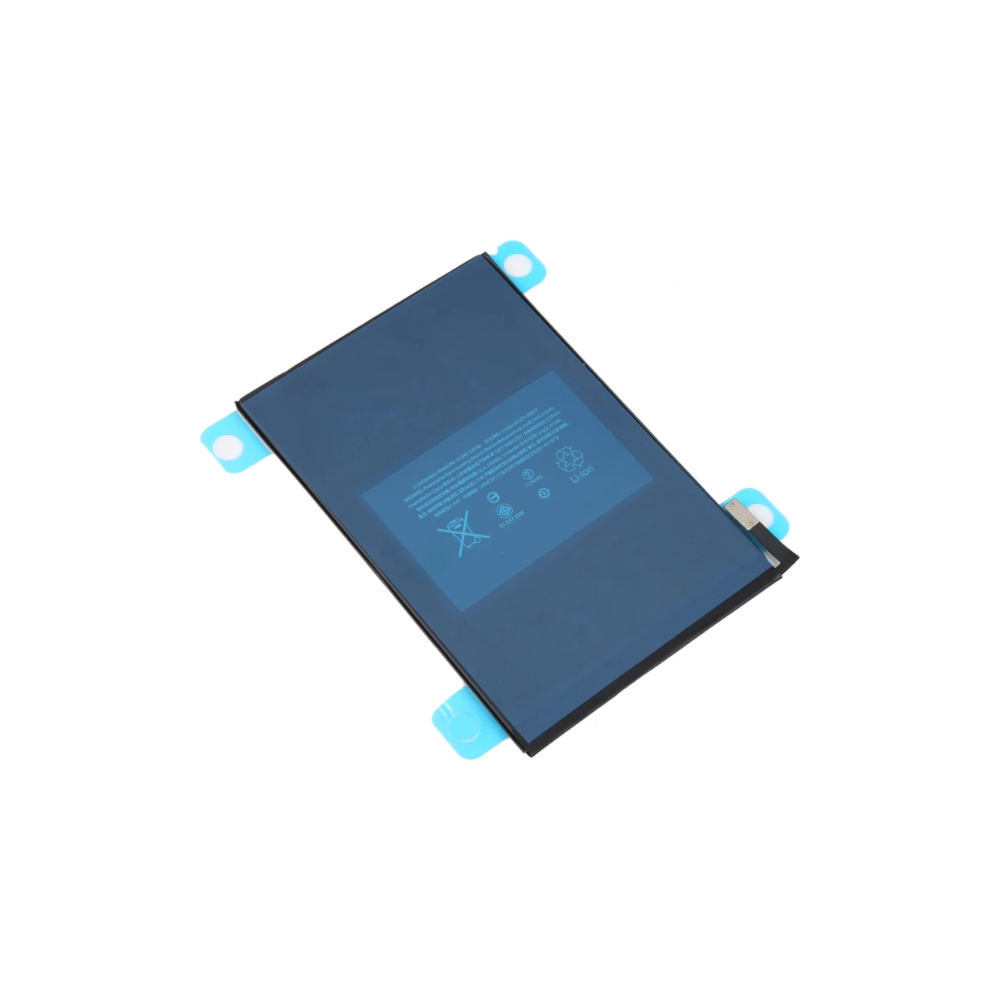
For iPad Mini 4 (A1538 / A1550) Replacement Battery 5124mAh


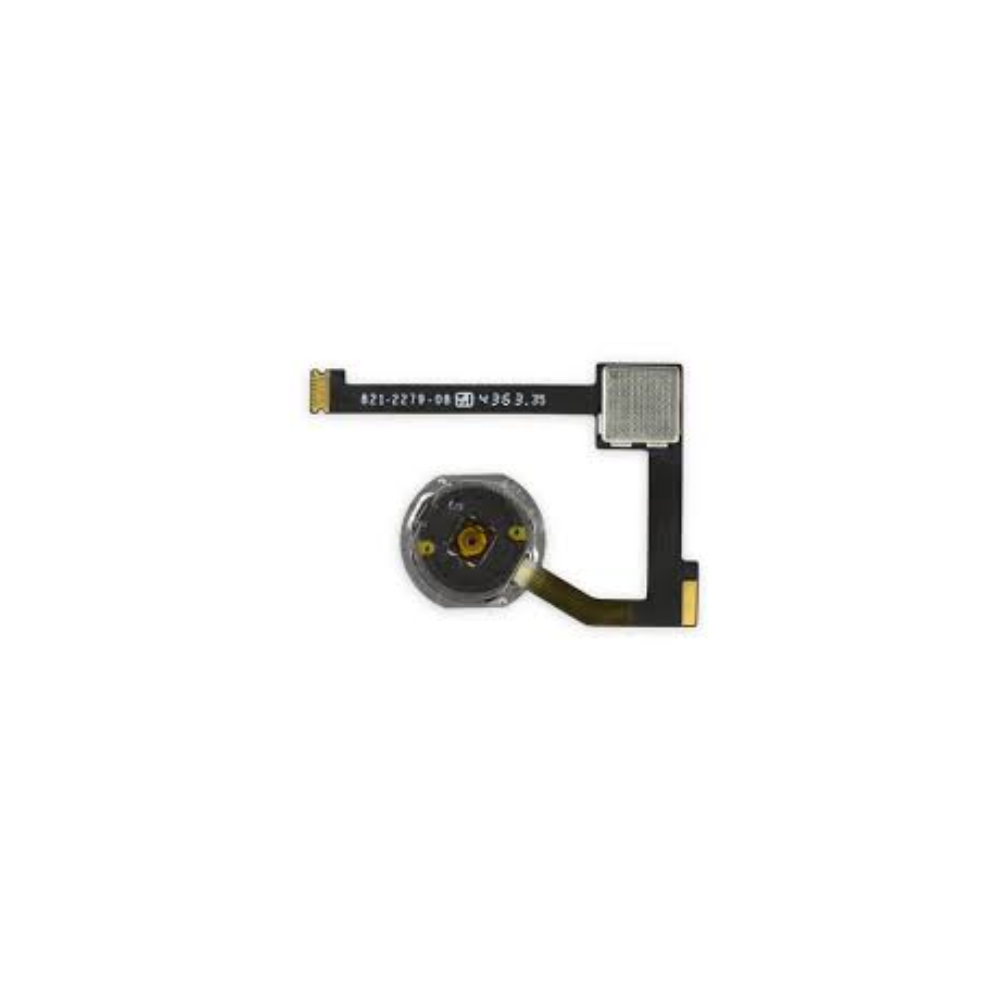

For Apple iPad Air 2 / Mini 4 & 5 / Pro 12.9 Home Button Flex Cable (White/Silver)
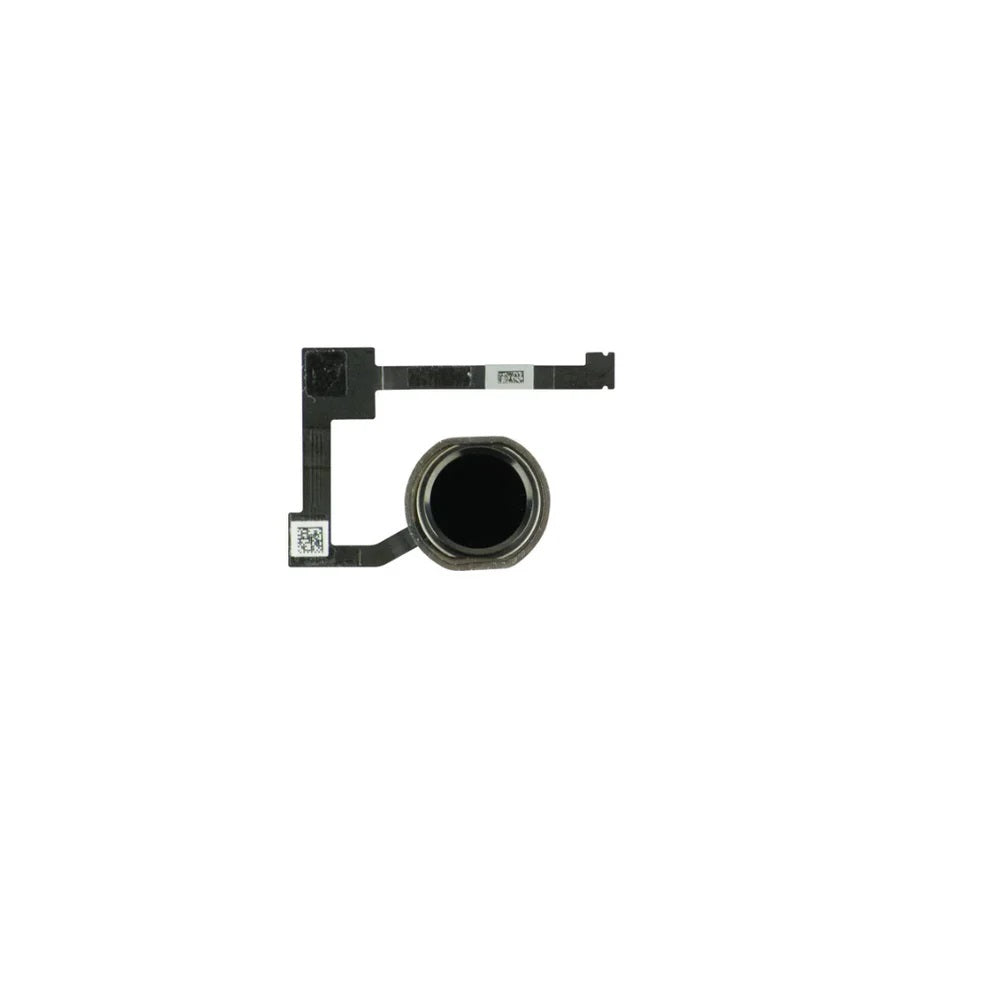
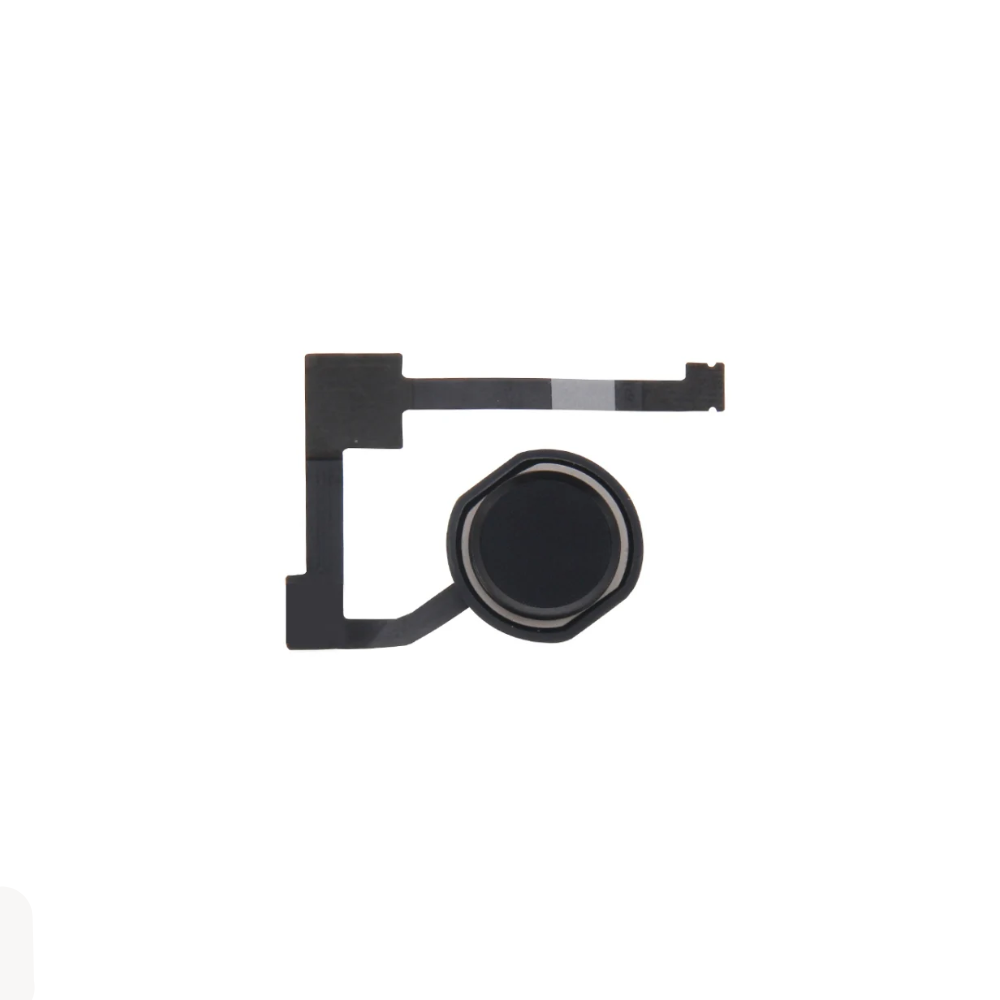


For Apple iPad Air 2 / Mini 4 & 5 / Pro 12.9 Home Button Flex (Black)


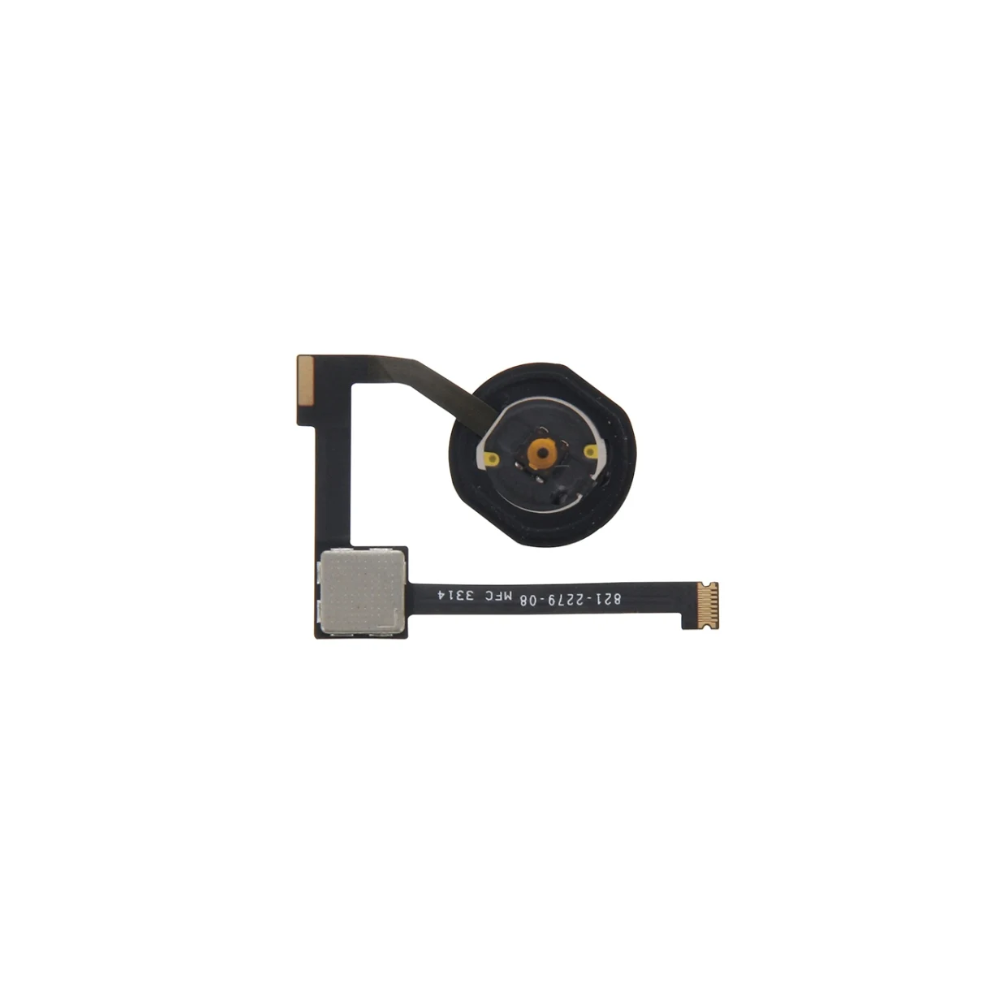

For Apple iPad Air 2 / Mini 4 & 5 / Pro 12.9 Home Button Flex Cable (Black)


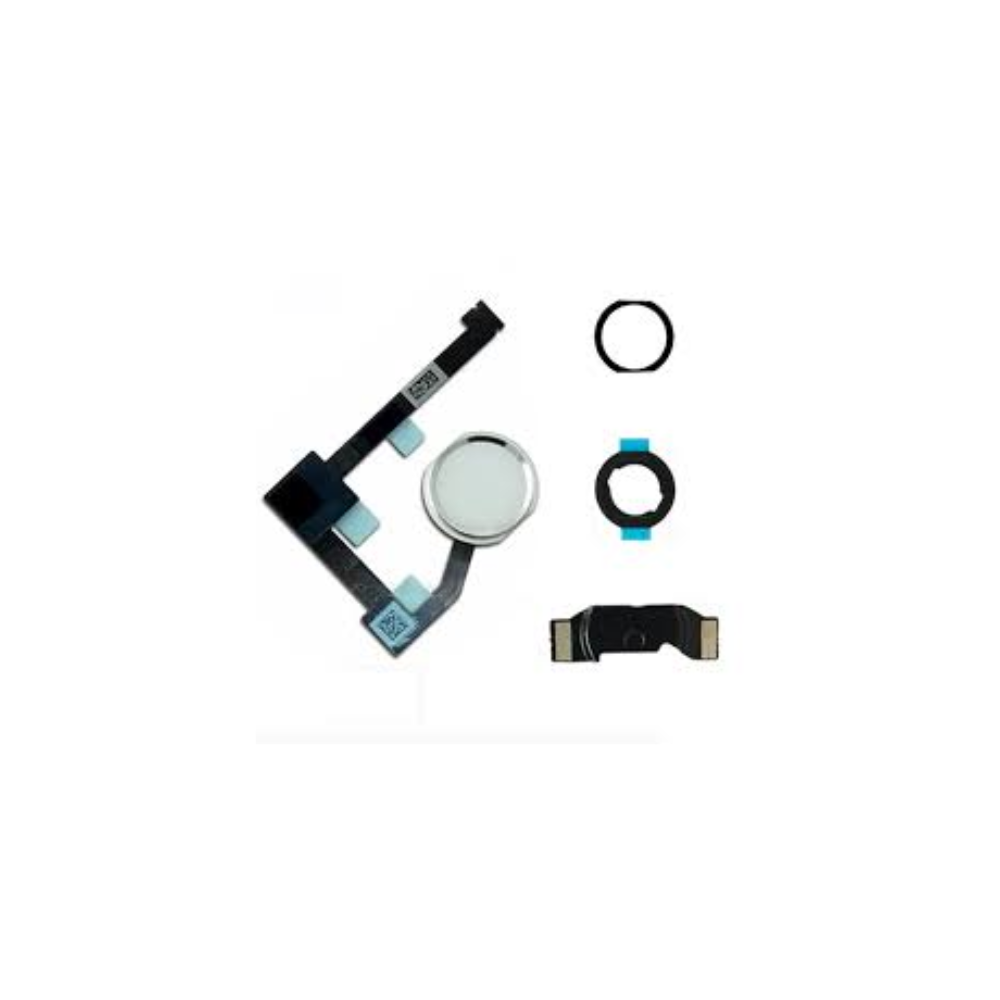
For Apple iPad Air 2 / Mini 4 & 5 / Pro 12.9 Home Button Flex Assembly (White/Silver)
This collection covers the iPad Mini 4, and it currently lists one item: a replacement battery of 5124mAh. That is a common repair on a small tablet that has been used for years and no longer lasts a full session. The iPad Mini 4 (2014) range grows as our specialist suppliers send new stock.
Confirm your model before ordering. Other battery listings in our catalogue name the codes A1538, A1546 and A1550 for the iPad Mini 4, and your tablet's number is printed on its back or shown in Settings, General, About. Match it to the title. Changing a battery means opening the tablet, releasing the screen adhesive and working carefully around cables. For any other iPad Mini 4 part, email support@etech61.com with the item and your model number.
iPad Mini 4 (2014) Parts: Frequently Asked Questions
What battery does the iPad Mini 4 collection list?
It lists a replacement battery of 5124mAh for the iPad Mini 4. Other listings in the catalogue give the codes A1538, A1546 and A1550, so compare your model number before you order.
How do I confirm I have an iPad Mini 4?
Look for the model number on the back of the tablet or open Settings, General, About. Compare it with the codes in the listing. The Mini 4 is a distinct generation with its own parts, separate from the Mini 2 and Mini 3.
Is replacing the battery a job I can do at home?
It is possible for careful DIY repairers, but the screen is adhesive-fixed and must be lifted first. You would need heat, opening tools and fresh adhesive. If you are not confident, a repair shop can do the work.