

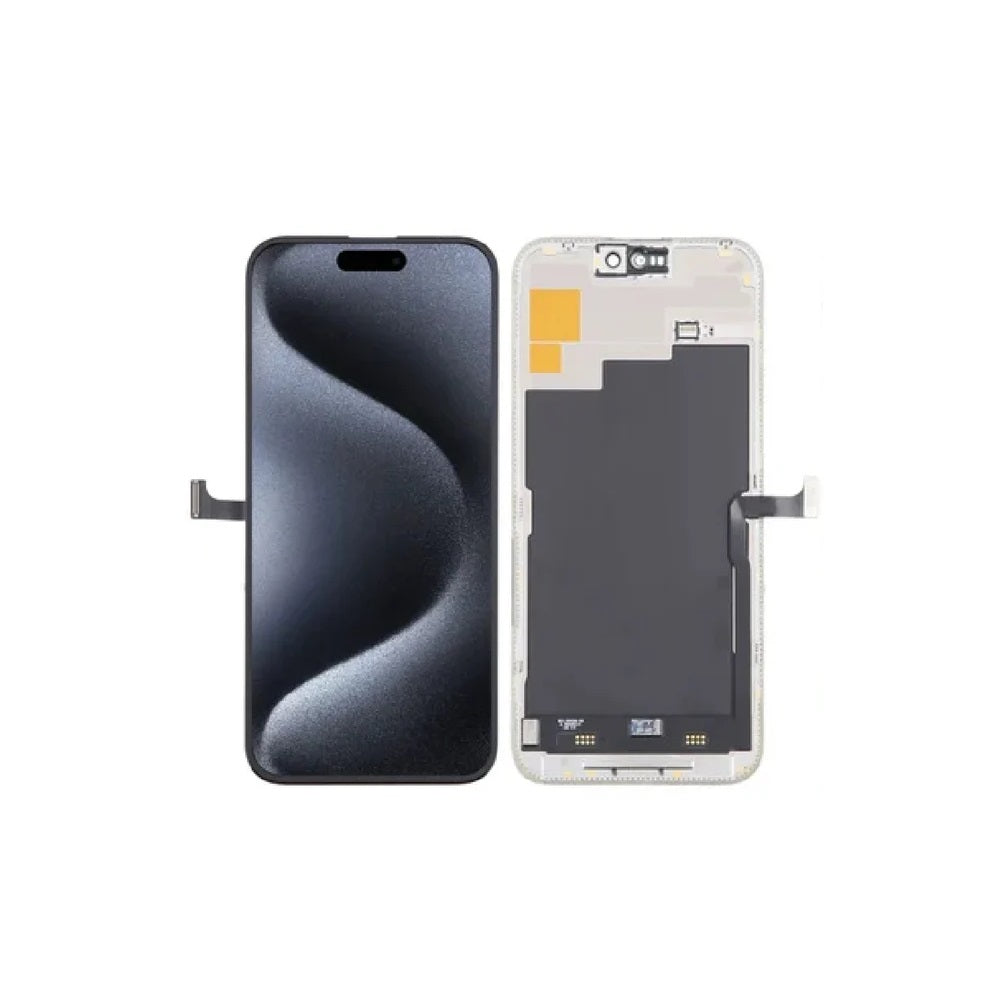

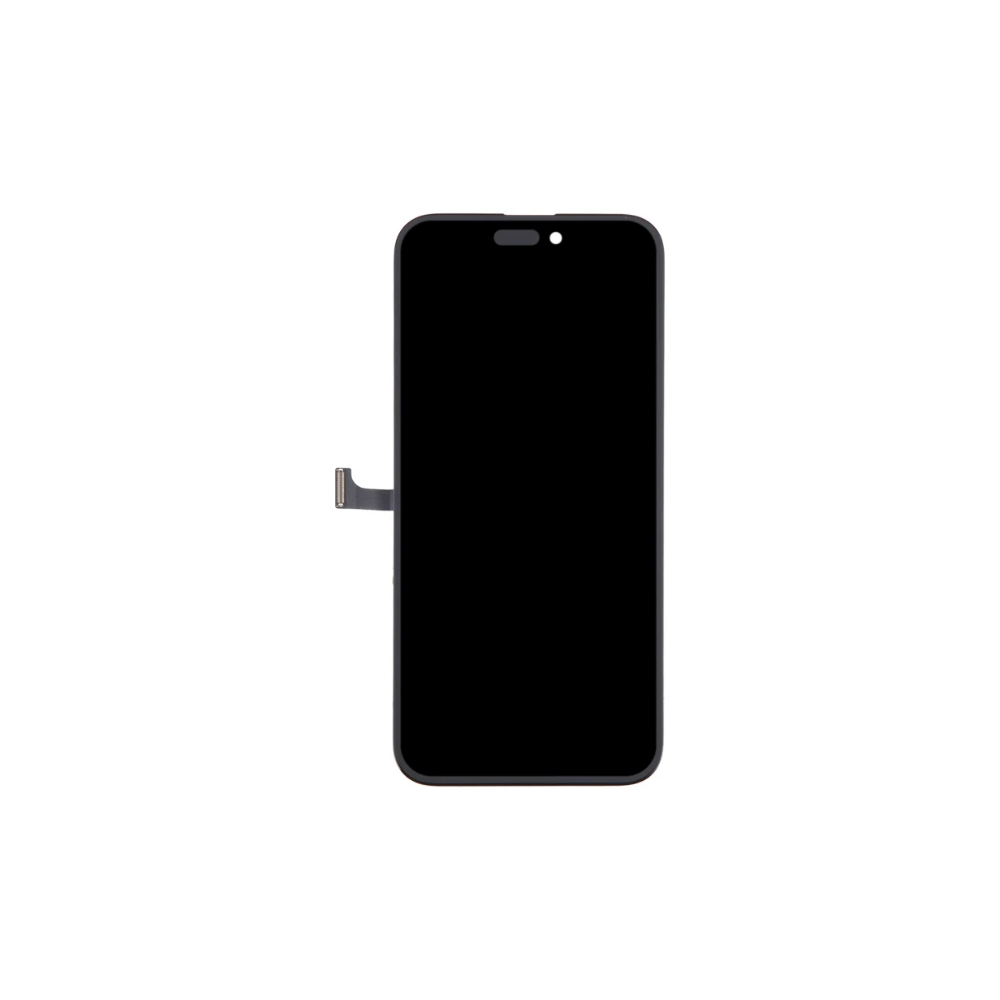
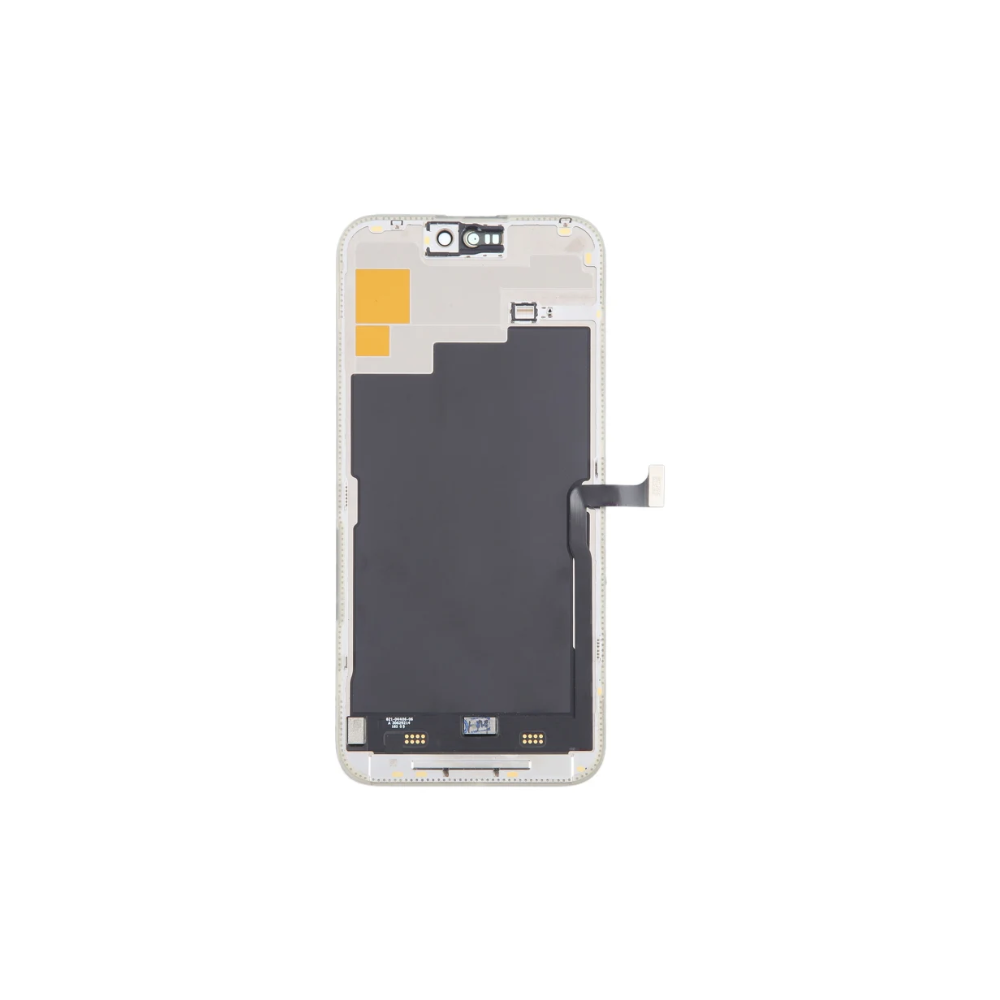
For iPhone 15 Pro Max LCD Screen Replacement
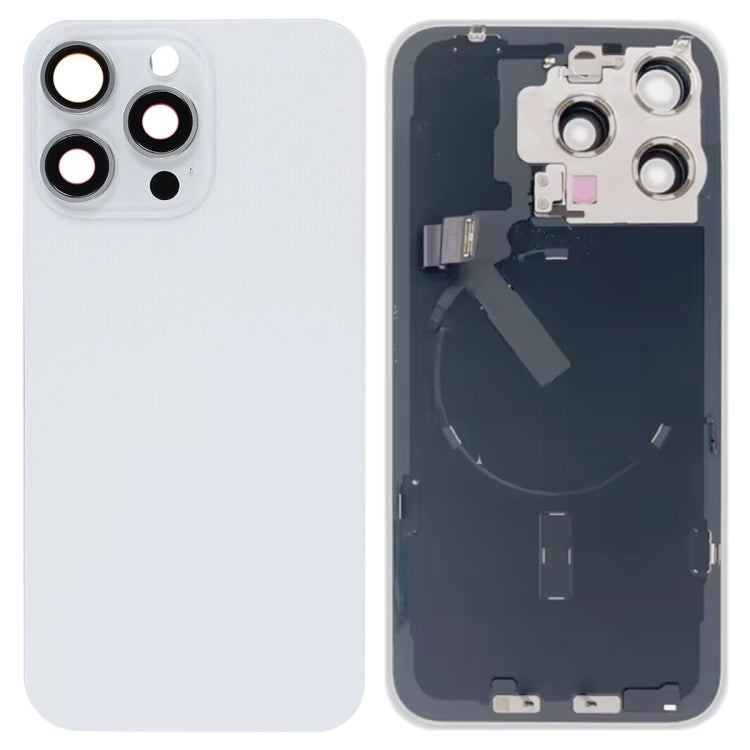
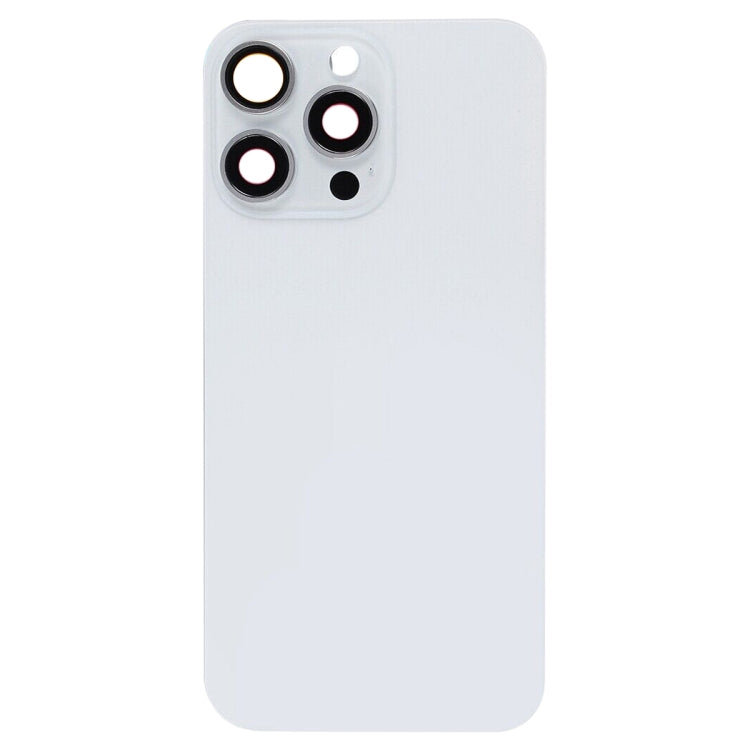
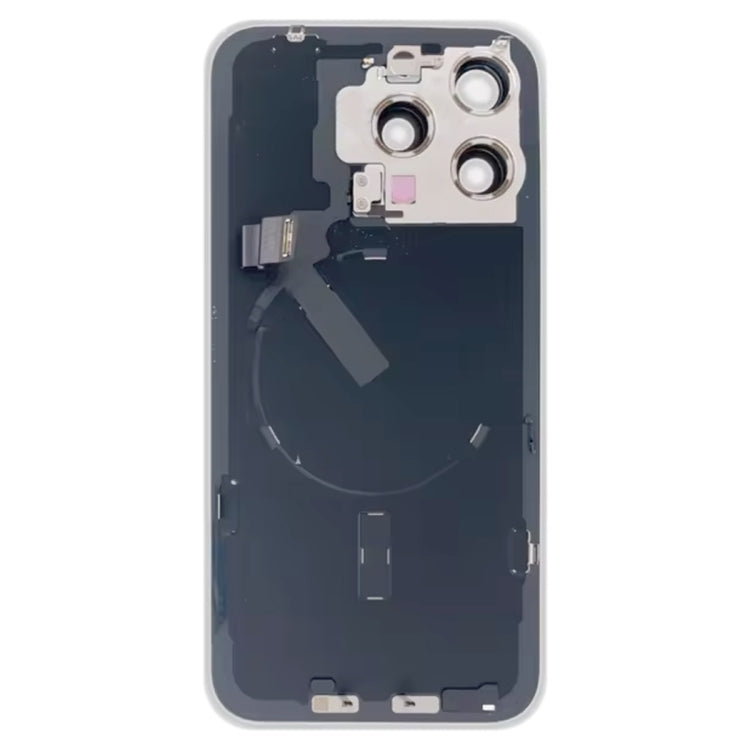


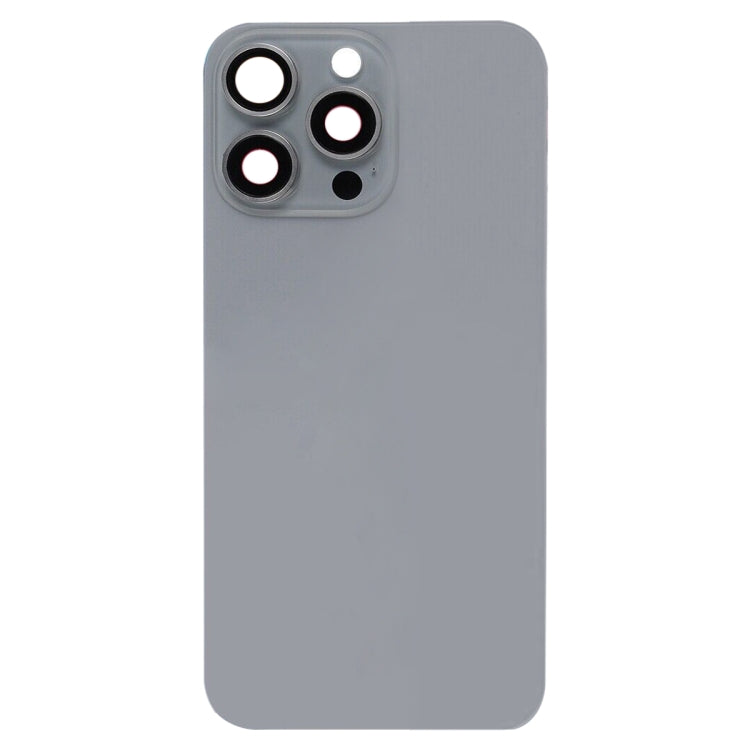
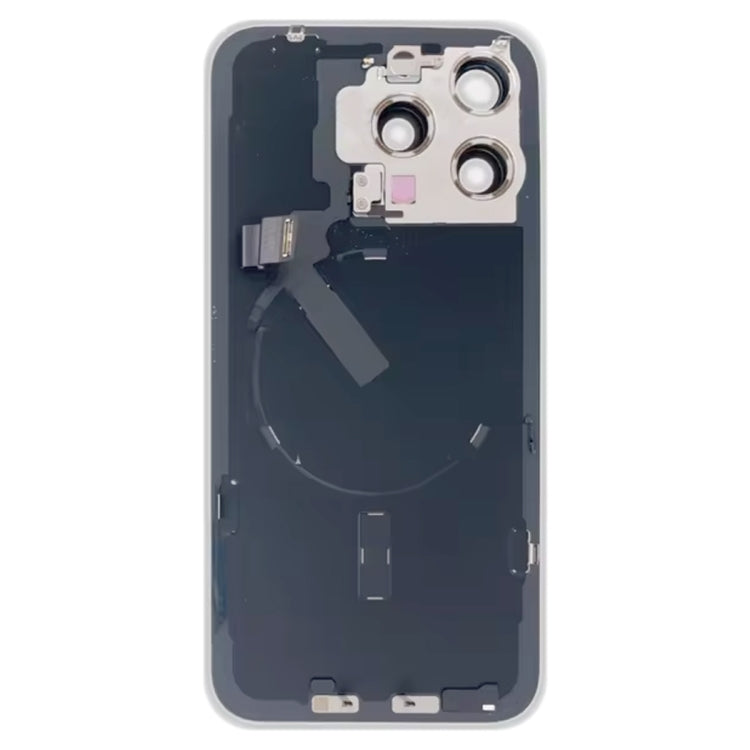
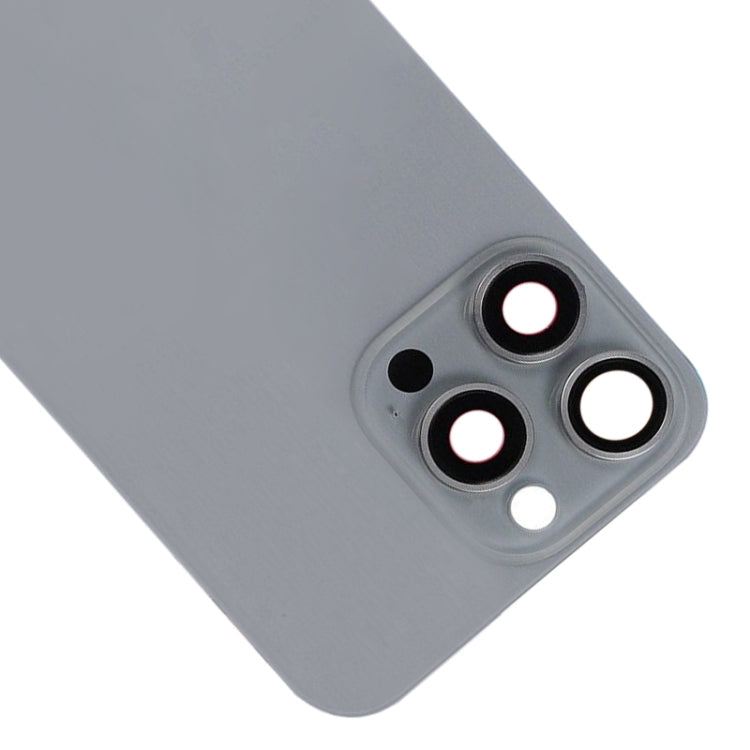
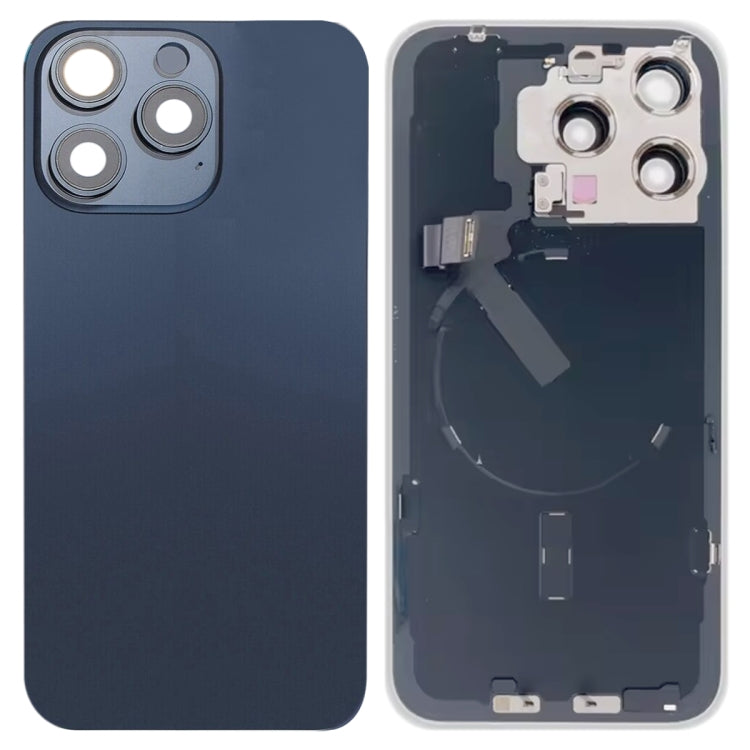
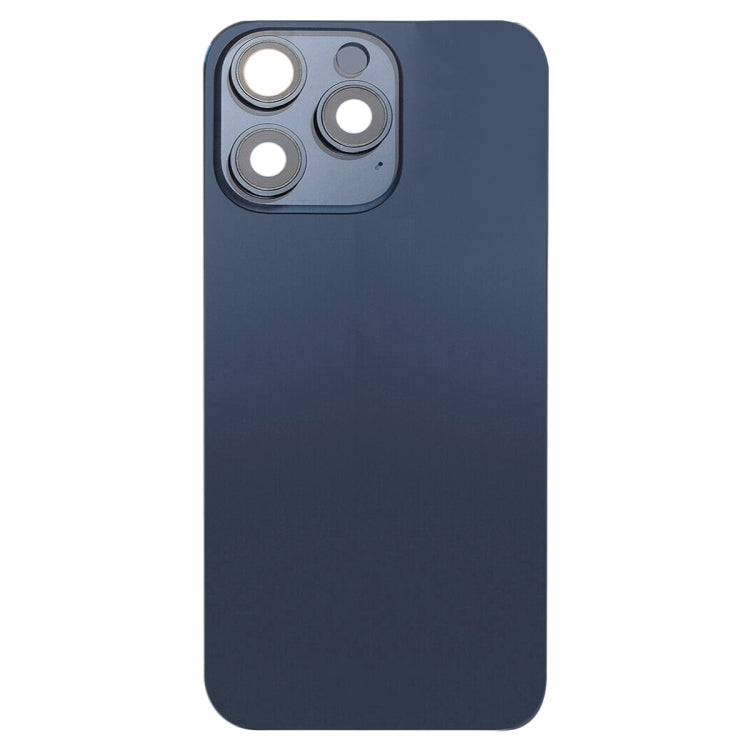
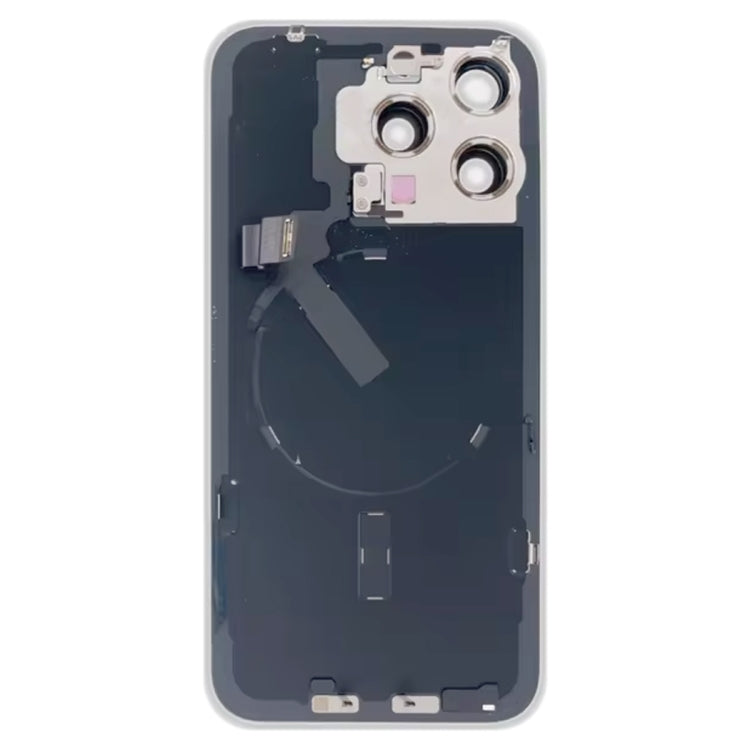
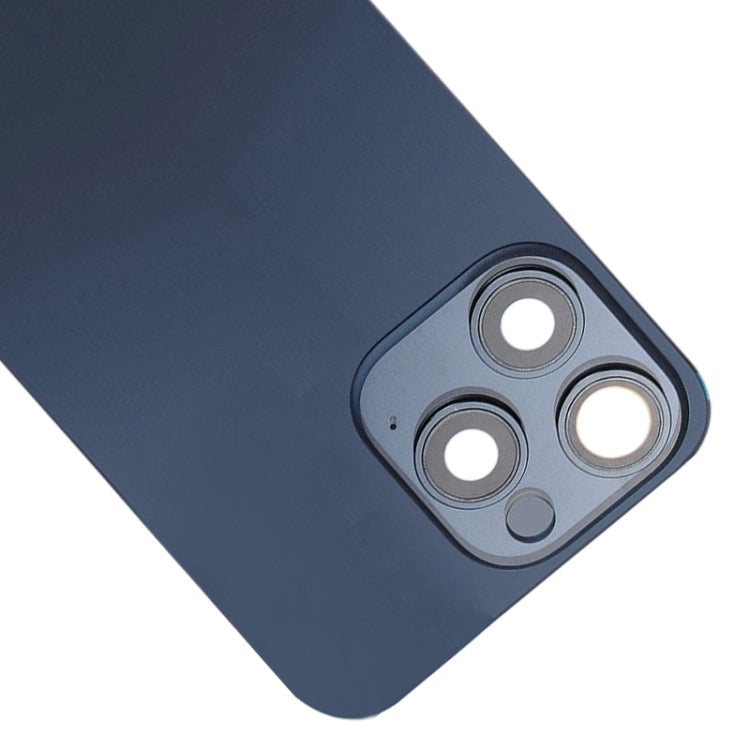
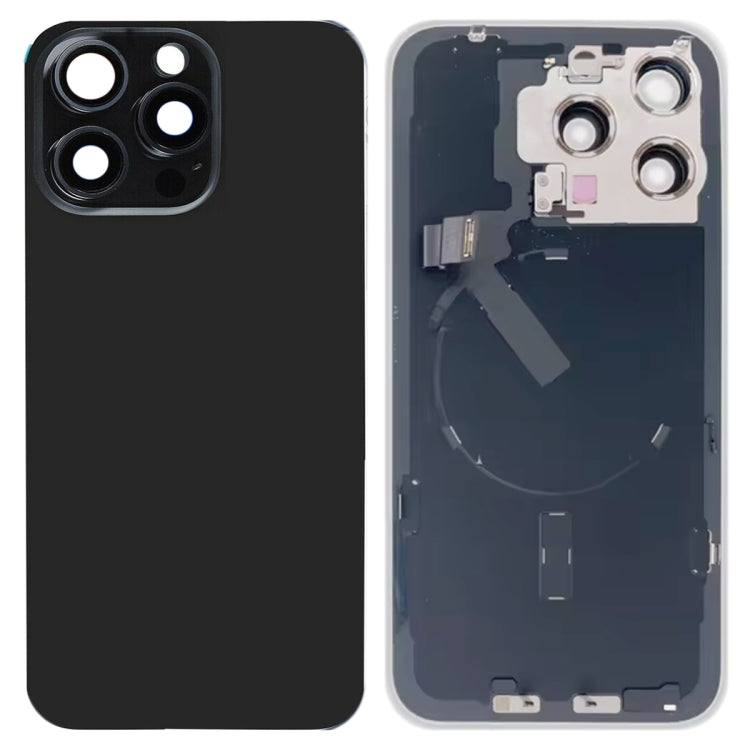

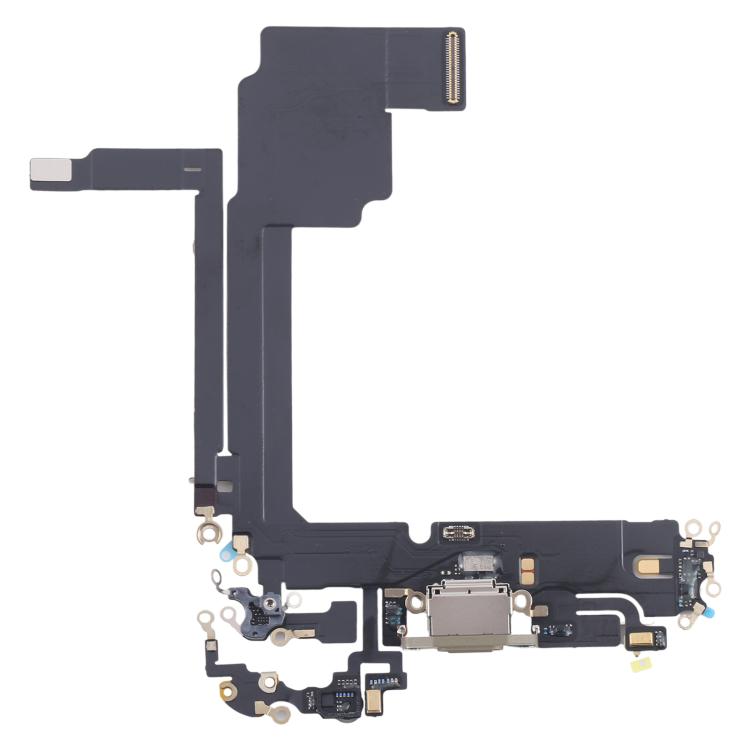
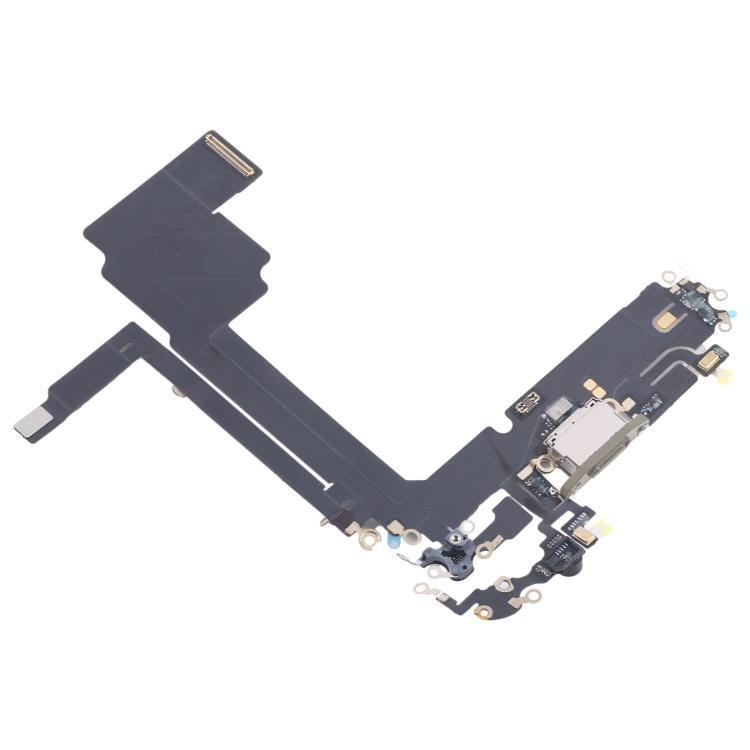

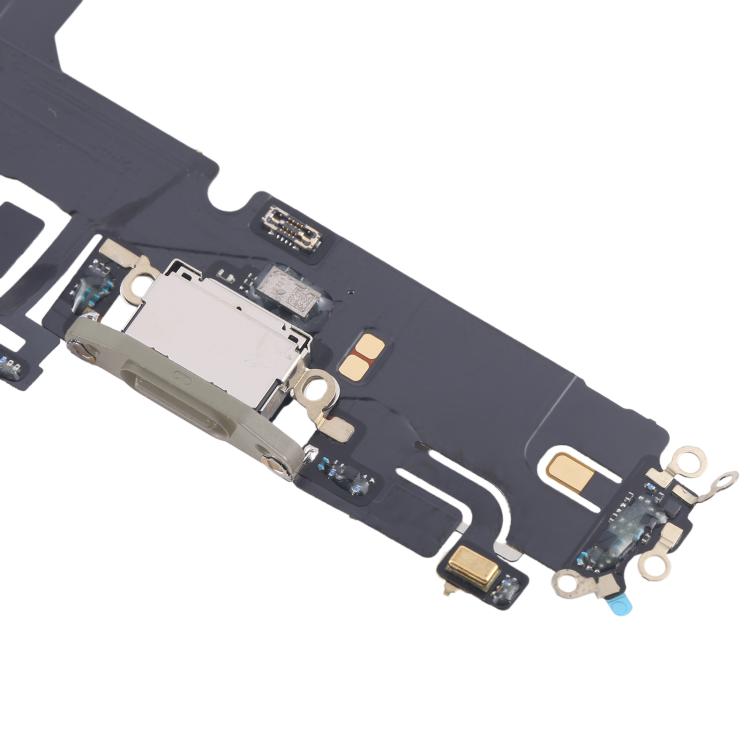
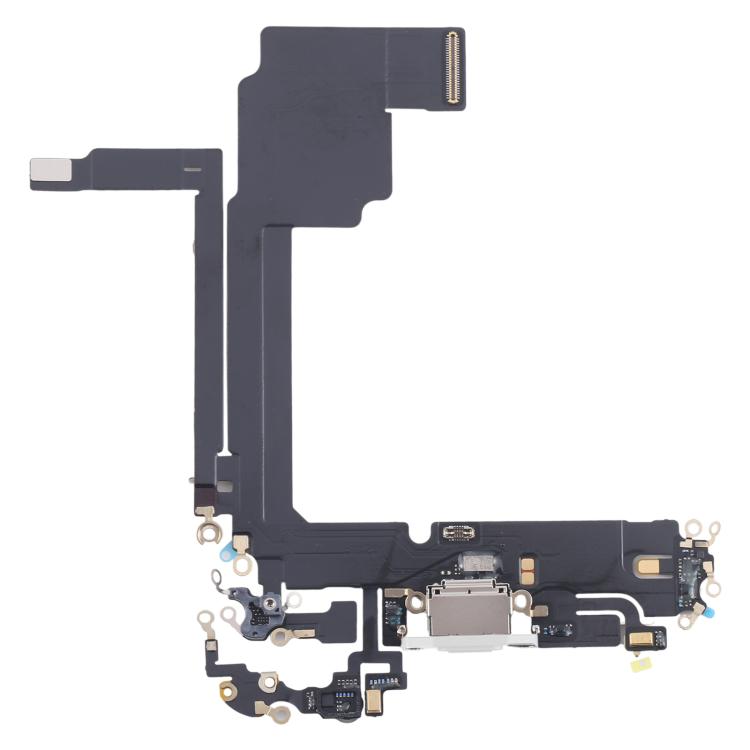
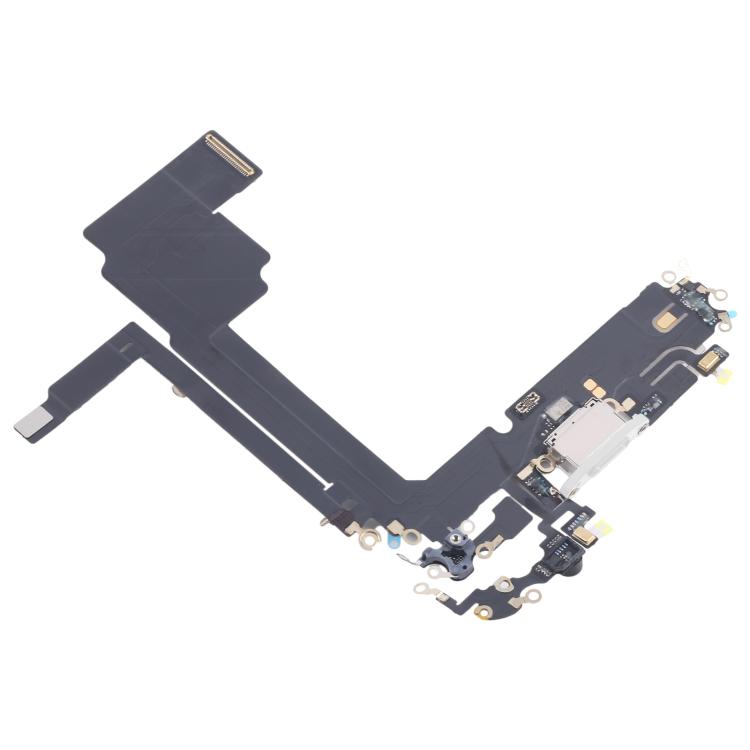
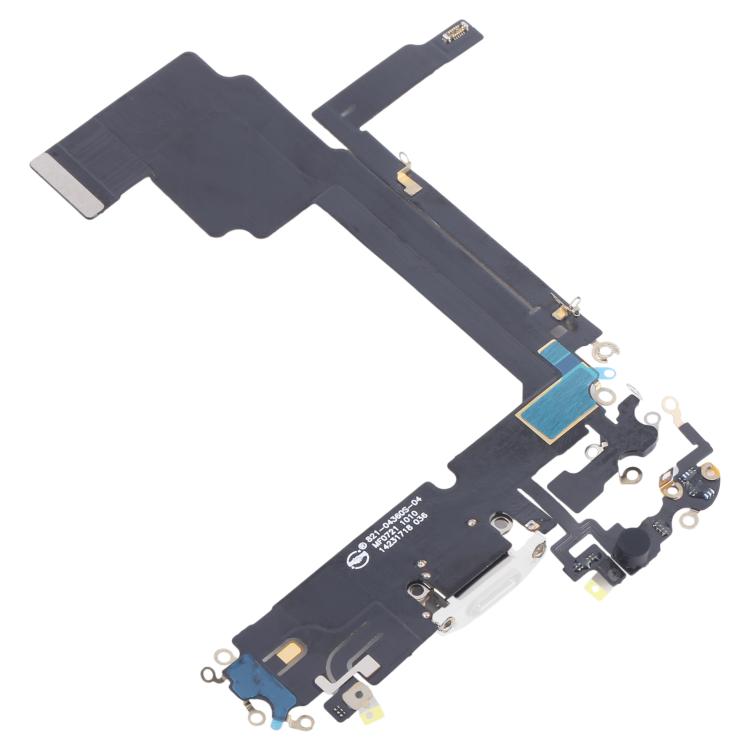
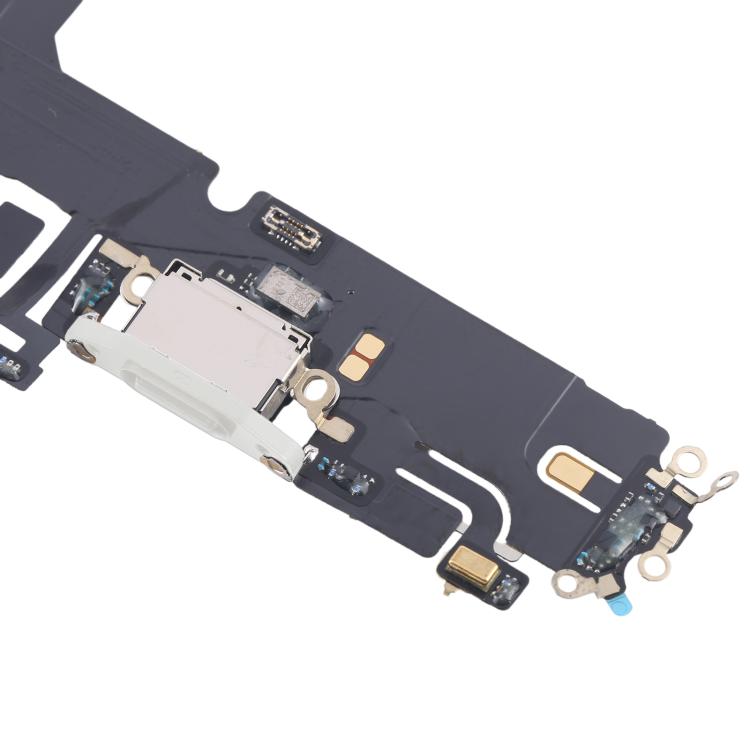
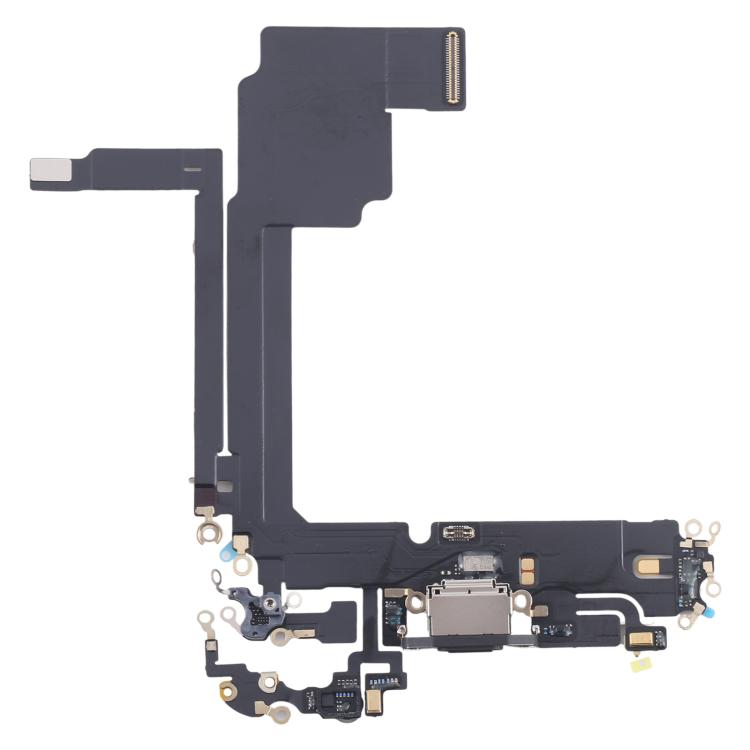
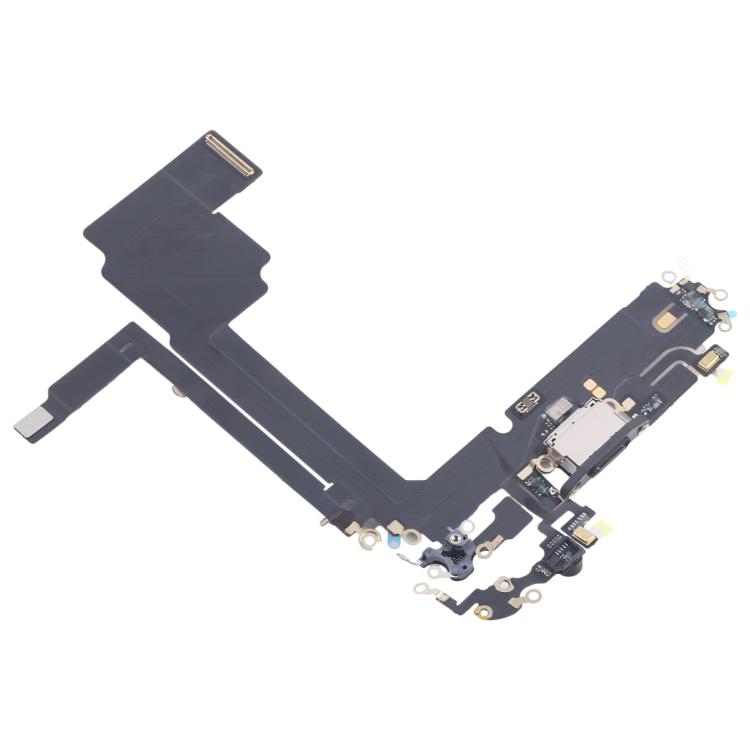
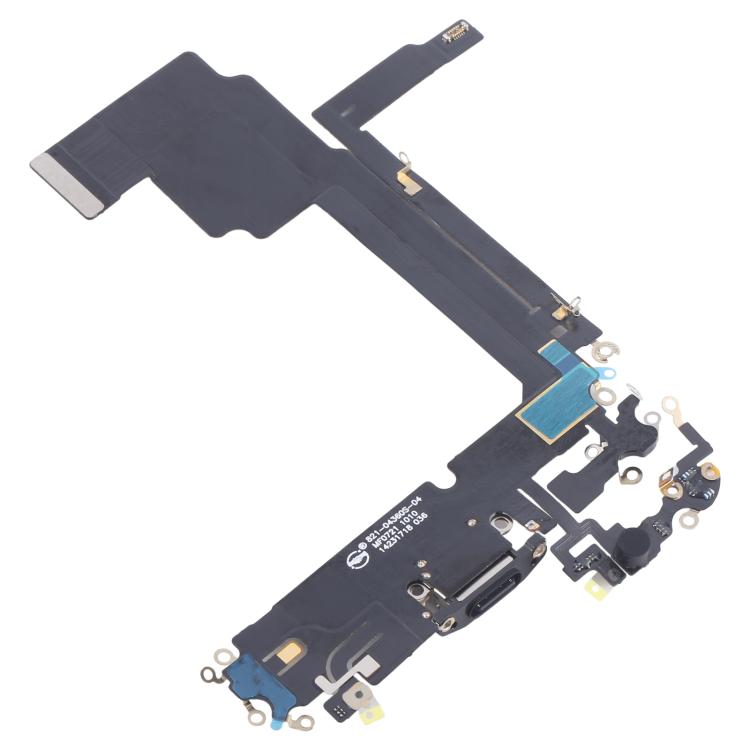
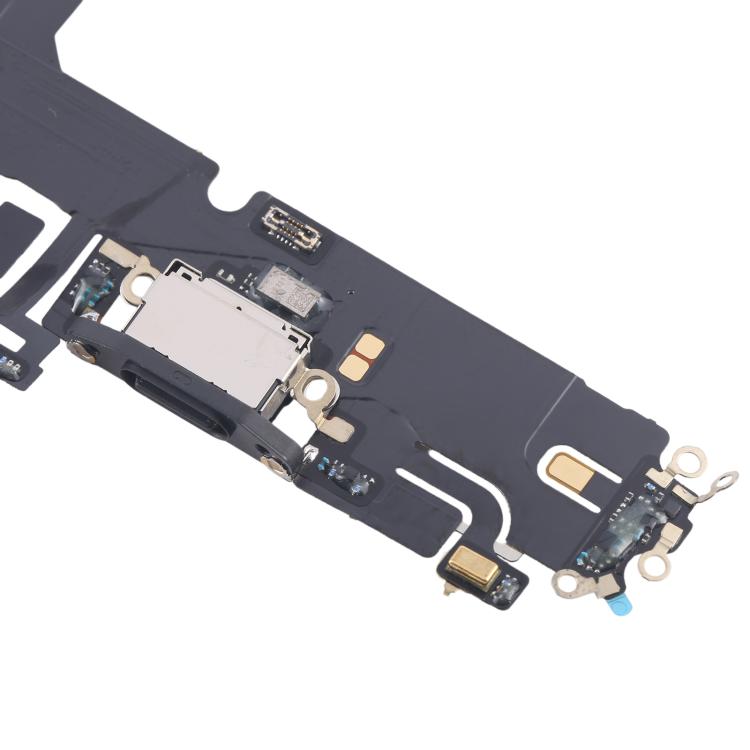
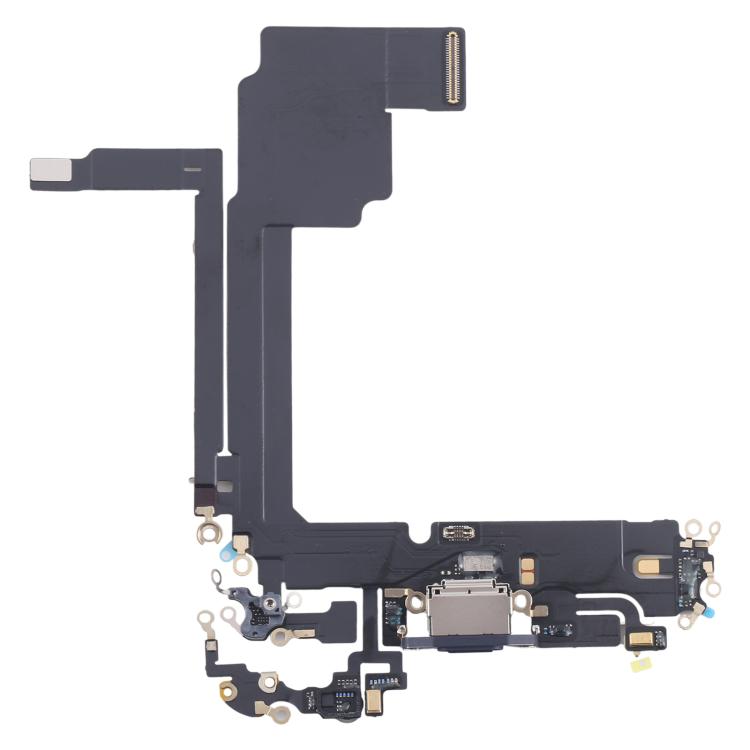
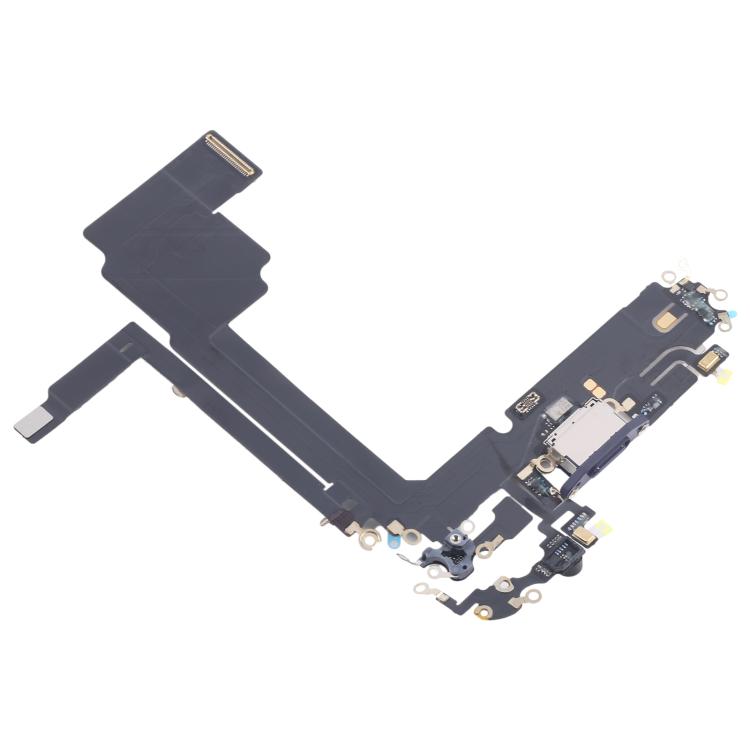
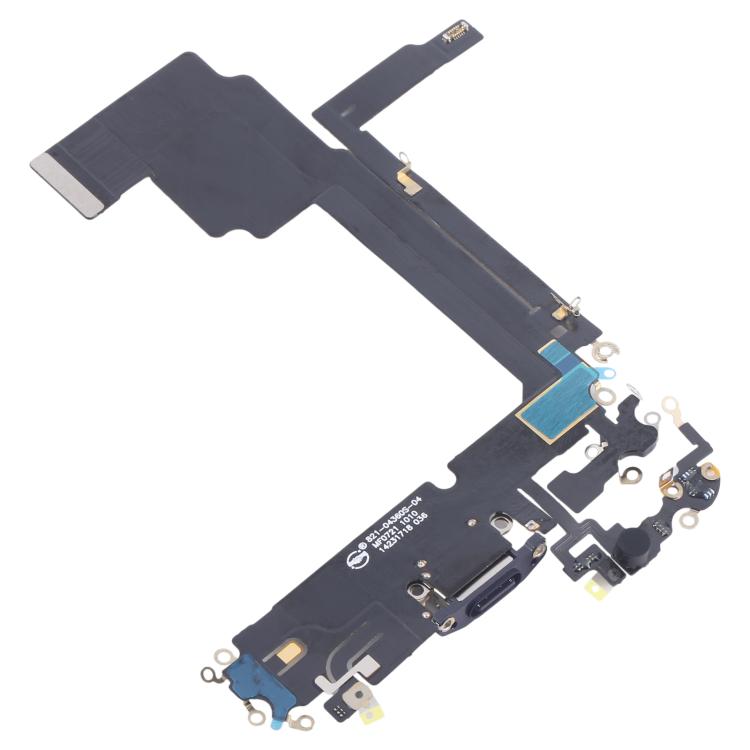
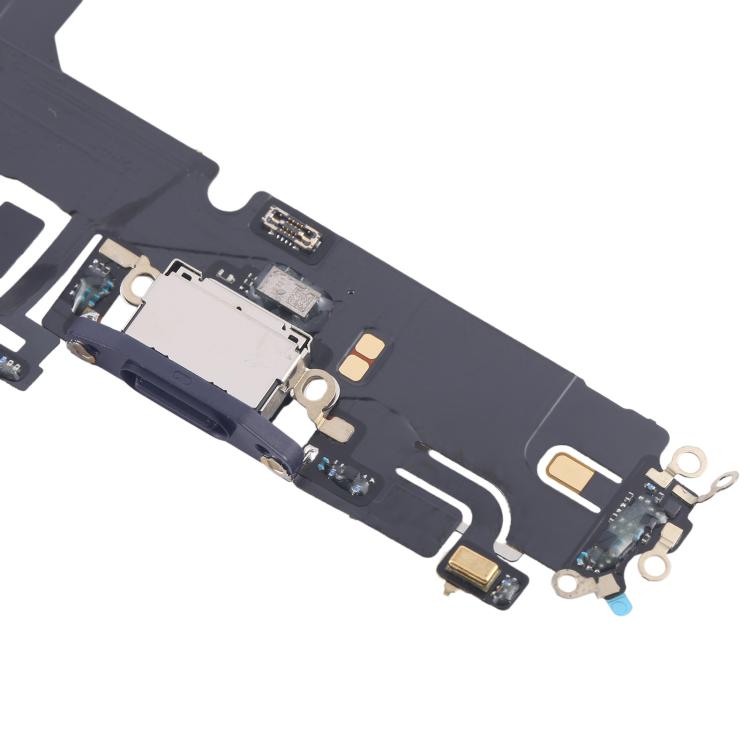
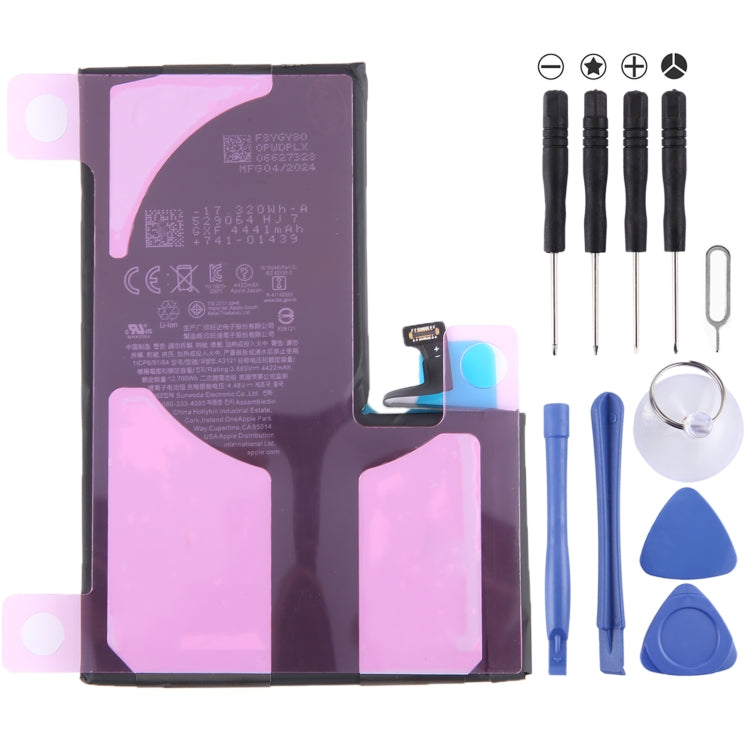
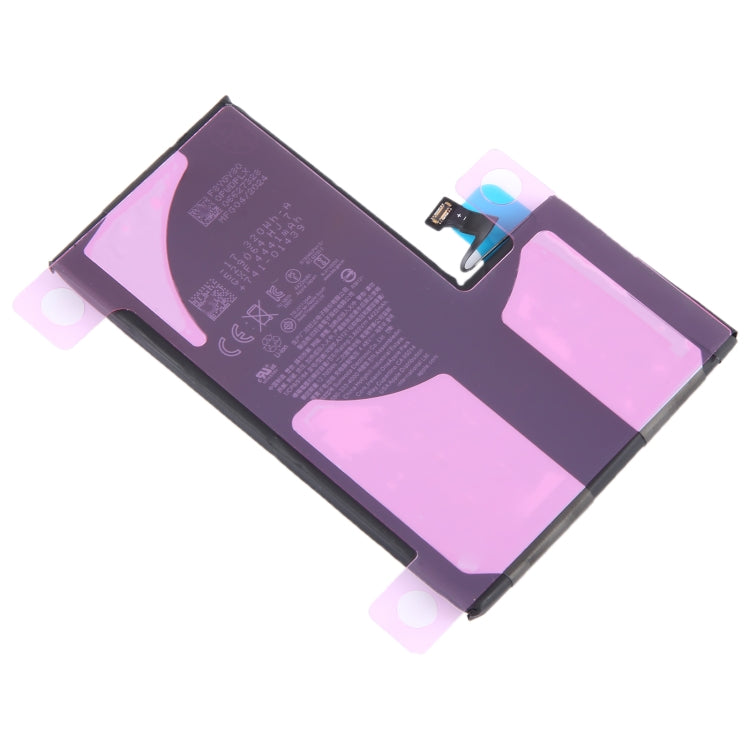
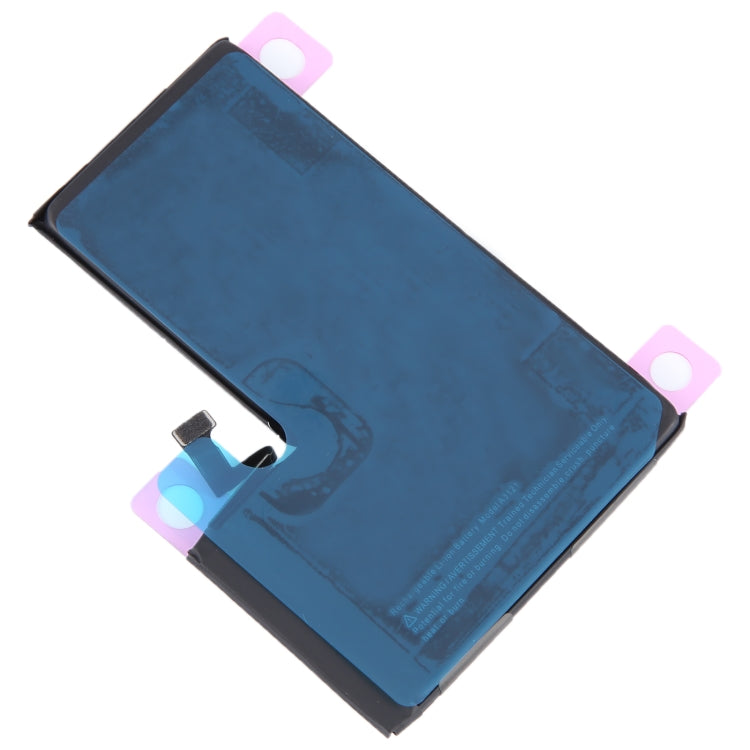
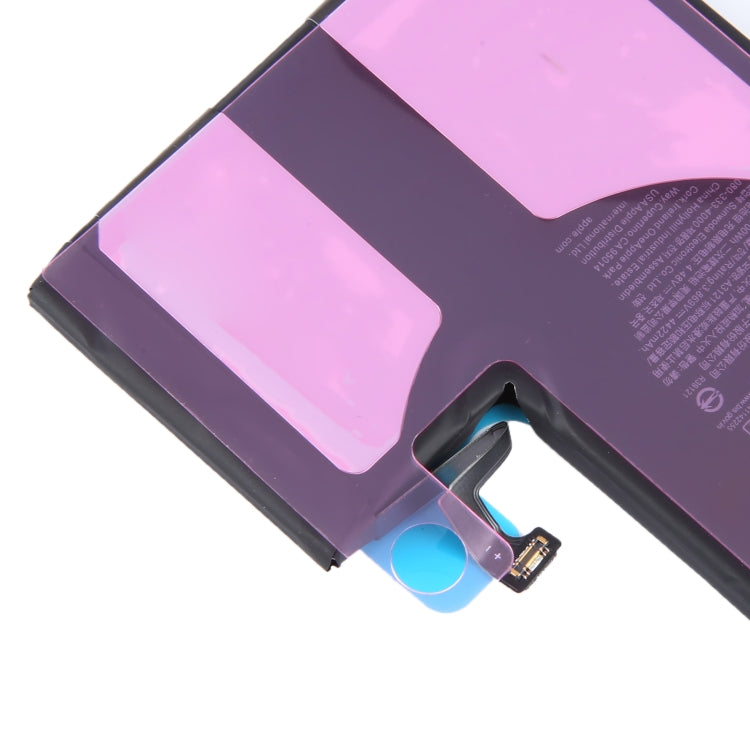


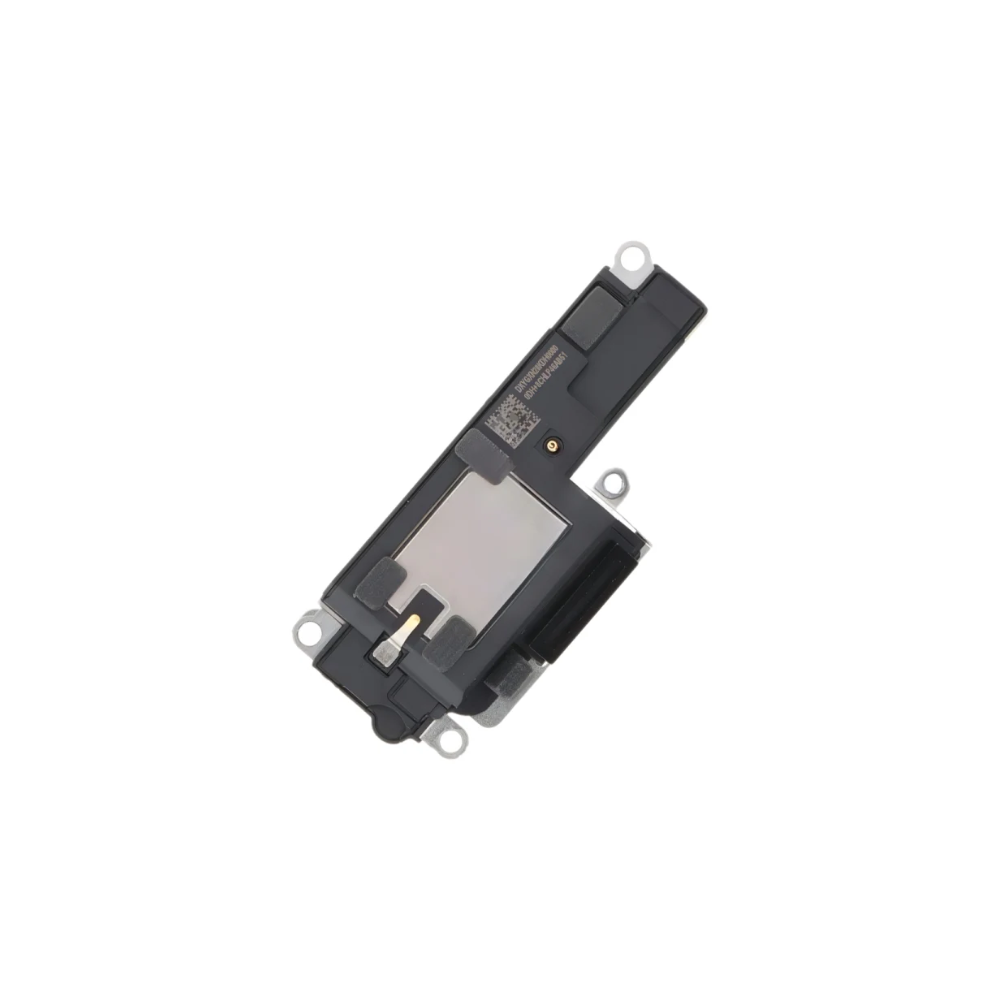
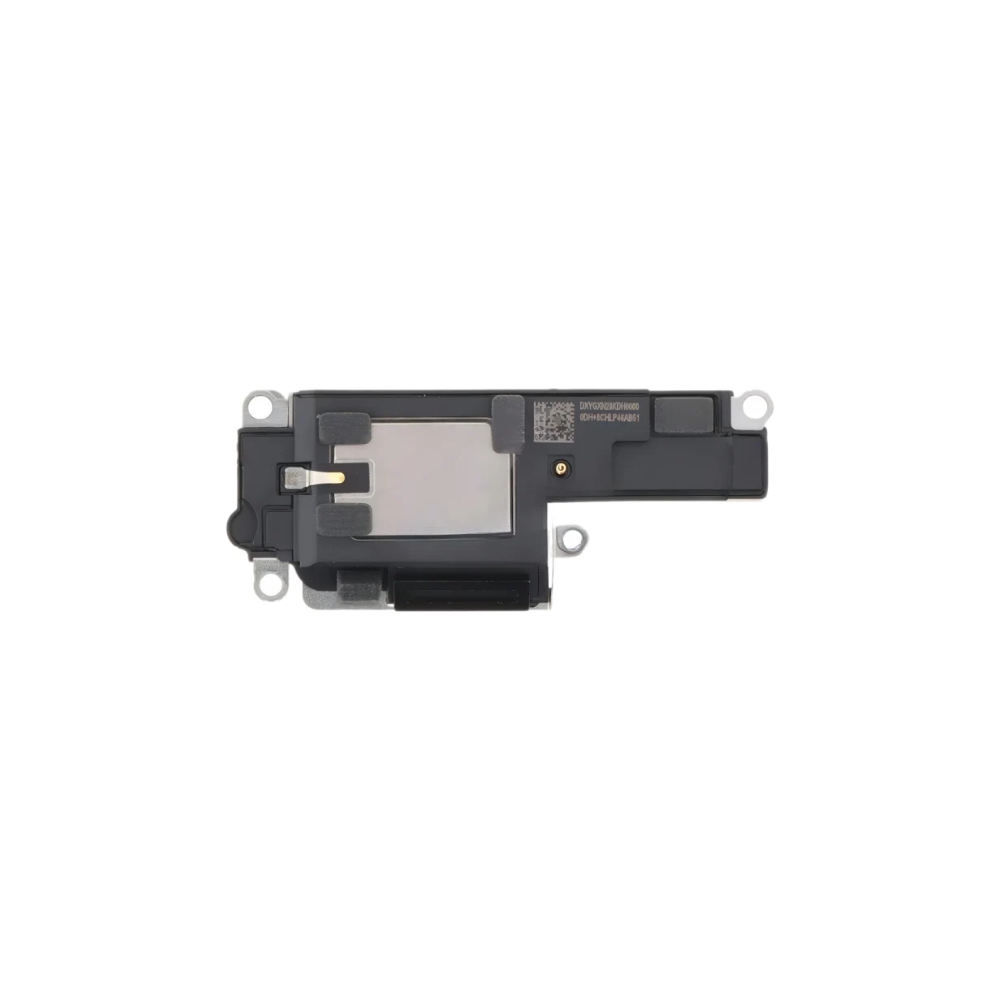
For iPhone 15 Pro Max Loudspeaker Ringer Buzzer
Apple iPhone 15 Pro Max Parts & Replacement Components
iPhone 15 Pro Max Screen Replacement & Display Repair Solutions
Audio Modules, Flex Cables & Internal Repair Components
Why Choose E-Tech61 for iPhone 15 Pro Max Parts?
Six listings make up the iPhone 15 Pro Max collection right now. There is an LCD screen replacement, a loudspeaker ringer buzzer, two earpiece parts (an ear speaker audio module and an earpiece speaker flex cable), a power and volume button flex cable and a camera flash light flex cable. Together they cover a cracked display, quiet audio, dead side buttons and a flash that has stopped working. More part types arrive with stock from our specialist suppliers.
Make sure the title names the Pro Max, since the smaller iPhone 15 Pro uses different parts. Open Settings, General, About, and check the model name before you order. The two earpiece listings differ, one being an audio module and the other a flex cable, so read both if the top speaker or proximity sensor has failed. Face ID and True Tone data may not carry across. Email support@etech61.com if you are unsure; iPhone 15 Pro Max orders with cleared payment before 4pm Monday to Friday leave the same working day.
iPhone 15 Pro Max Parts: Frequently Asked Questions
What is the difference between the two earpiece listings for the iPhone 15 Pro Max?
One is titled an earpiece ear speaker audio module and the other an earpiece speaker flex cable. Read the wording of each to see what is supplied, and email us if you are not sure which one your fault needs.
Is the iPhone 15 Pro Max screen LCD or OLED?
The listing here is titled LCD Screen Replacement. Screen technology varies from listing to listing across our catalogue, so always read the title before buying, and expect features such as True Tone to need attention.
Will the iPhone 15 Pro Max parts fit the iPhone 15 Pro?
Do not assume so. The Pro Max is a larger phone, and most titles here name it specifically. Only order a part whose title includes your exact model, and confirm the name in Settings, General, About.