
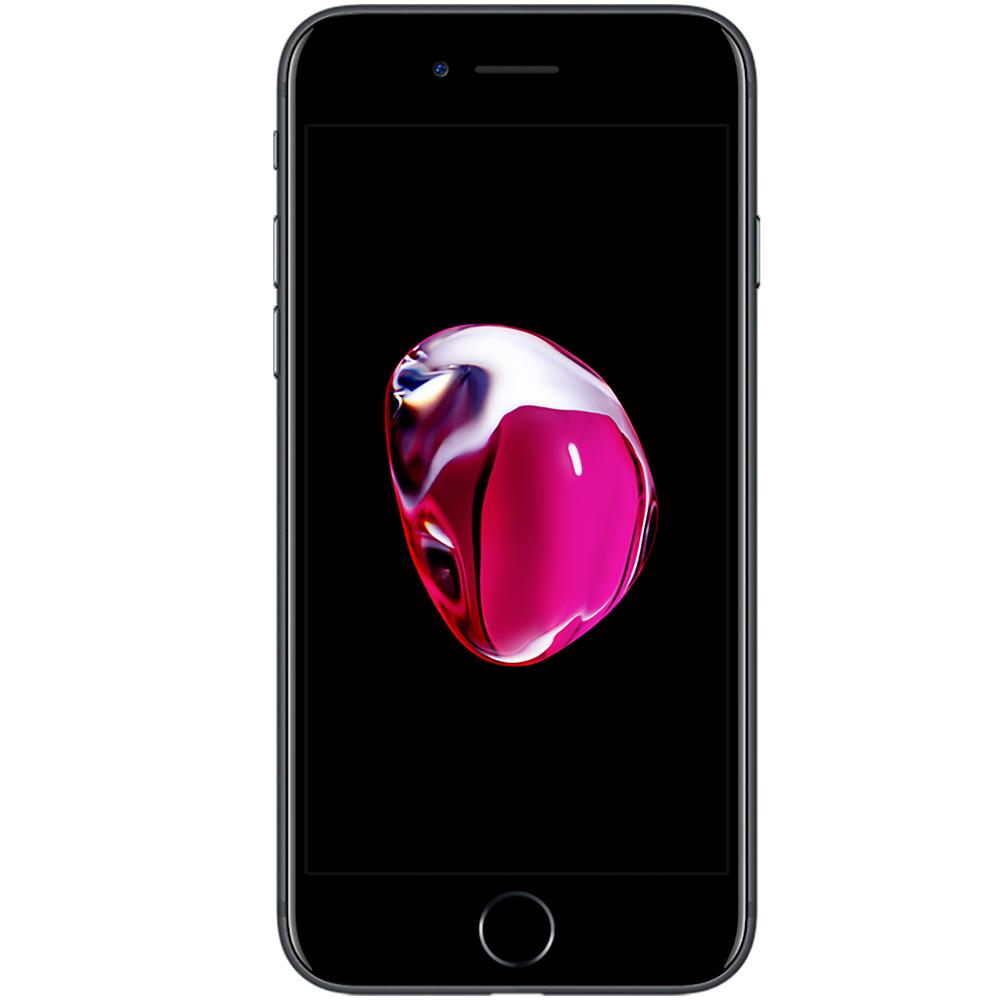


For iPhone 7 (A1660, A1778, A1779) Loudspeaker


For iPhone 7 (A1660, A1778, A1779) Lightning Charging Port Flex Cable (White)


For iPhone 7 (A1660, A1778, A1779) Lightning Charging Port Flex Cable (Black)


For iPhone 7 / 7 Plus / 8 / 8 Plus / SE2 (2020) SIM Card Reader Slot Connector


For Apple iPhone 7 / 7 Plus / 8 / 8 Plus / SE2 Cosmetic Home Button (White / Gold)


For Apple iPhone 7 / 7 Plus / 8 / 8 Plus / SE2 Cosmetic Home Button (White / Rose Gold)


For Apple iPhone 7 / 7 Plus / 8 / 8 Plus / SE2 Cosmetic Home Button (White / Silver)


For iPhone 7 / 8 / SE (2020) Earpiece Speaker


For Apple iPhone 7 / 7 Plus / 8 / 8 Plus / SE2 YF Home Button Flex Kit, No Bluetooth (Silver)


For Apple iPhone 7 / 7 Plus / 8 / 8 Plus / SE2 YF Home Button Flex Kit, No Bluetooth (Black)
Apple iPhone 7 Parts & Replacement Components
iPhone 7 Screen Replacement & Display Repair Solutions
Internal Flex Cables, Charging Parts & Accessories
Why Choose E-Tech61 for iPhone 7 Parts?
Nearly fifty products sit in the iPhone 7 collection, which also lists some iPhone 7 Plus and shared items. Part types include SIM card trays, home button flex parts, charging port flex cables, screen assemblies, earpiece speakers, camera modules, internal components, loudspeakers, flex cables, a power and volume flex cable with mute switch and brackets and camera lenses. Titles show the codes A1660, A1778 and A1779 for the iPhone 7.
The 7 and 7 Plus are different sizes, so read titles carefully. The iPhone 7 uses A1660, A1778 and A1779, and the 7 Plus A1661, A1784 and A1785. Some parts are shared, for example an earpiece speaker for the 7, 8, SE 2020 and SE 2022, and a cosmetic home button for several models. Confirm yours in Settings, General, About. Email support@etech61.com if unsure; iPhone 7 orders with cleared payment before 4pm Monday to Friday are dispatched the same working day.
iPhone 7 Parts: Frequently Asked Questions
Which A-numbers does the iPhone 7 use?
Titles name A1660, A1778 and A1779 for the iPhone 7, and A1661, A1784 and A1785 for the 7 Plus. Confirm the number on your phone in Settings, General, About before you buy.
Does the iPhone 7 have a real home button?
The listings include home button flex parts and a cosmetic home button for several models. Read the wording of each, because one is cosmetic only and may not give the fingerprint function.
Which colours are the iPhone 7 SIM trays?
Titles show Gold and Gloss Black among others. Choose the finish that matches your phone, and check the title names the iPhone 7 rather than the 7 Plus.