



Google Pixel 7a Parts & Replacement Components
Replacement Parts for Google Pixel 7a
Choosing the Right Google Pixel 7a Part
Google Pixel 7a Parts FAQs
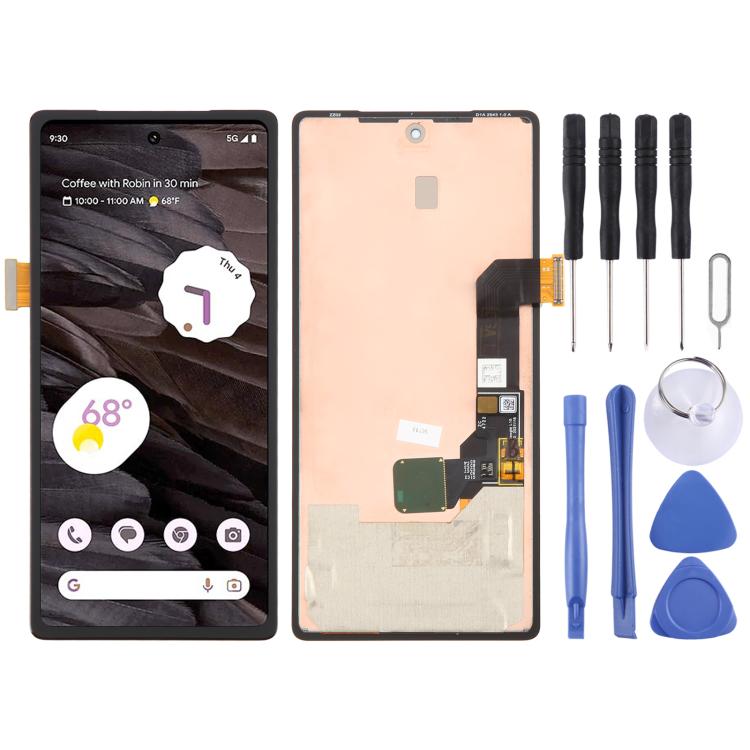
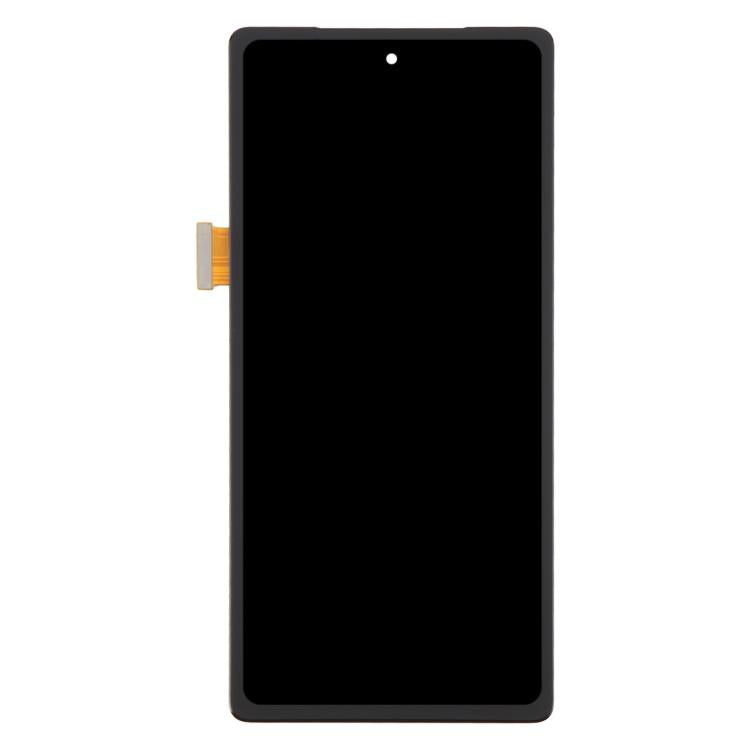
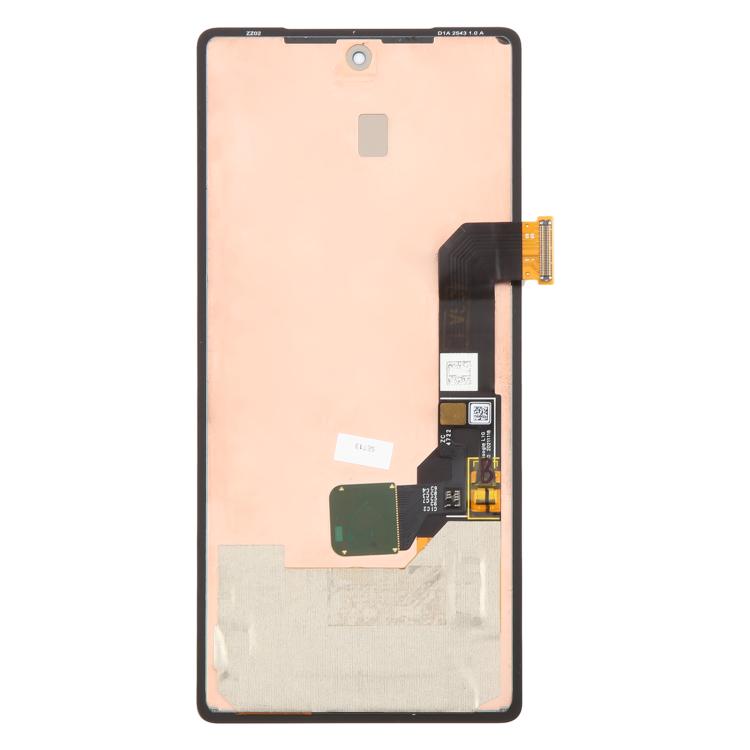
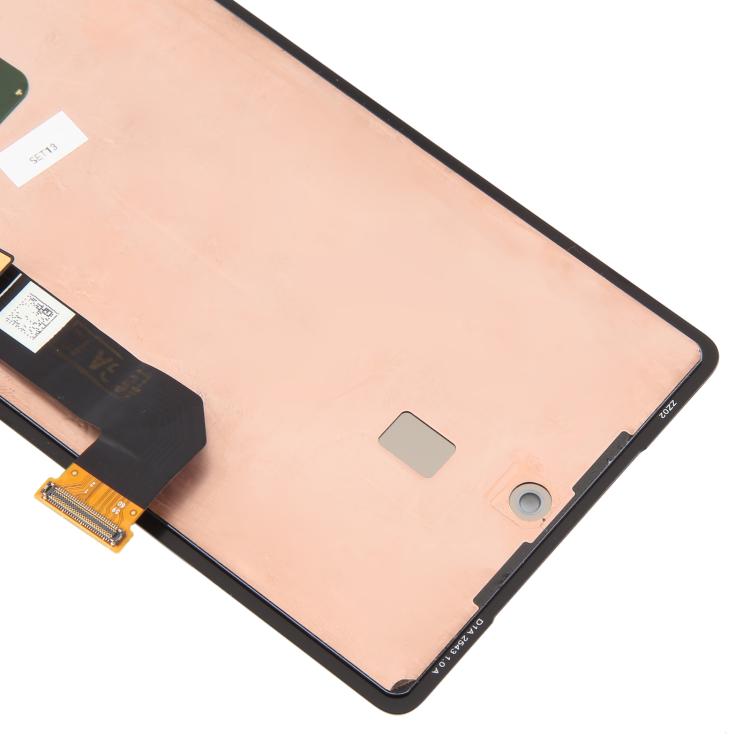
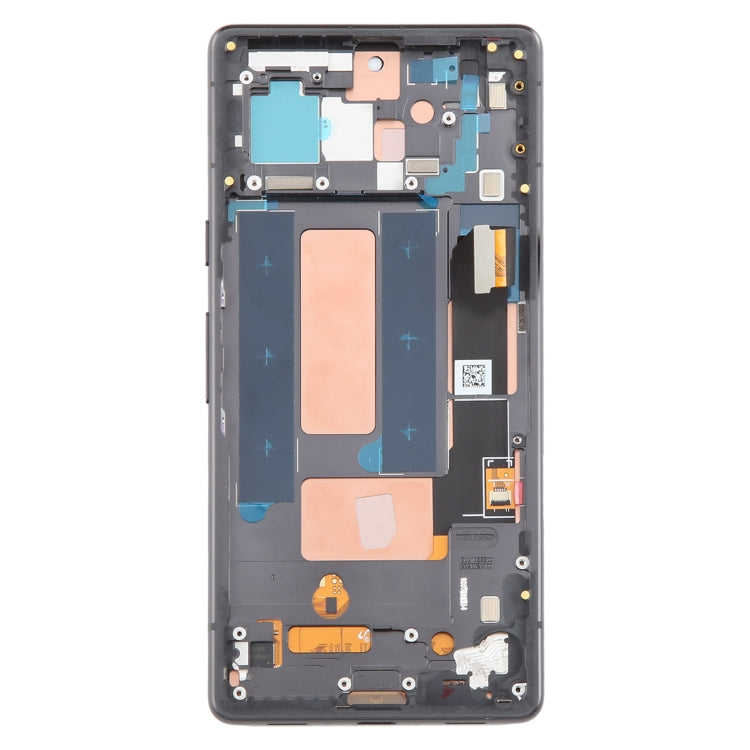
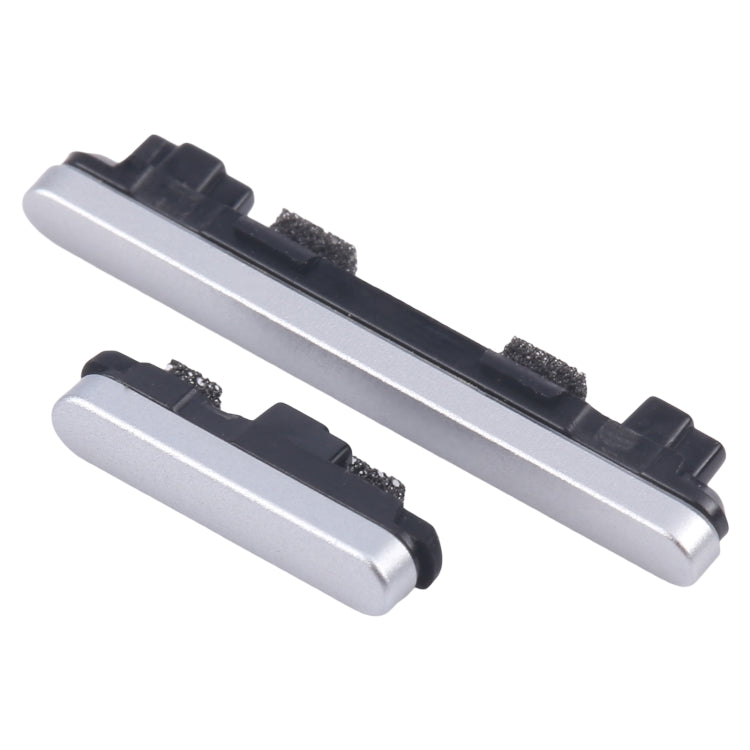
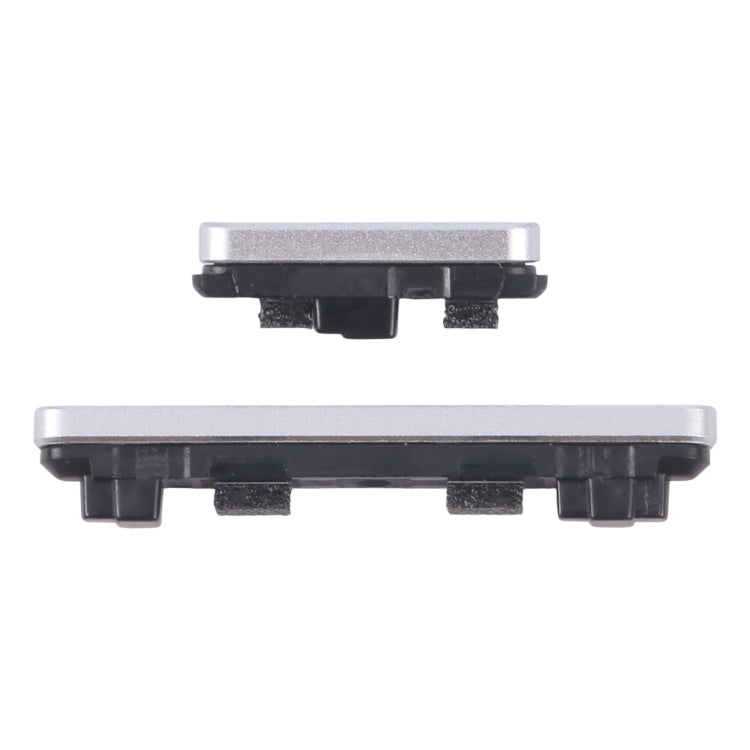
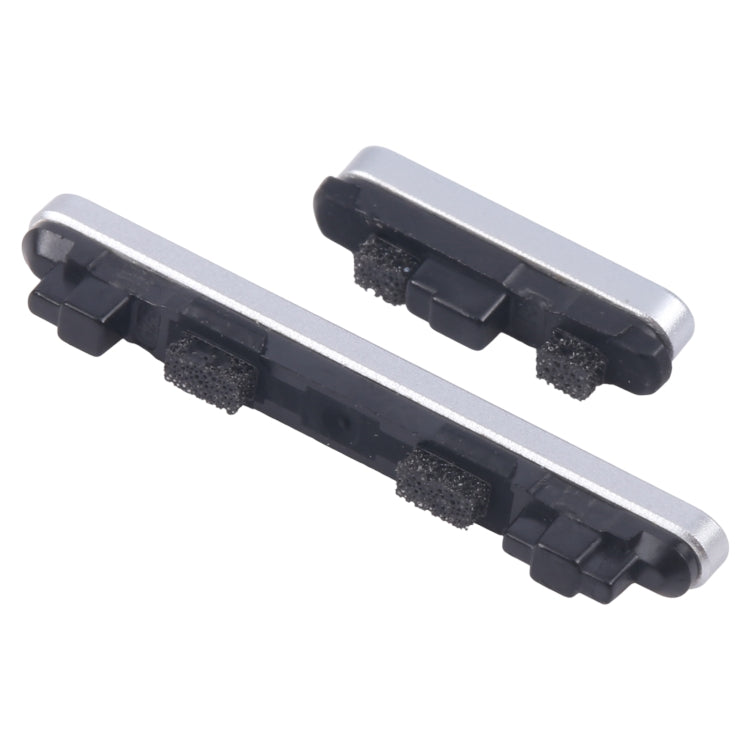
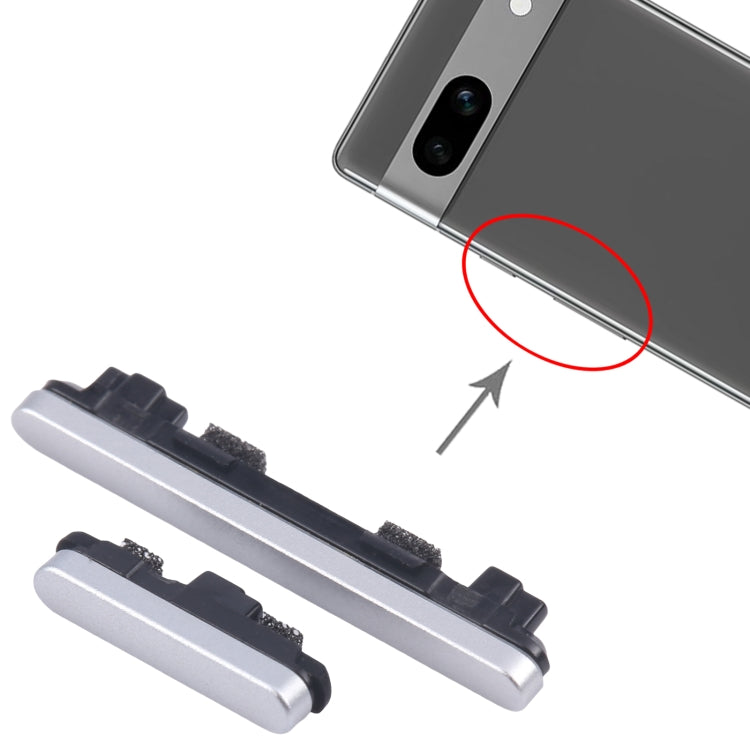
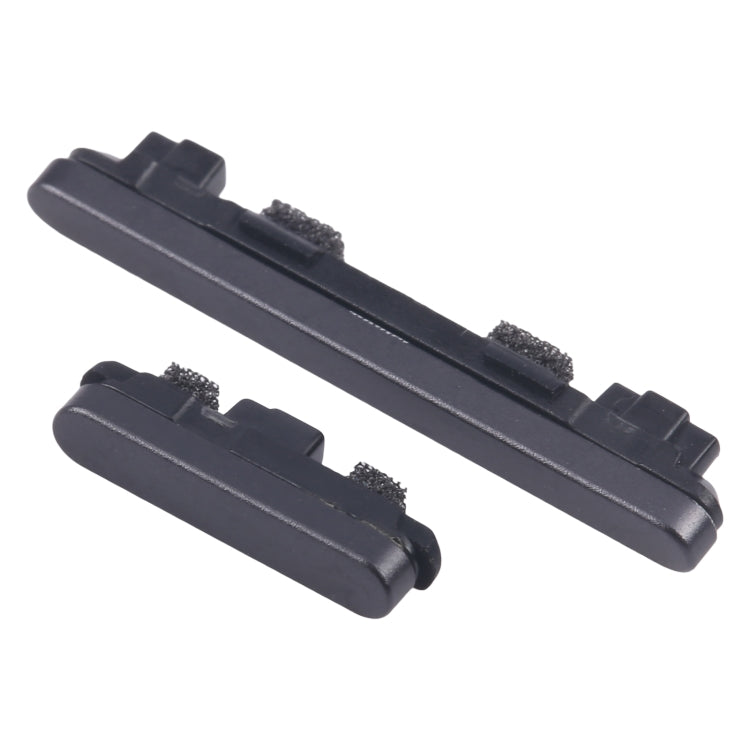
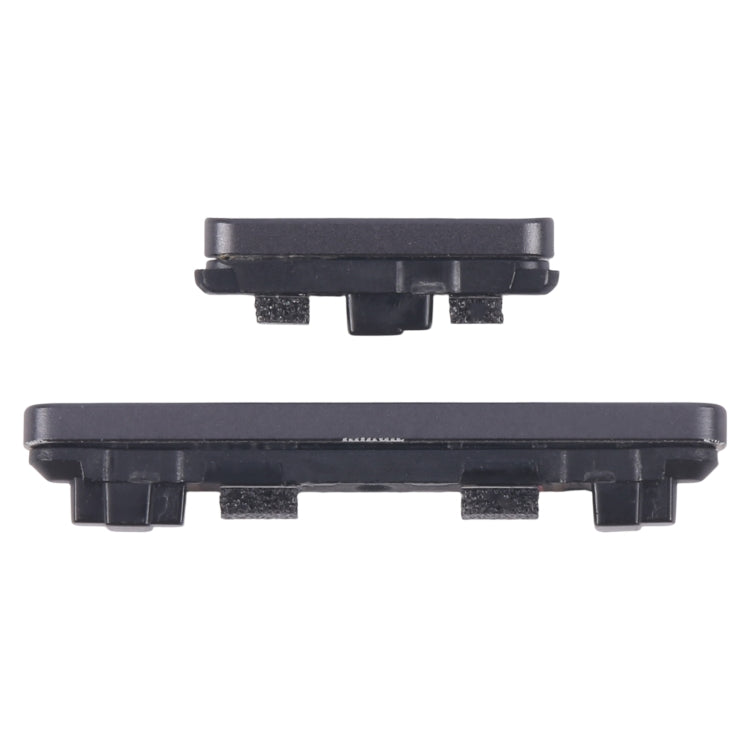
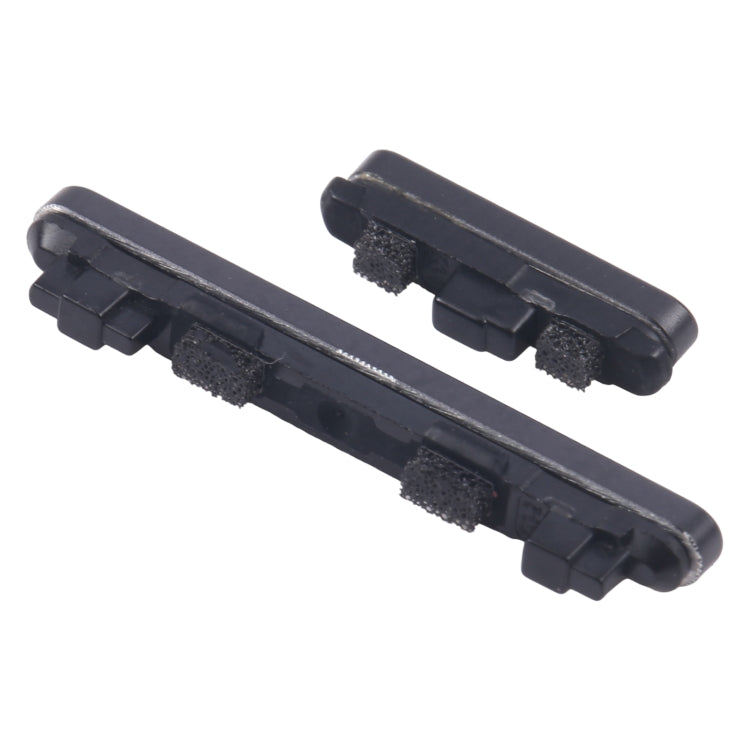
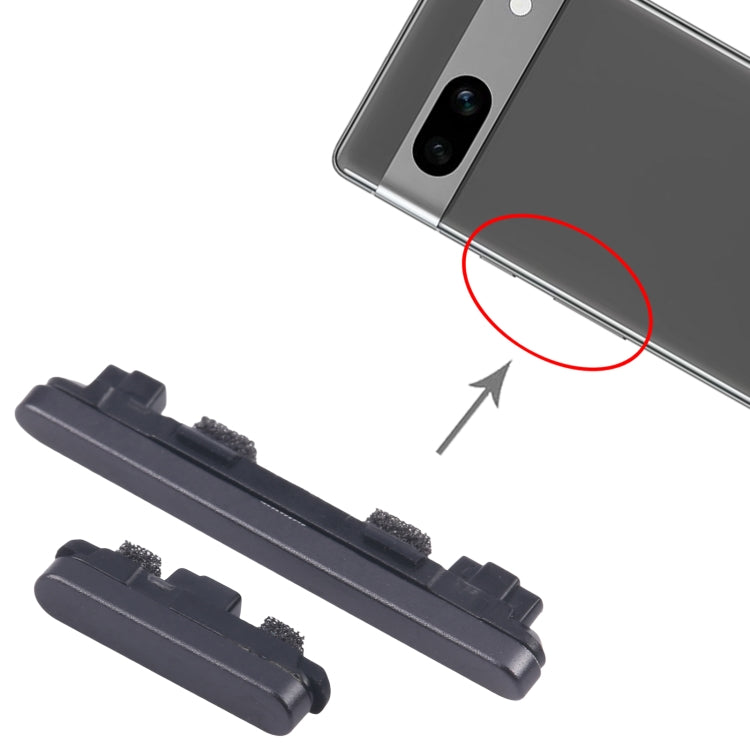
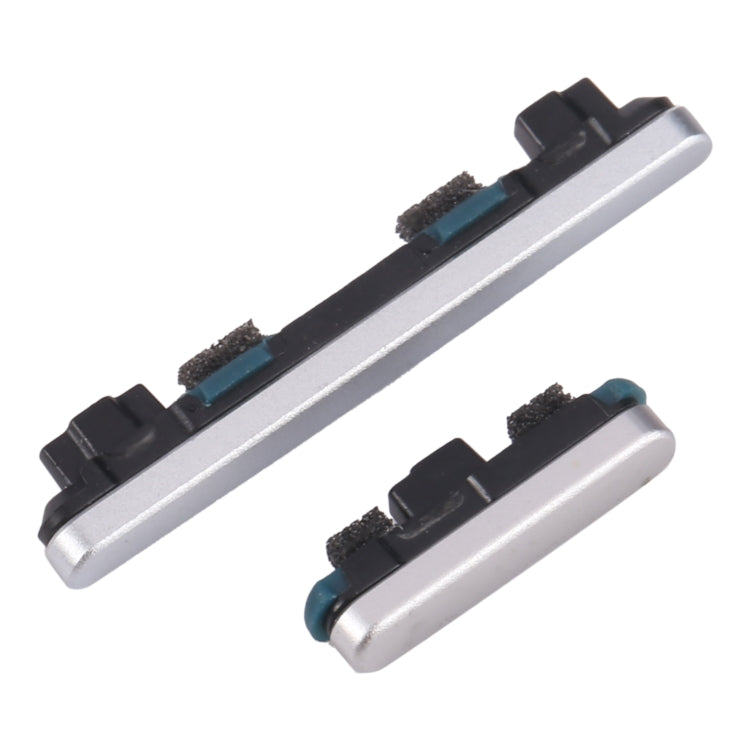
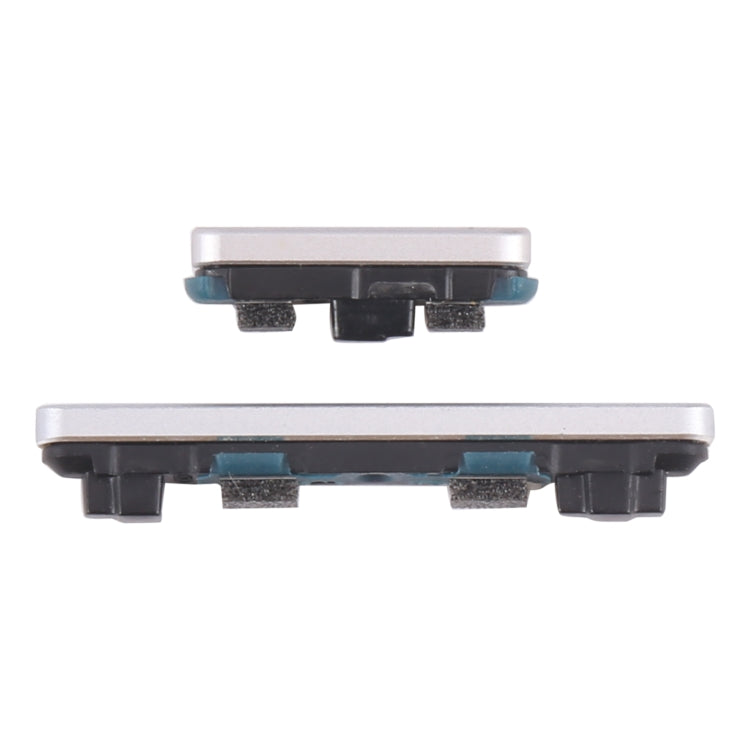
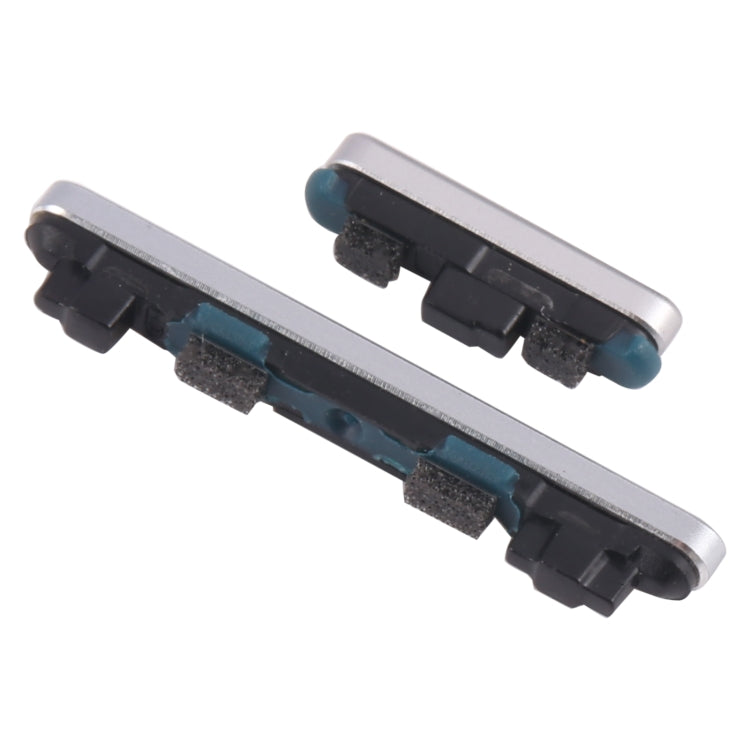
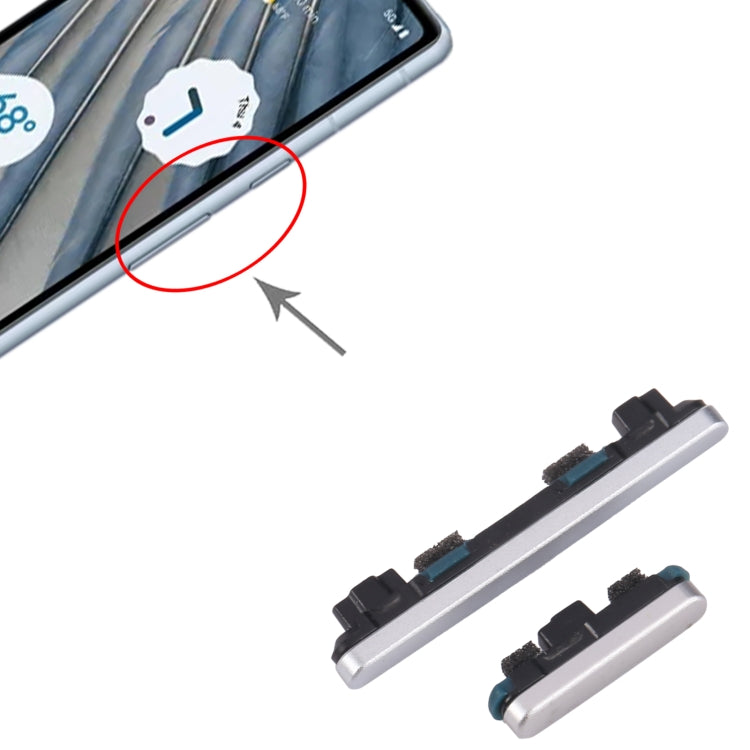
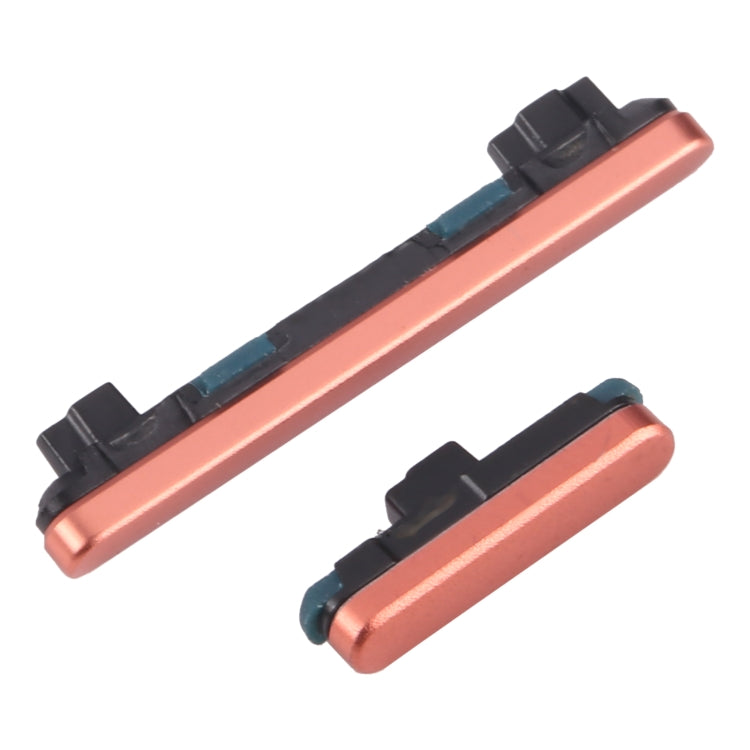
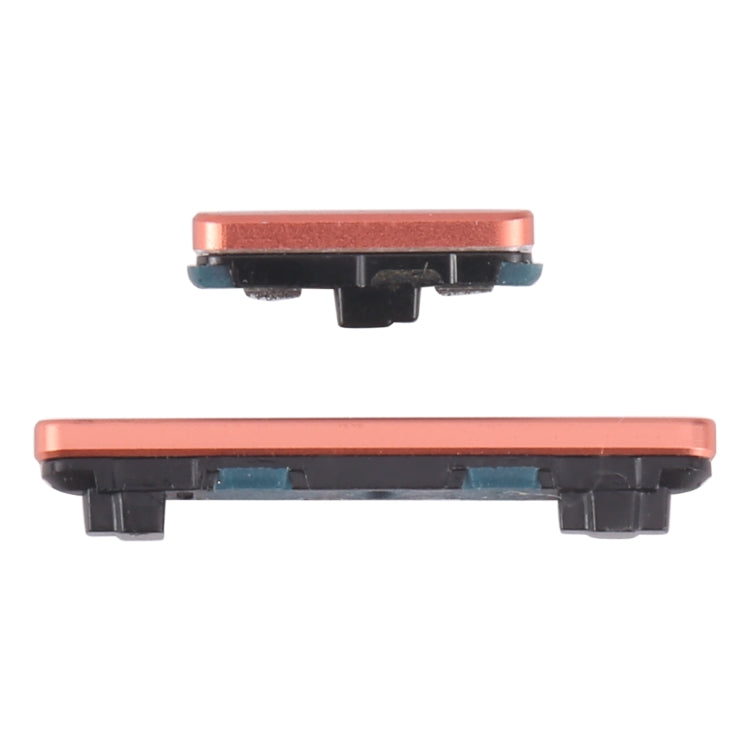
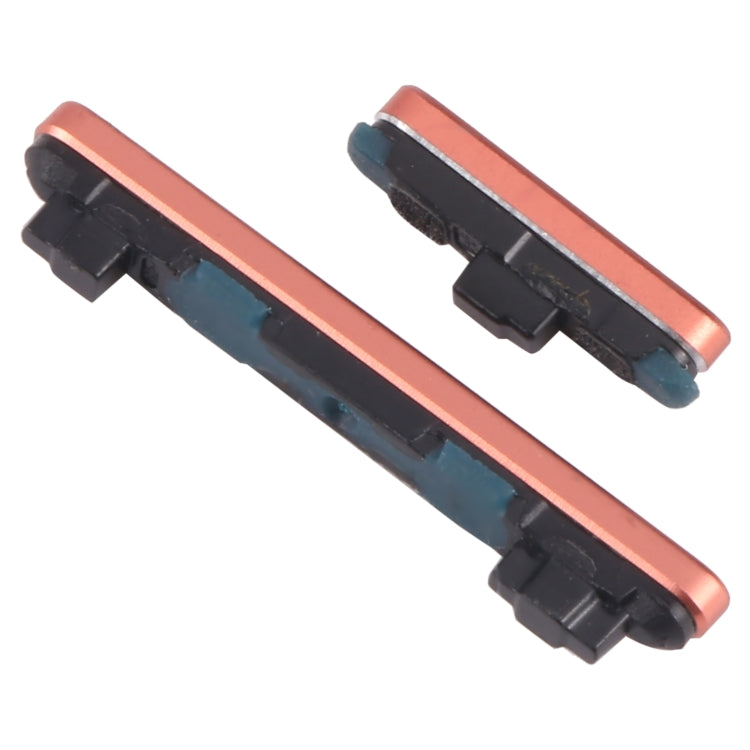
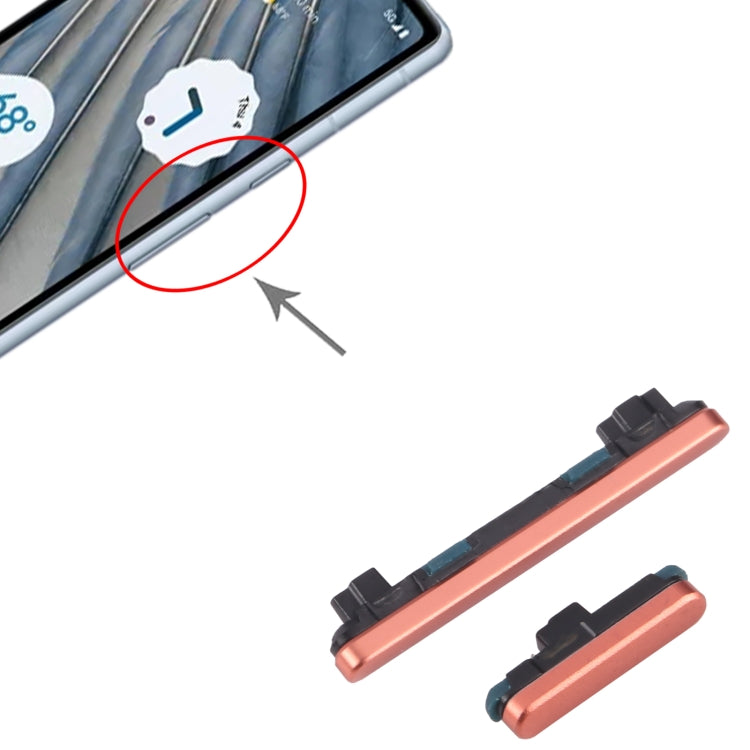
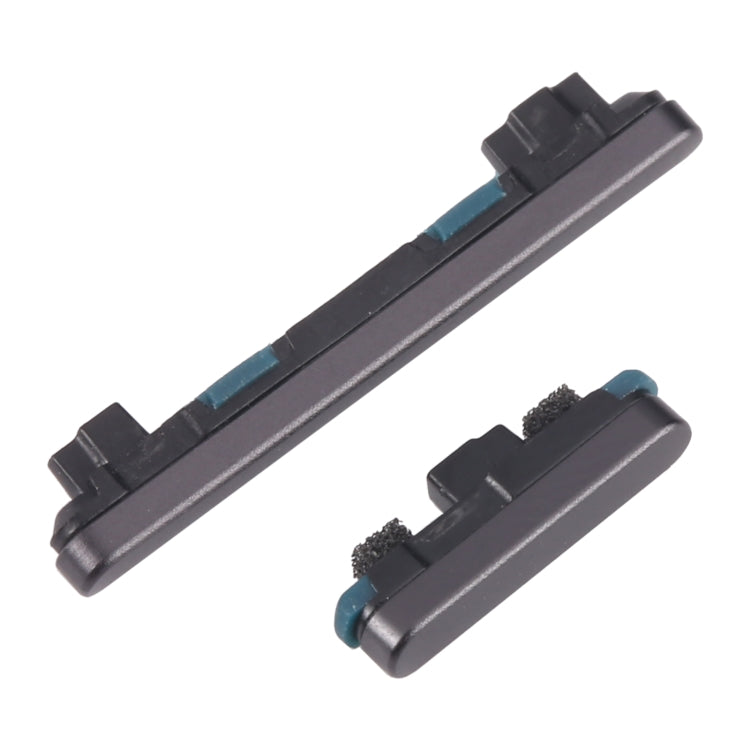
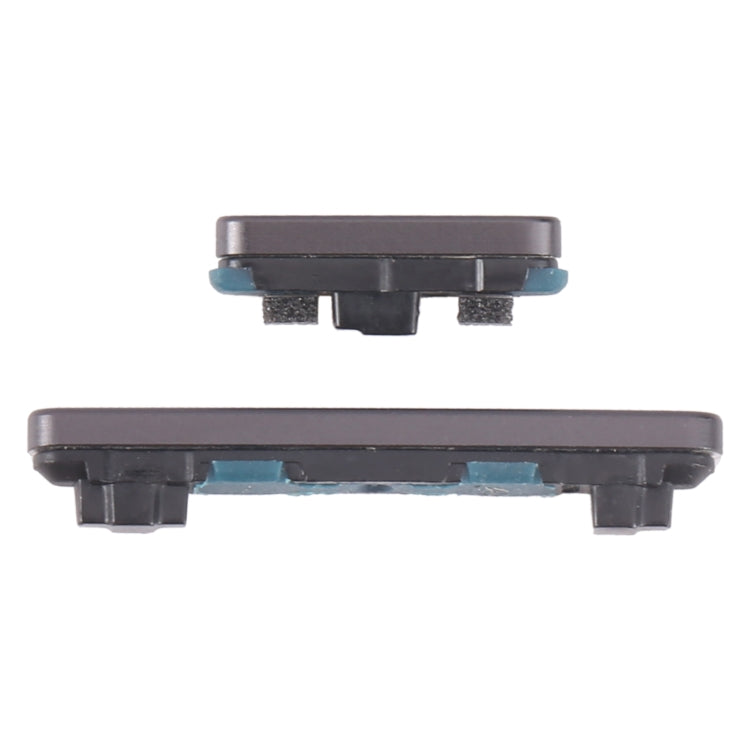
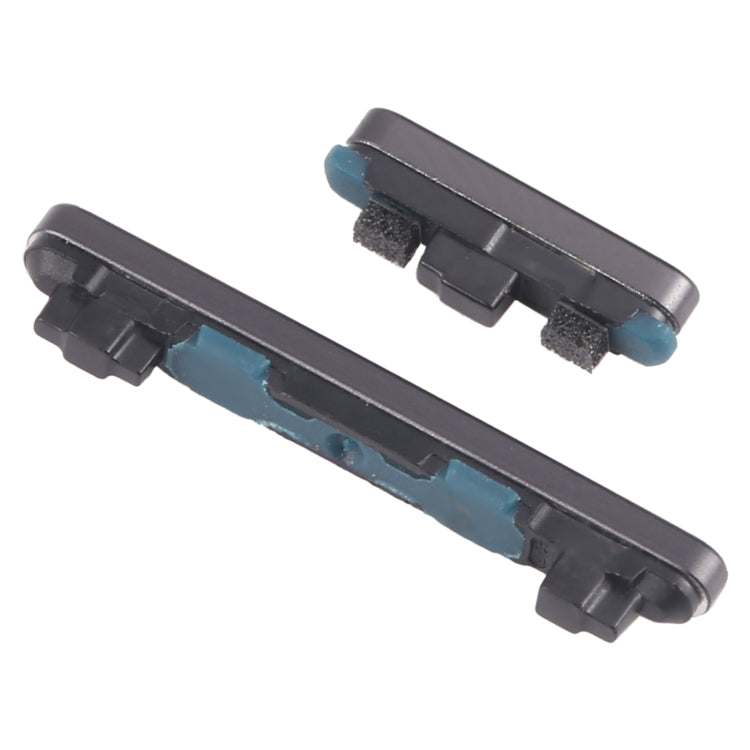
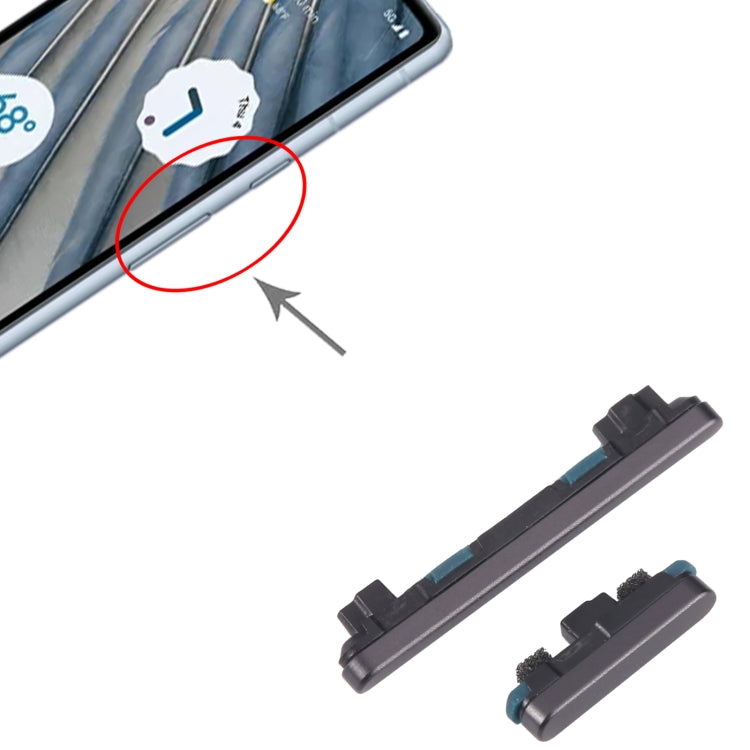
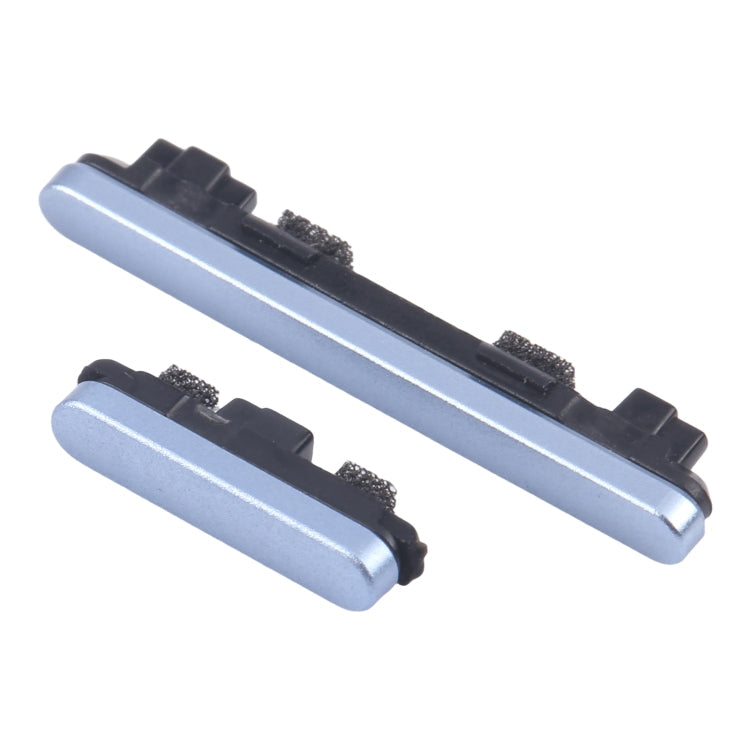
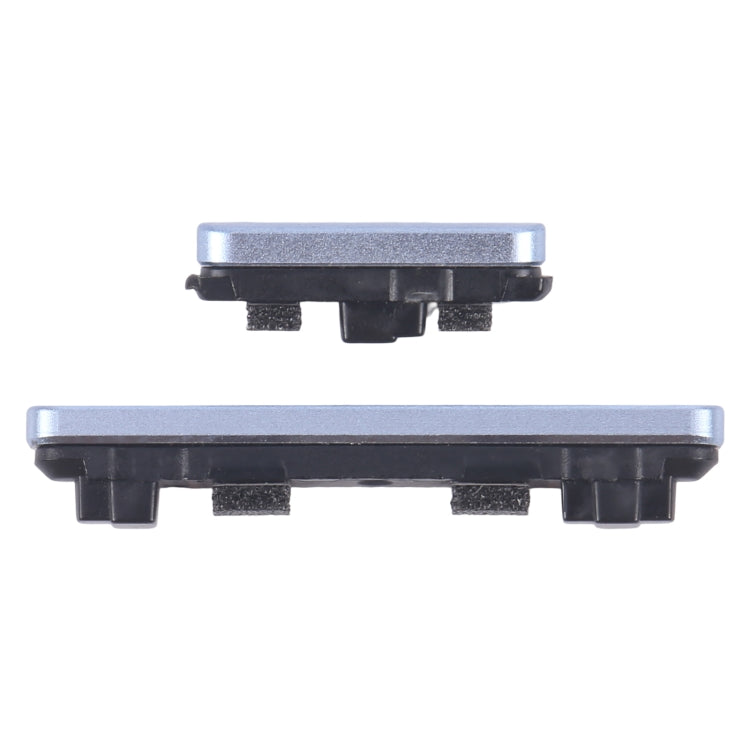
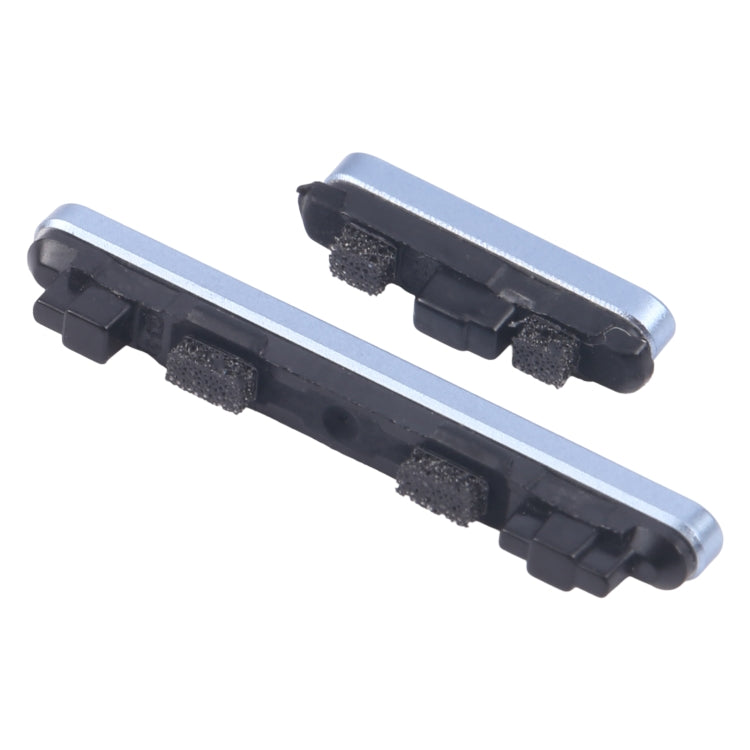
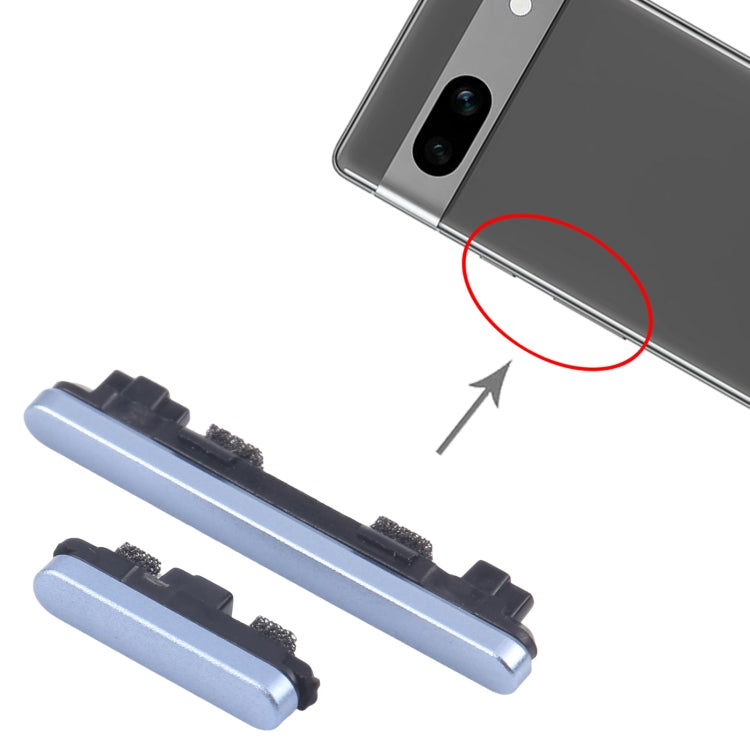
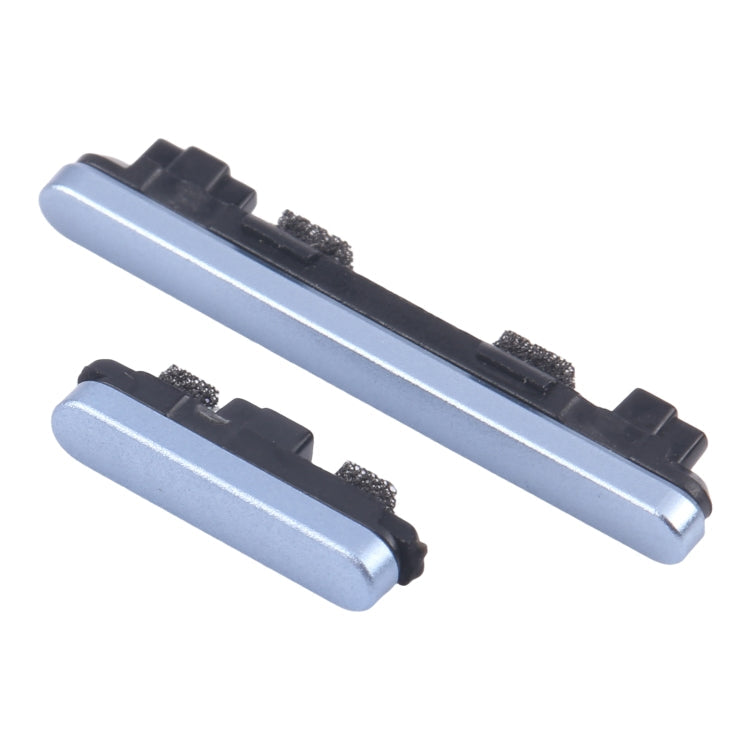
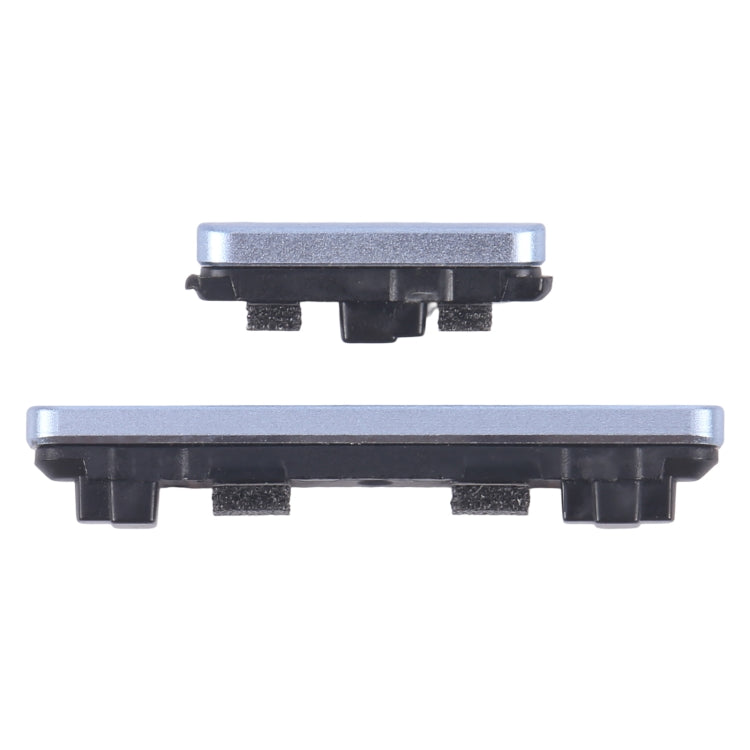
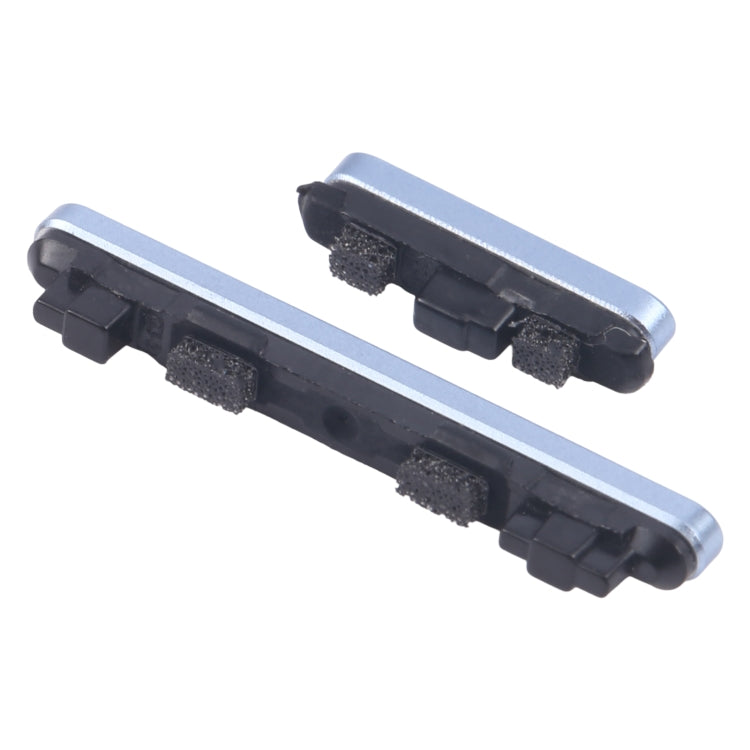
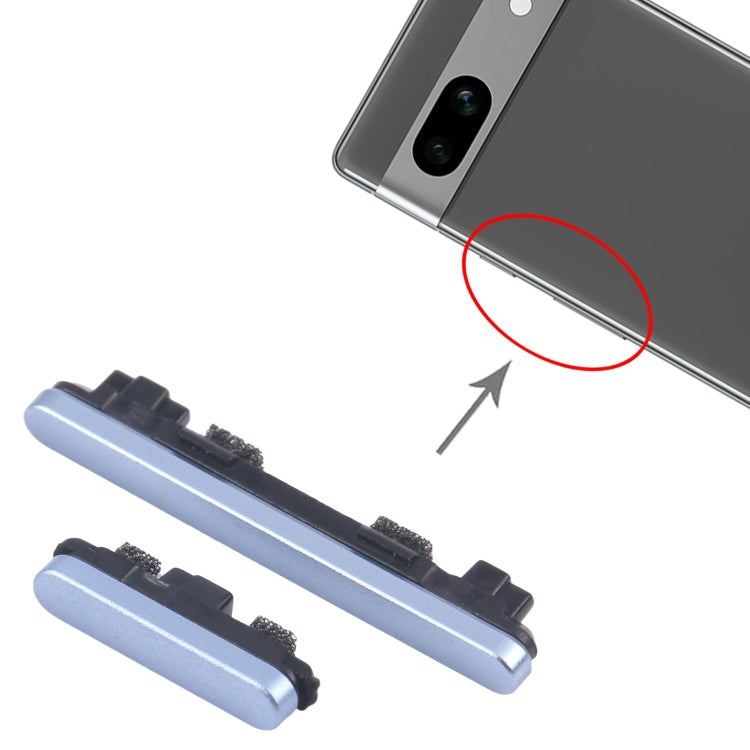
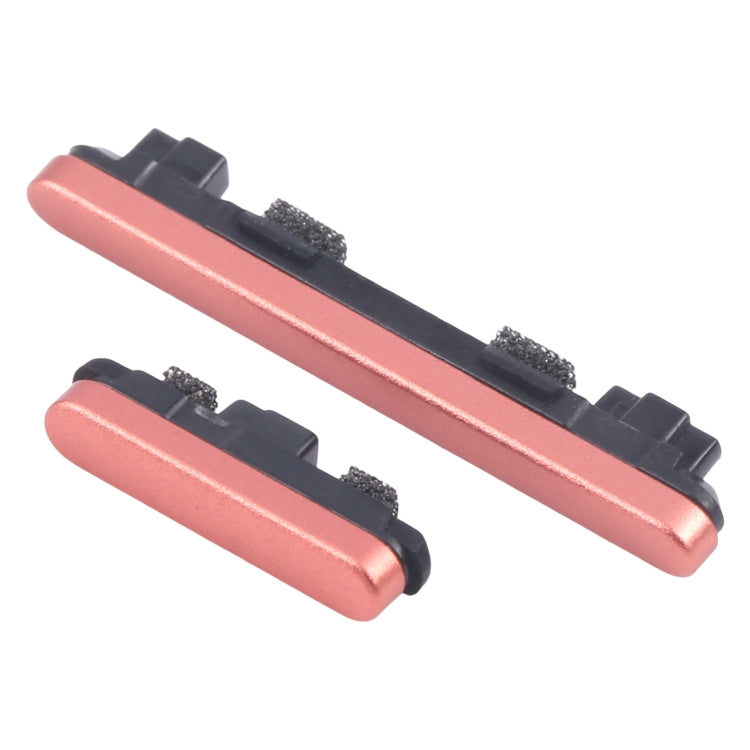
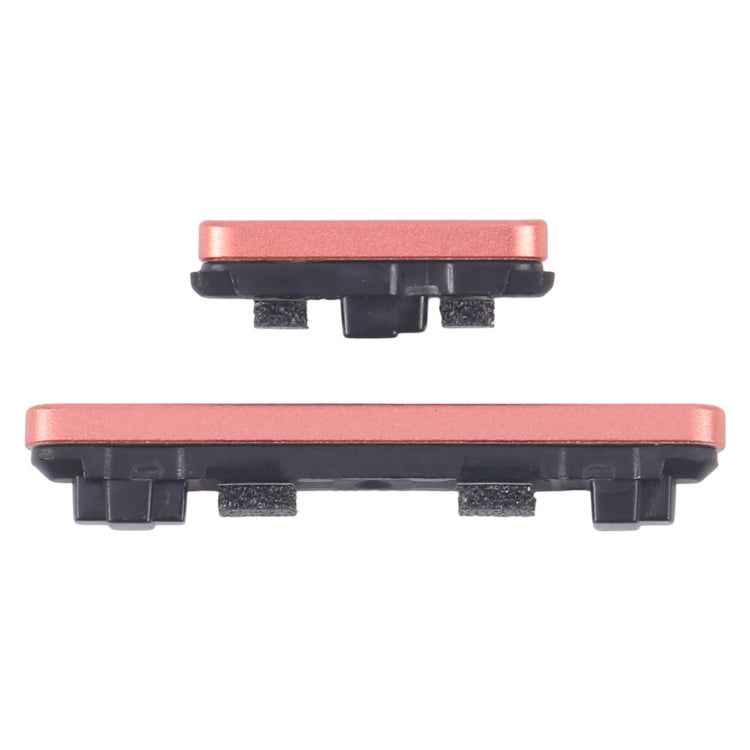
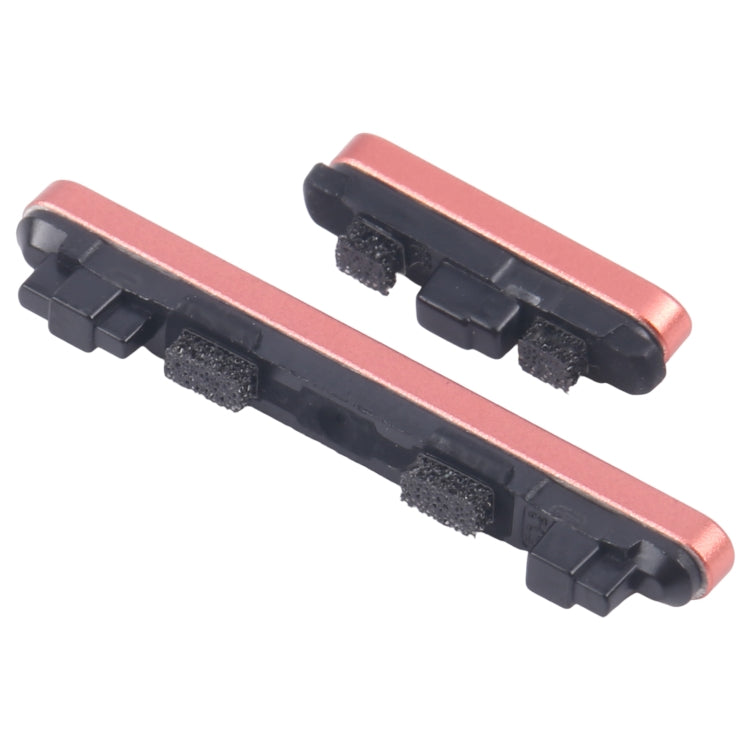
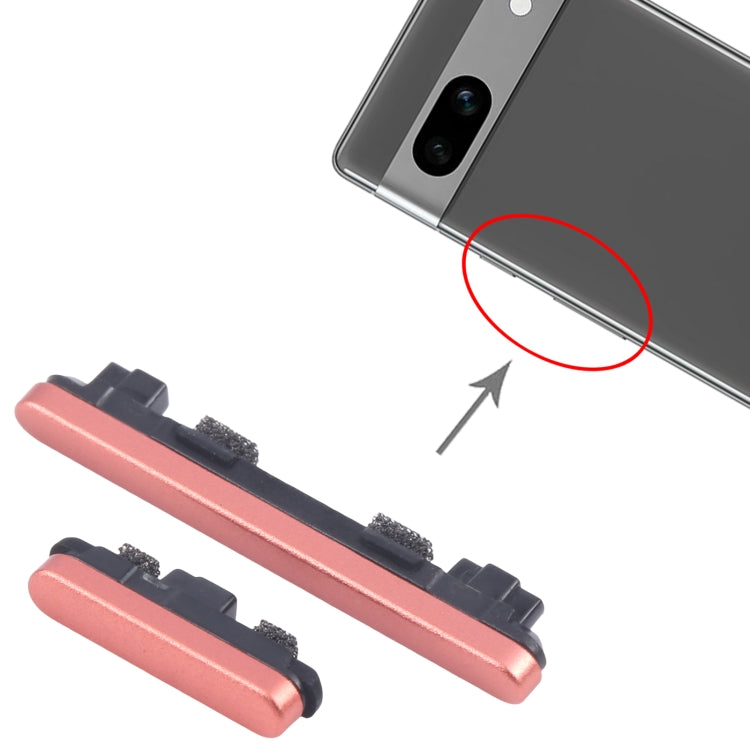
Ten listings are in the Google Pixel 7a collection, and most are about the side buttons. There are power and volume button flex cables in white, silver, red and black, and power and volume buttons in black, blue and red. Two screens are listed as well: an OLED Quality screen replacement with frame (code G82U8) and an OEM Standard screen replacement naming GWKK3, GHL1X, G0DZQ and G82U8.
The button parts are cosmetic and functional, so choose the colour and format that match your phone. Some listings are flex cables and others are button sets, and titles vary between Replacement and Buttons, so read the wording of each. OEM Standard means made to the manufacturer's specification, and OLED Quality is the other tier. Confirm your model in Settings, About phone. Email support@etech61.com for help; Pixel 7a orders with cleared payment before 4pm Monday to Friday are dispatched the same working day.
Google Pixel 7a Parts: Frequently Asked Questions
What is the difference between the button flex cables and the button sets?
Some titles are power and volume button flex cables and others are the buttons themselves. Read each to see what is included, and match the colour to your phone.
Which screen codes does the Pixel 7a list?
The OLED Quality title names G82U8, and the OEM Standard title names GWKK3, GHL1X, G0DZQ and G82U8. Compare them with your phone's model details. We are happy to check a match for you at support@etech61.com before you buy.
Is a frame included on the Pixel 7a screen?
The OLED Quality listing says with frame, while the OEM Standard title does not mention one. Read the wording before choosing so you know what is supplied. Email support@etech61.com if you would like a second opinion before you order.