
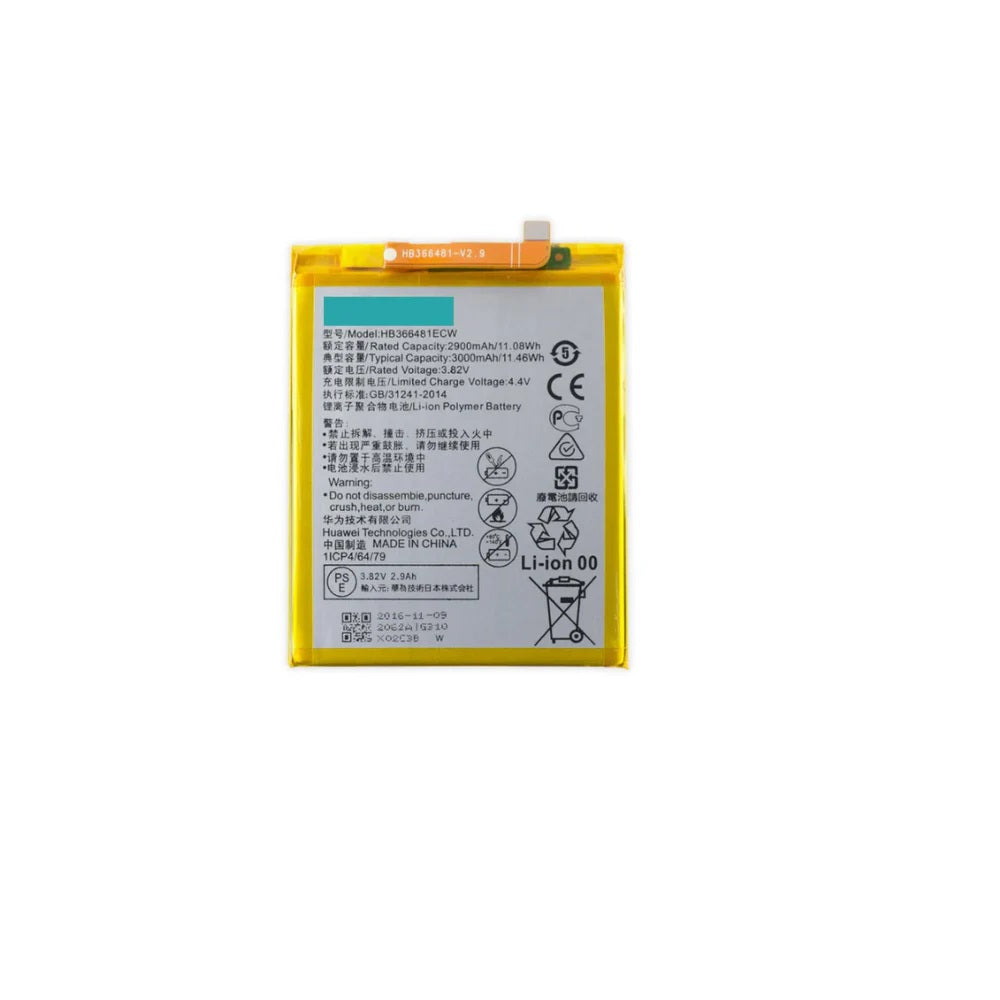
This is the E-Tech61 page for Huawei Y6 2018 replacement parts, built for repairers who need the right component for that handset. Listings for the Huawei Y6 2018 are added as stock arrives, so nothing is live here yet. Typical jobs on a Huawei Y6 2018 are display panels, batteries, loudspeakers and rear camera glass, and those are the part types this page is set up to collect over time. Huawei's Y series is aimed at budget buyers, and a Huawei Y6 2018 is often kept going with a low-cost repair.
Requesting a Huawei Y6 2018 part is simple: check the model in Settings under About phone, then email support@etech61.com describing what needs replacing. Repairers working on a single Huawei Y6 2018 and shops handling many are equally welcome. Once a Huawei Y6 2018 listing exists, cleared payment before 4pm Monday to Friday gives same-working-day dispatch.
Replacement Parts for the Huawei Y6 2018: Frequently Asked Questions
Are Huawei Y6 2018 parts available to buy right now?
Listings for the Huawei Y6 2018 are added as stock arrives, so this page may not show a part yet. If you need something specific, email support@etech61.com with the part and your exact model and we will check what can be sourced for you.
How can I check which Huawei Y6 2018 model I have?
Open Settings, then About phone, and read the model name and number. It is often printed on the retail box or under the back cover too. Match that number to any listing for the Huawei Y6 2018 before you order, and email support@etech61.com if the details do not line up.
Which parts most often need replacing on a Huawei Y6 2018?
On phones like the Huawei Y6 2018, the usual repairs are cracked screens, worn batteries and damaged charging ports, followed by speakers and camera glass. Diagnose the fault first, then match the part to your exact model before ordering.
What tools help with a Huawei Y6 2018 repair at home?
A set of precision screwdrivers, plastic pry tools and tweezers cover most jobs, with gentle heat for softening adhesive. Power the Huawei Y6 2018 off first and disconnect the battery connector before you unplug anything else.