
For the Motorola G6, E-Tech61 lists a power and volume button flex cable. The only listing is titled for the Motorola G6 Play, so if you own a standard G6 or a G6 Plus, check fit carefully before ordering. More Motorola G6 listings are added as stock arrives. Power and volume flex cables cover a Motorola G6 whose side buttons feel dead or stick. The title on each Motorola G6 listing is worth reading in full, because handsets with similar names can use different parts.
Before you buy for a Motorola G6, read the exact model from Settings, About phone. This range serves DIY repairers and shops repairing customers' Motorola G6 handsets, and trade enquiries go to support@etech61.com. Cleared payment before 4pm on a weekday gets your Motorola G6 order dispatched the same working day.
Motorola G6 Replacement Parts: Frequently Asked Questions
Which Motorola G6 parts does E-Tech61 list?
The Motorola G6 range currently includes a power and volume button flex cable. Listings are added as stock arrives, and if the part you need is missing you can email support@etech61.com with your exact model and we will look into it.
How do I check a part fits my Motorola G6?
Open Settings, then About phone, and note the model name and number, then read the listing title carefully. Where you can, compare the old part's connector shape with the new one, and email support@etech61.com if you are unsure.
Can I return a Motorola G6 part I have not fitted?
E-Tech61 allows 30-day returns on unused items, so check the part against your Motorola G6 before you fit it. The refund policy explains how to start a return, and support@etech61.com can help if you are unsure.
Is a Motorola G6 repair suitable for a beginner?
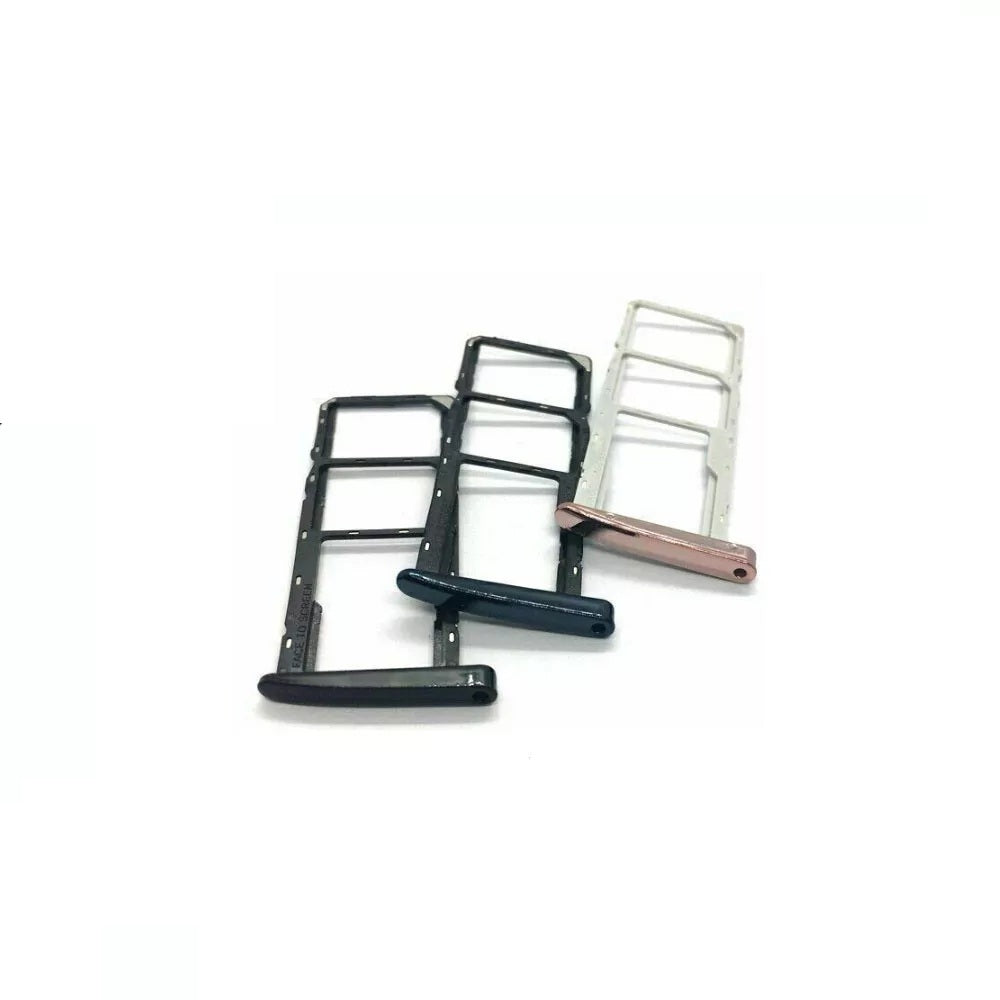
Small jobs like a SIM tray swap are simple, while screens and flex cables need patience and the right tools. Work slowly, keep screws organised, and disconnect the Motorola G6 battery first. Repair shops and DIY buyers are both welcome to email support@etech61.com.