

For Motorola Moto G8 Plus SIM Card Tray (Black)
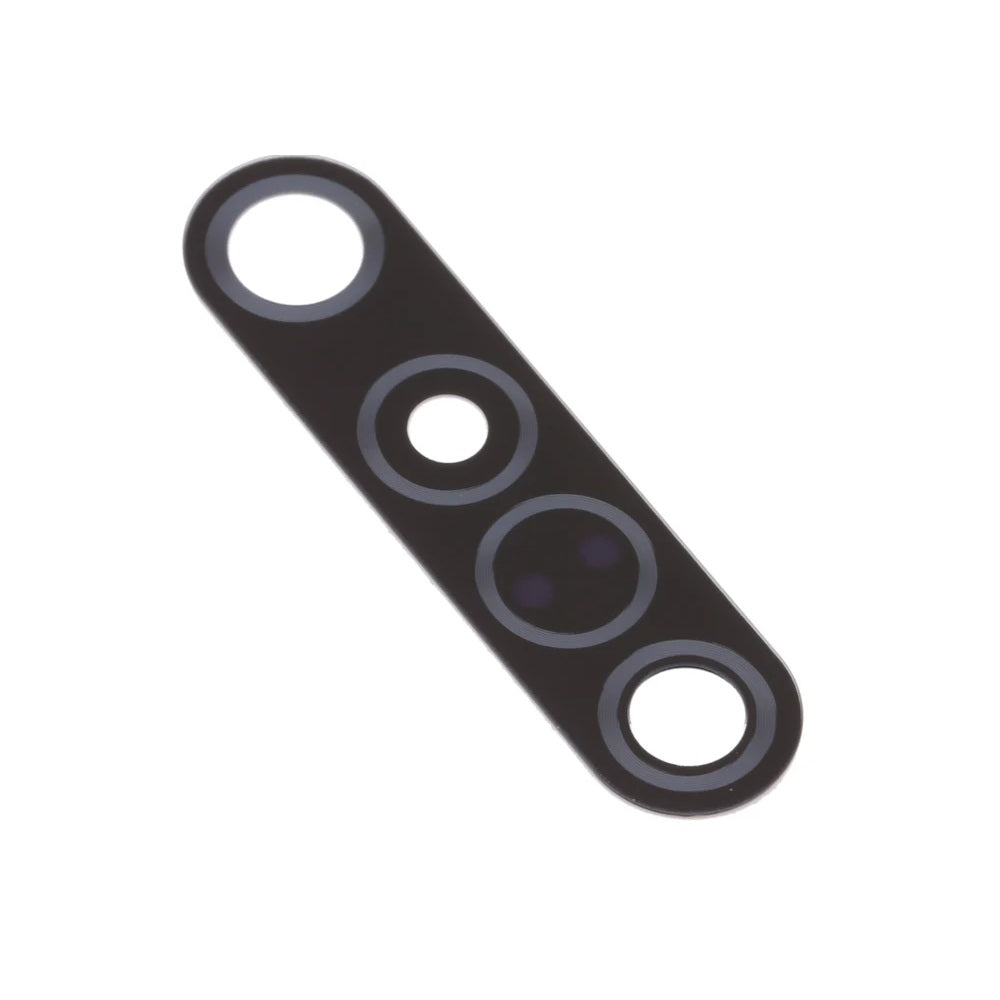
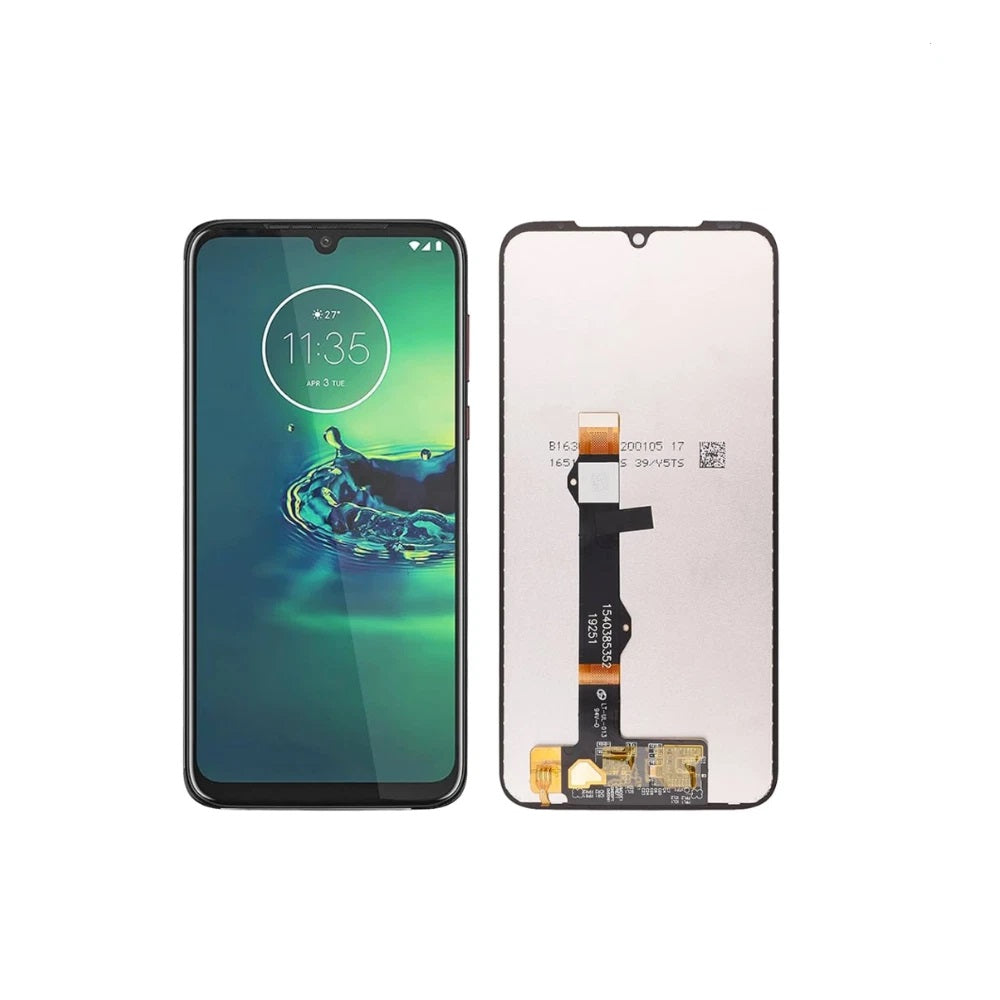
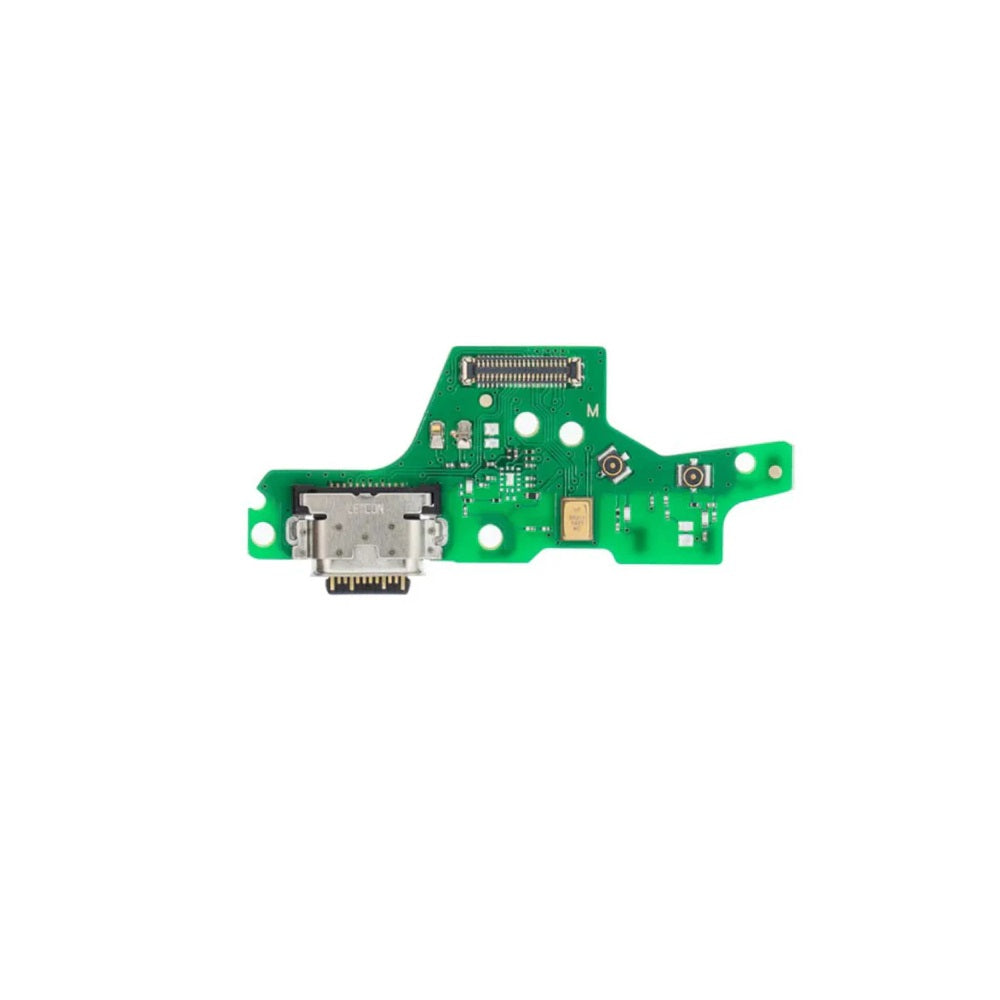
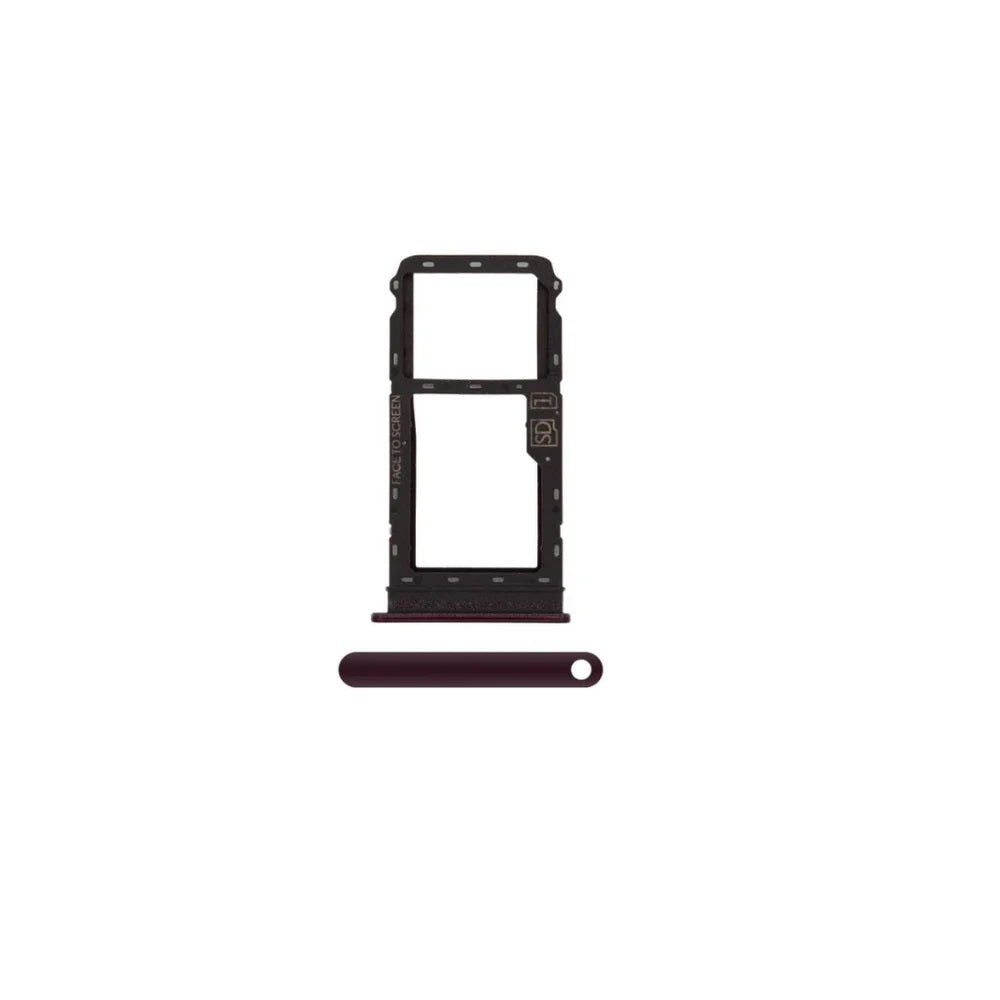
For Motorola Moto G8 Plus SIM Card Tray (Red)

No Motorola G8 Plus parts are live at the moment, so this page explains what to expect. E-Tech61 sells replacement parts and repair tools, not handsets, which makes the Motorola G8 Plus range a resource for people fixing a phone they already own. cracked displays, batteries that no longer last the day, and charging ports that stop connecting are the usual starting points on a Motorola G8 Plus, and listings appear as stock arrives. A Motorola G8 Plus is the sort of everyday phone that often outlasts its first screen or battery, which is where repair parts come in.
Matching matters more than anything else on a Motorola G8 Plus repair, so compare the model number in Settings under About phone with the part you plan to buy. Trade buyers and home repairers are both welcome to ask about the Motorola G8 Plus. Any Motorola G8 Plus order with cleared payment before 4pm Monday to Friday goes out the same working day, with no weekend dispatch. To request a Motorola G8 Plus part, write to support@etech61.com.
Replacement Parts for the Motorola G8 Plus: Frequently Asked Questions
Are Motorola G8 Plus parts available to buy right now?
Listings for the Motorola G8 Plus are added as stock arrives, so this page may not show a part yet. If you need something specific, email support@etech61.com with the part and your exact model and we will check what can be sourced for you.
How can I check which Motorola G8 Plus model I have?
Open Settings, then About phone, and read the model name and number. It is often printed on the retail box or under the back cover too. Match that number to any listing for the Motorola G8 Plus before you order, and email support@etech61.com if the details do not line up.
What are the most common Motorola G8 Plus repairs?
Screen damage and tired batteries come up most, with charging port faults close behind. Loudspeakers, camera lenses and small flex cables are the next likeliest jobs on a Motorola G8 Plus. Confirm the fault before you order anything.
What tools help with a Motorola G8 Plus repair at home?
A set of precision screwdrivers, plastic pry tools and tweezers cover most jobs, with gentle heat for softening adhesive. Power the Motorola G8 Plus off first and disconnect the battery connector before you unplug anything else.