

For Motorola Moto G8 Power Lite SIM Card Tray (Royal Blue)
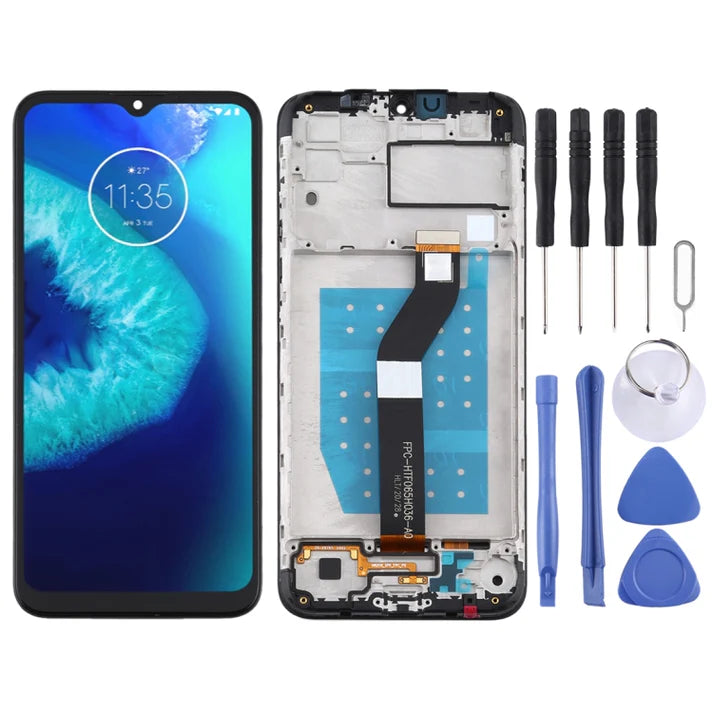
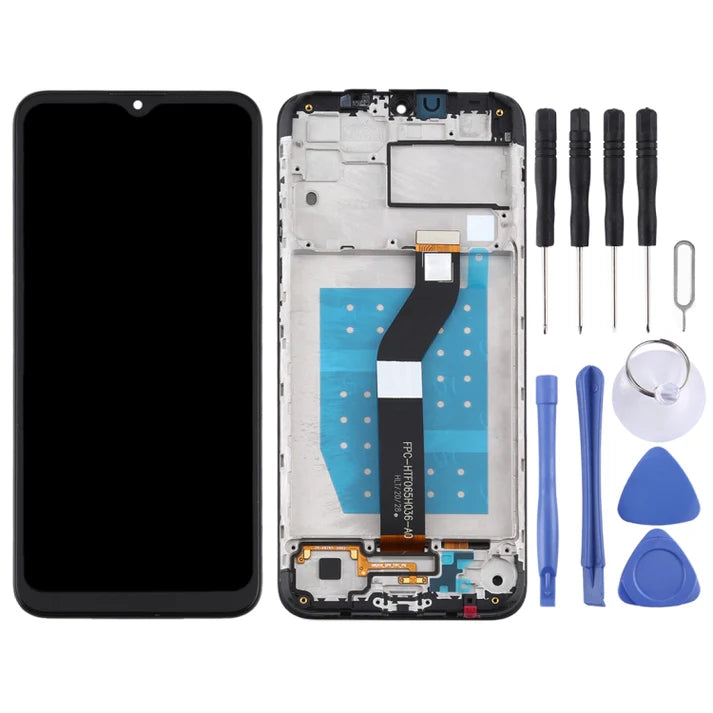
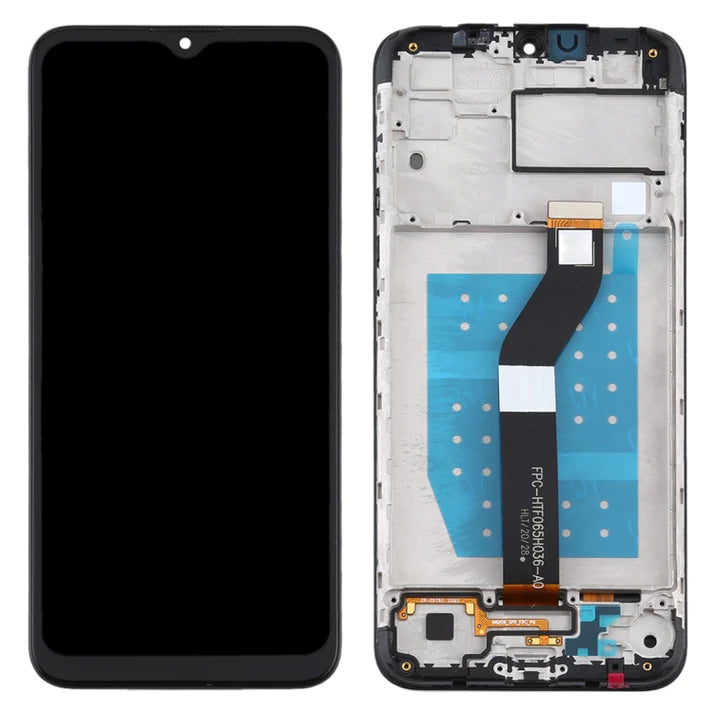
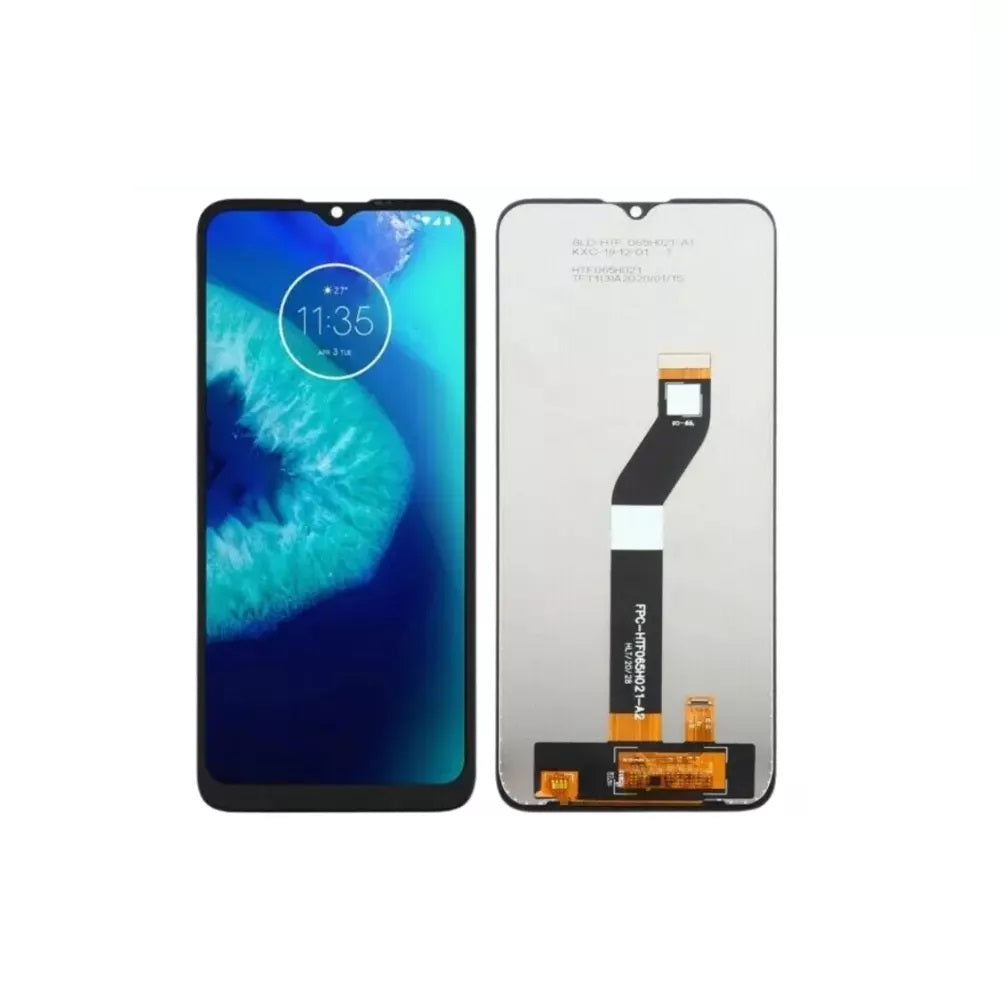
For Motorola Moto G8 Power Lite LCD Screen Replacement – With Frame
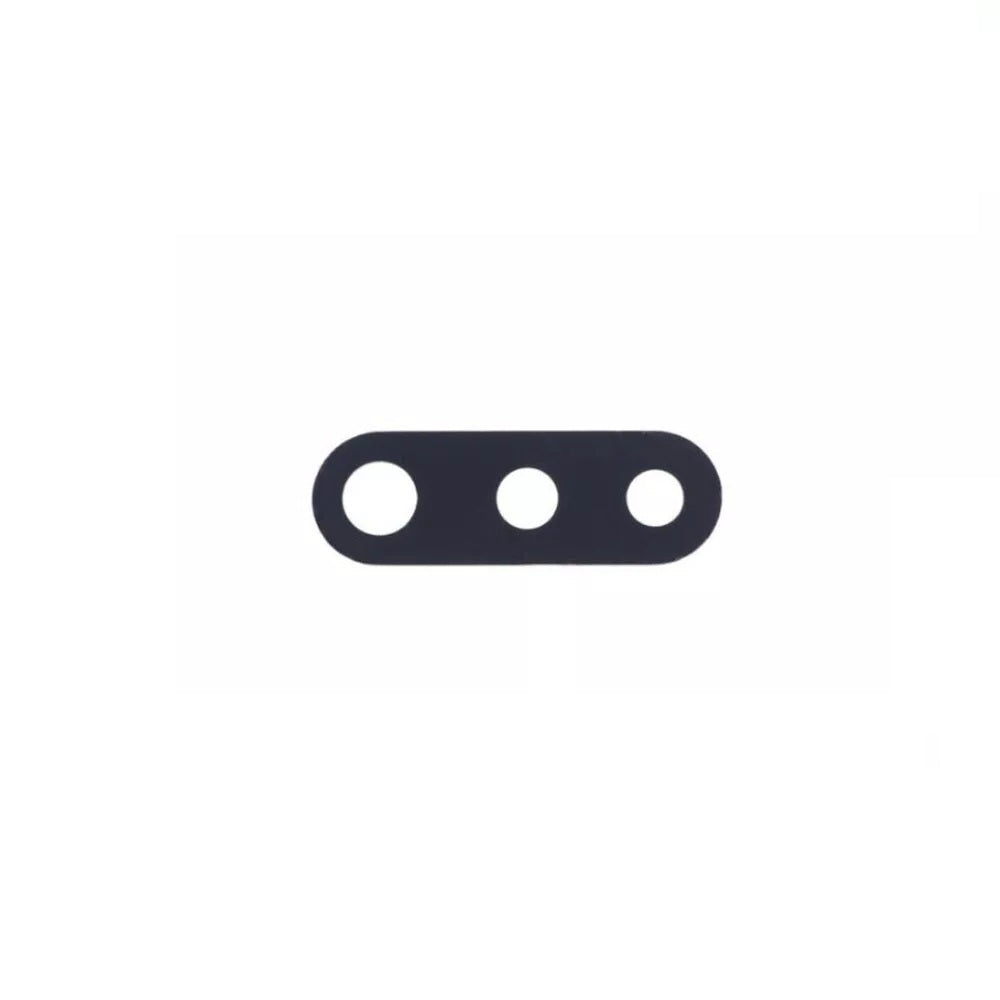
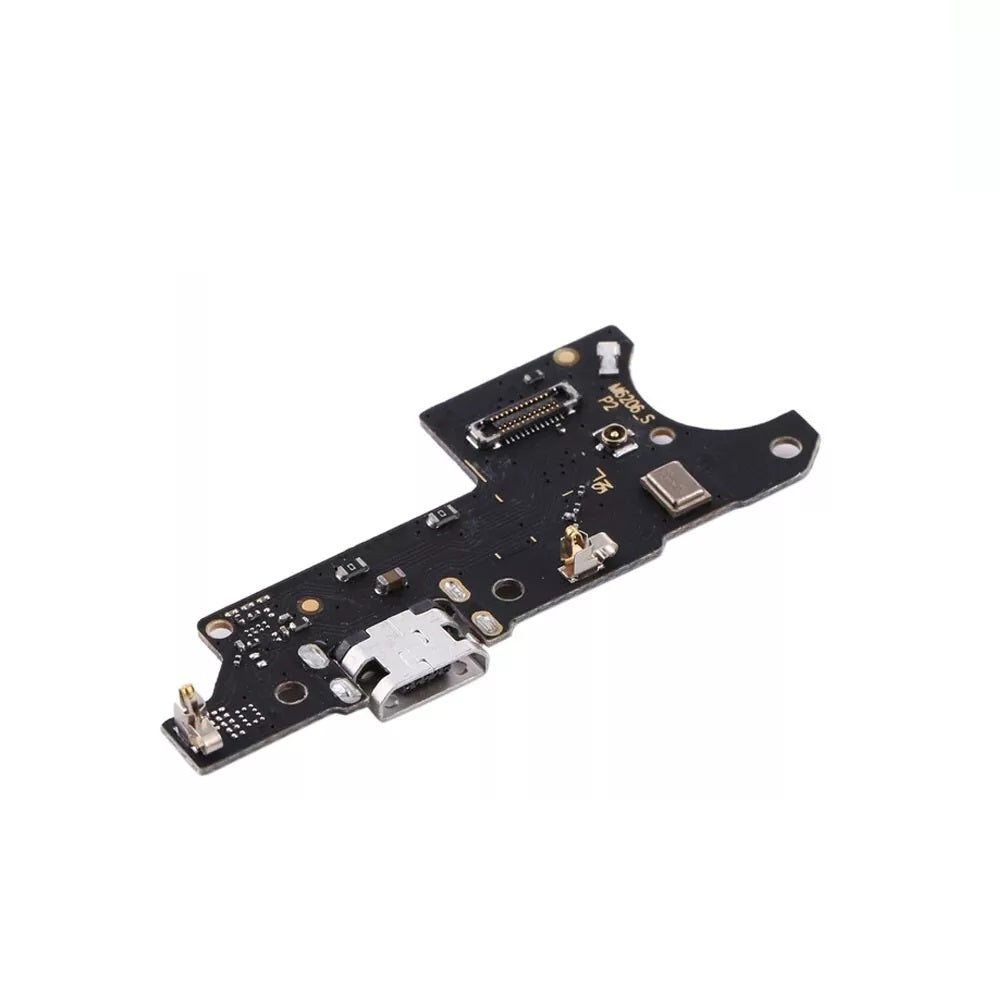


For Motorola Moto G8 Power Lite SIM Card Tray (Red)
The Motorola G8 Power Lite collection is a placeholder for parts that are still to arrive. E-Tech61 adds Motorola G8 Power Lite listings as stock arrives, and the repairs most often needed on a handset like this are display panels, batteries, loudspeakers and rear camera glass. Until a Motorola G8 Power Lite listing goes live, this page can still help you plan the job. A Motorola G8 Power Lite is the sort of everyday phone that often outlasts its first screen or battery, which is where repair parts come in.
For a Motorola G8 Power Lite repair, note the model number from Settings before requesting a part, then compare it with the listing once one appears. DIY repairers and independent repair shops can both write to support@etech61.com about the Motorola G8 Power Lite. Payment cleared before 4pm Monday to Friday means your Motorola G8 Power Lite order is dispatched that working day, with nothing sent at weekends.
Replacement Parts for the Motorola G8 Power Lite: Frequently Asked Questions
Does E-Tech61 sell Motorola G8 Power Lite spares?
E-Tech61 sources repair parts from specialist suppliers and lists them model by model. The Motorola G8 Power Lite range fills up as stock arrives; if the part you need is not listed yet, email support@etech61.com and ask about it.
What tools help with a Motorola G8 Power Lite repair at home?
A set of precision screwdrivers, plastic pry tools and tweezers cover most jobs, with gentle heat for softening adhesive. Power the Motorola G8 Power Lite off first and disconnect the battery connector before you unplug anything else.
I run a repair shop; can I ask about Motorola G8 Power Lite parts in quantity?
You can. Email support@etech61.com with the Motorola G8 Power Lite parts and quantities you are after, and the team will let you know what can be sourced. DIY buyers with a single part to fix are equally welcome.
How can I check which Motorola G8 Power Lite model I have?
Open Settings, then About phone, and read the model name and number. It is often printed on the retail box or under the back cover too. Match that number to any listing for the Motorola G8 Power Lite before you order, and email support@etech61.com if the details do not line up.