


For Motorola Moto G9 Plus SIM + microSD Card Tray
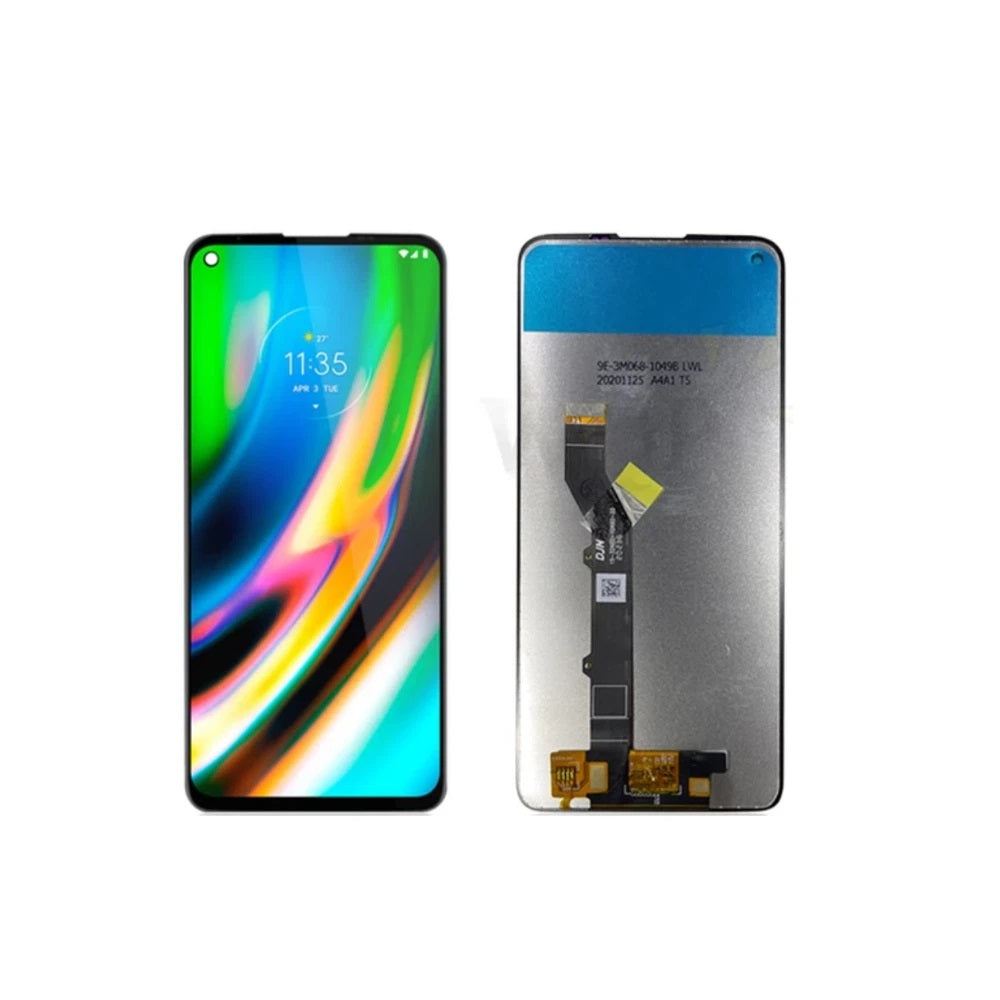
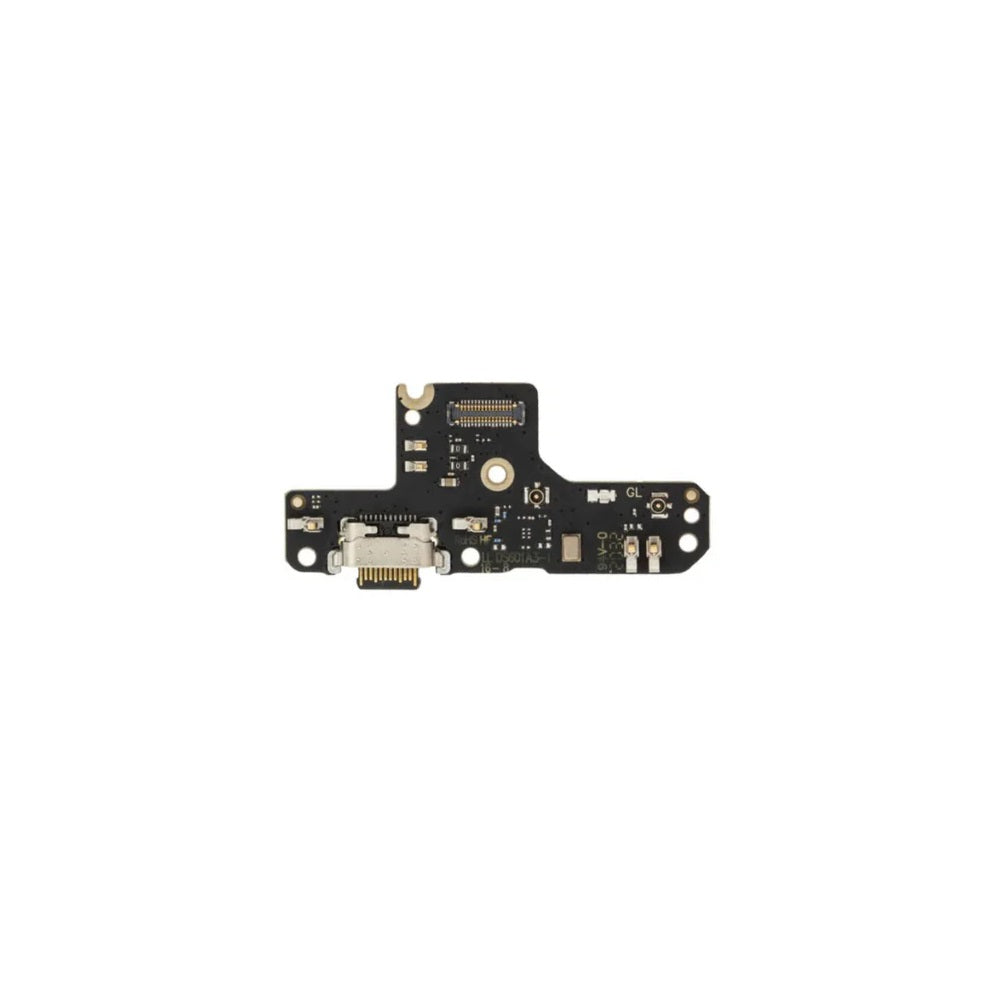
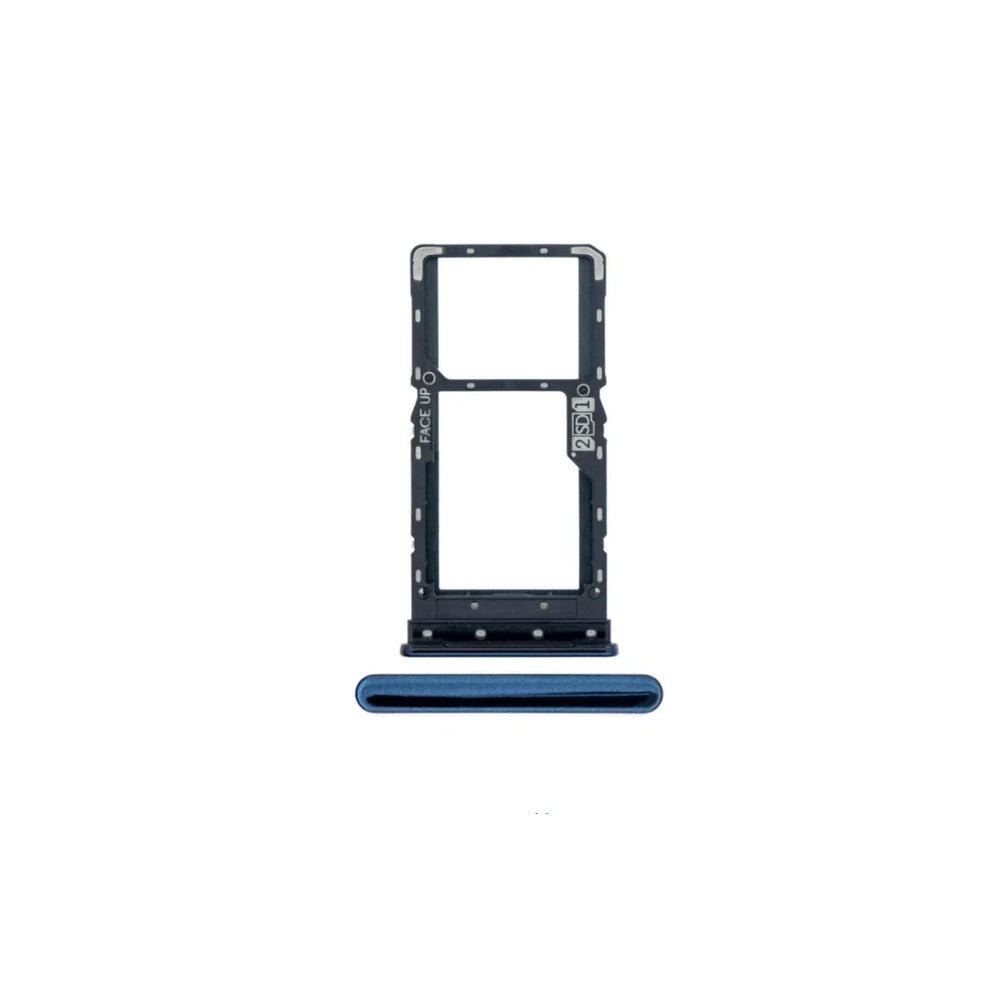
For Motorola Moto G9 Plus SIM Card Tray (Indigo Blue)
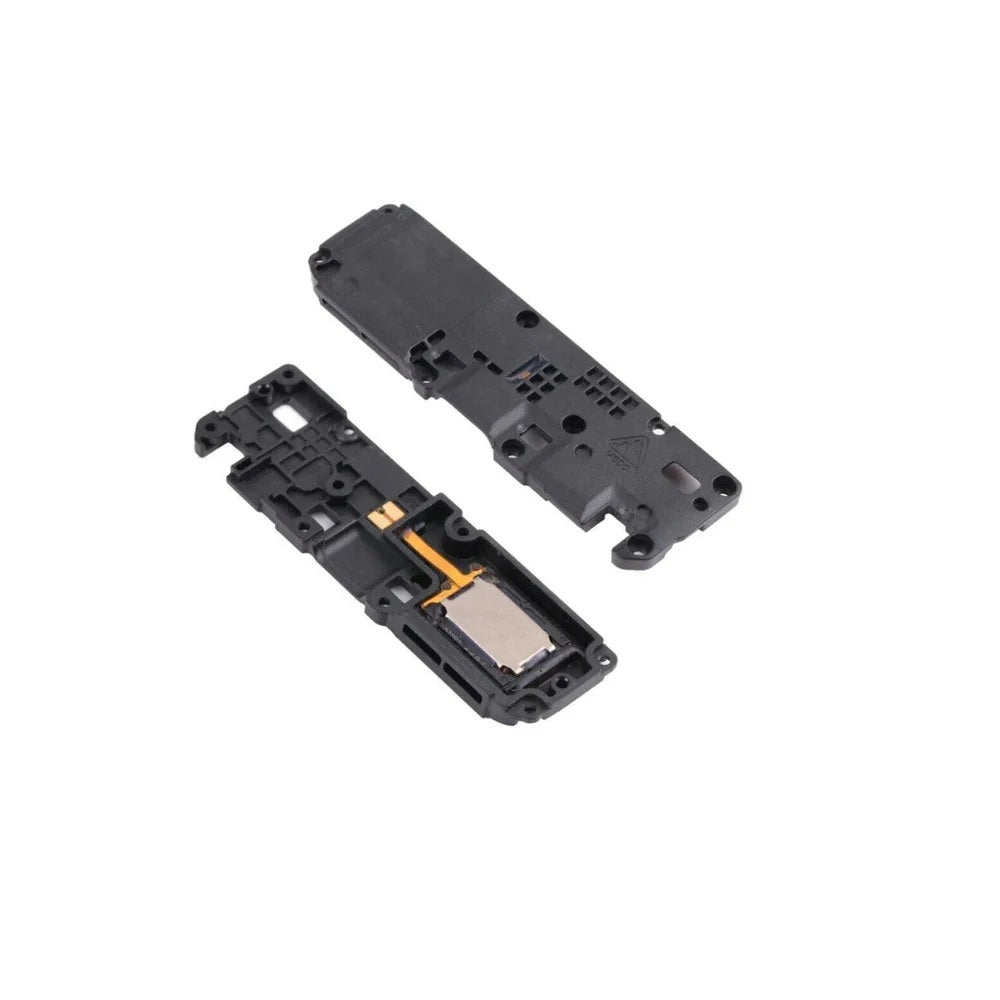
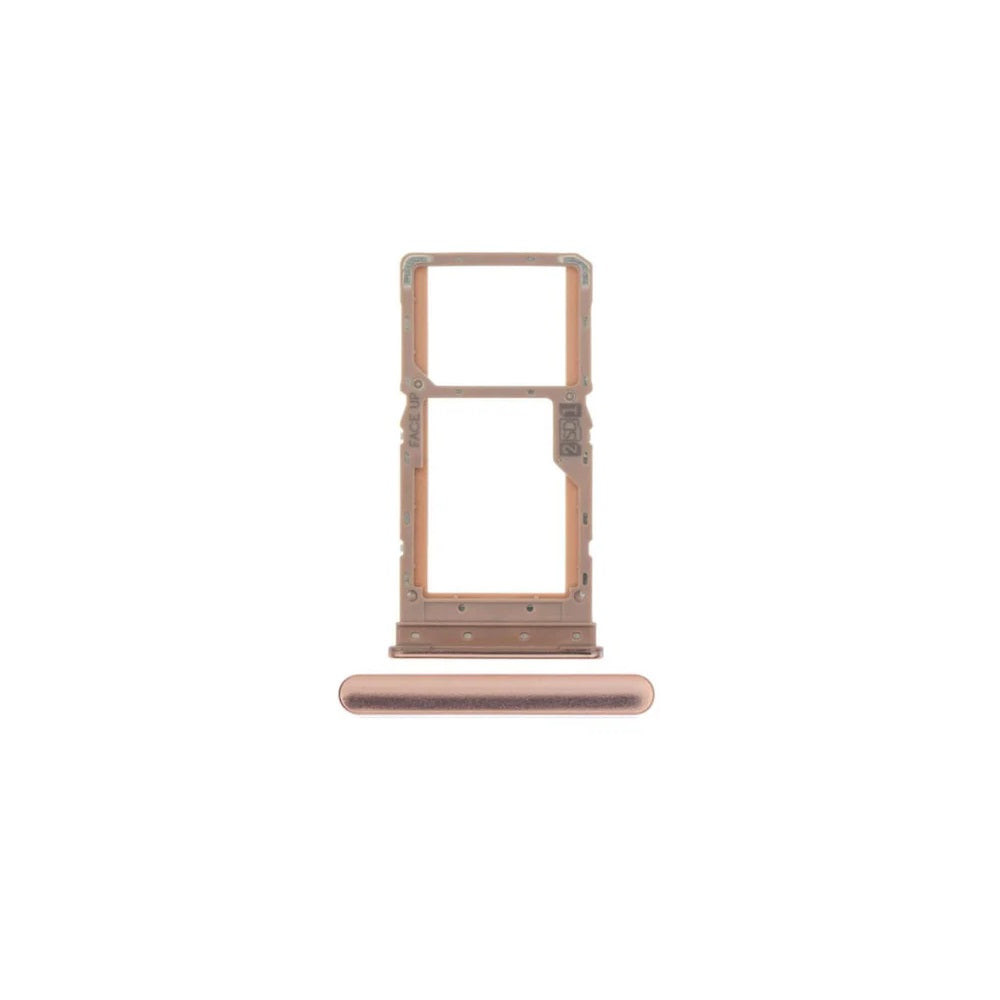
For Motorola Moto G9 Plus SIM Card Tray (Rose Gold)
This is the E-Tech61 page for Motorola G9 Plus replacement parts, built for repairers who need the right component for that handset. Listings for the Motorola G9 Plus are added as stock arrives, so nothing is live here yet. Typical jobs on a Motorola G9 Plus are screen replacements, charge-port boards, SIM trays and small flex cables, and those are the part types this page is set up to collect over time. The Moto G line is Motorola's mainstream range, and a Motorola G9 Plus that still runs well is usually worth a repair.
If you are lining up a Motorola G9 Plus repair, start by confirming the model: Settings, About phone, then compare the details with what is printed on the handset's box. Repair shops sourcing Motorola G9 Plus parts for customers and DIY repairers can both use this page. Cleared payment before 4pm Monday to Friday gets a Motorola G9 Plus order dispatched that working day. Tell us which Motorola G9 Plus part you need at support@etech61.com.
Replacement Parts for the Motorola G9 Plus: Frequently Asked Questions
Does E-Tech61 sell Motorola G9 Plus spares?
E-Tech61 sources repair parts from specialist suppliers and lists them model by model. The Motorola G9 Plus range fills up as stock arrives; if the part you need is not listed yet, email support@etech61.com and ask about it.
How can I check which Motorola G9 Plus model I have?
Open Settings, then About phone, and read the model name and number. It is often printed on the retail box or under the back cover too. Match that number to any listing for the Motorola G9 Plus before you order, and email support@etech61.com if the details do not line up.
What are the most common Motorola G9 Plus repairs?
Screen damage and tired batteries come up most, with charging port faults close behind. Loudspeakers, camera lenses and small flex cables are the next likeliest jobs on a Motorola G9 Plus. Confirm the fault before you order anything.
What do I need to replace a Motorola G9 Plus screen or battery?
Expect to use plastic opening picks, precision screwdrivers, a heat source or suction handle to soften adhesive, and fresh adhesive strips. Disconnect the Motorola G9 Plus battery before touching other connectors, and work on an anti-static mat if you can.