

For OnePlus 7 SIM Card Tray (Black)


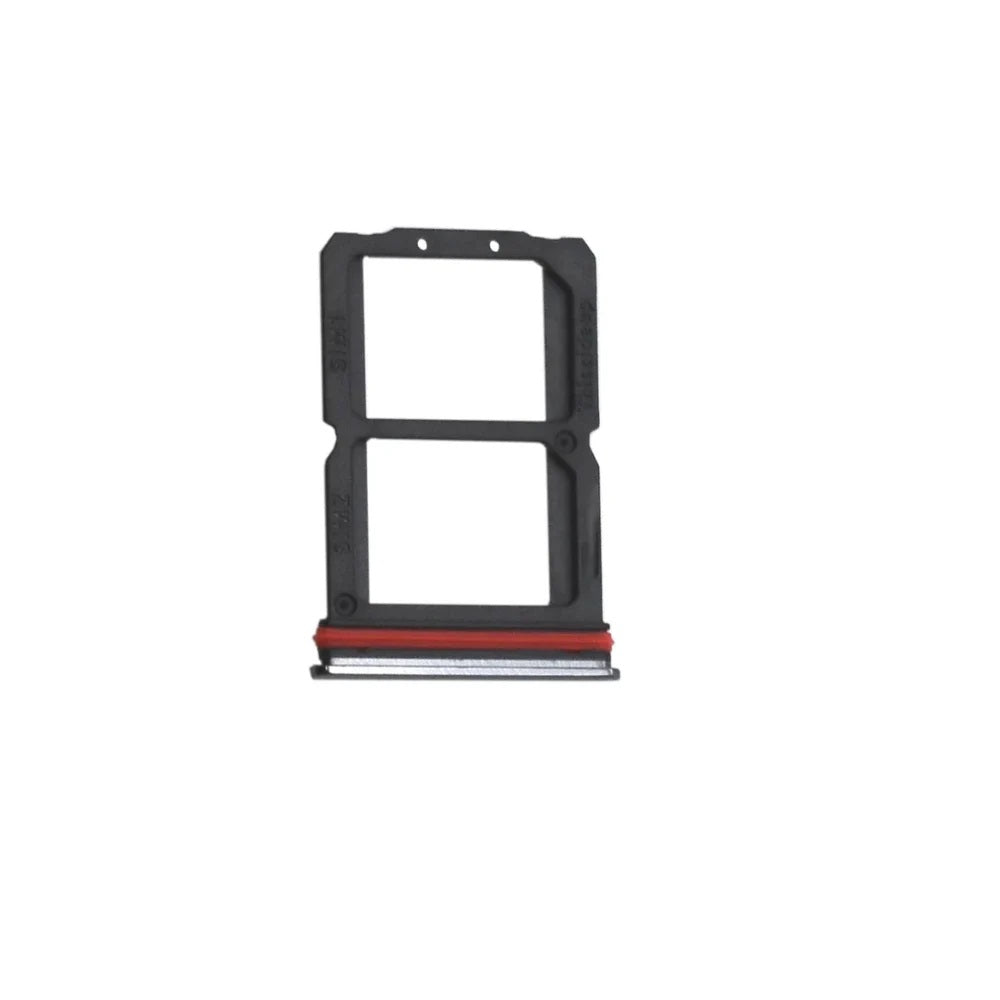
For OnePlus 7 SIM Card Tray (Blue)
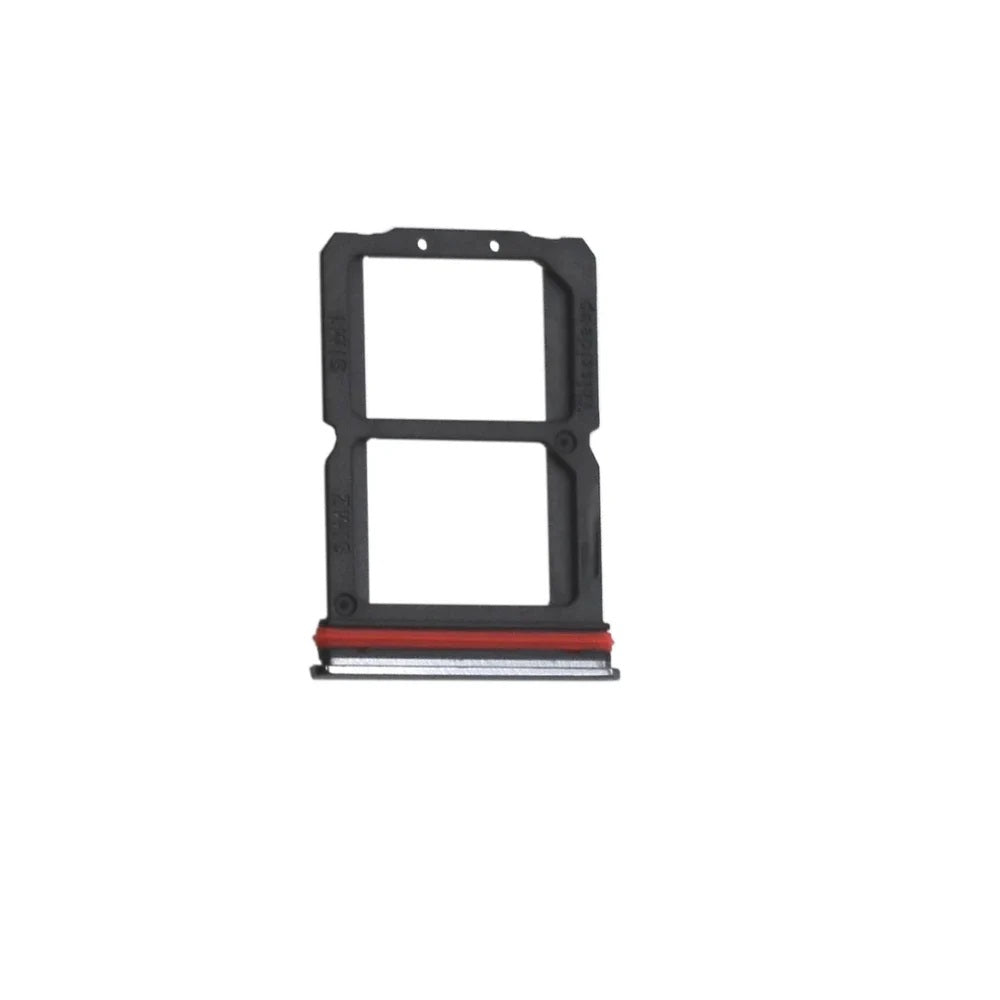
For OnePlus 7 SIM Card Tray (Red)
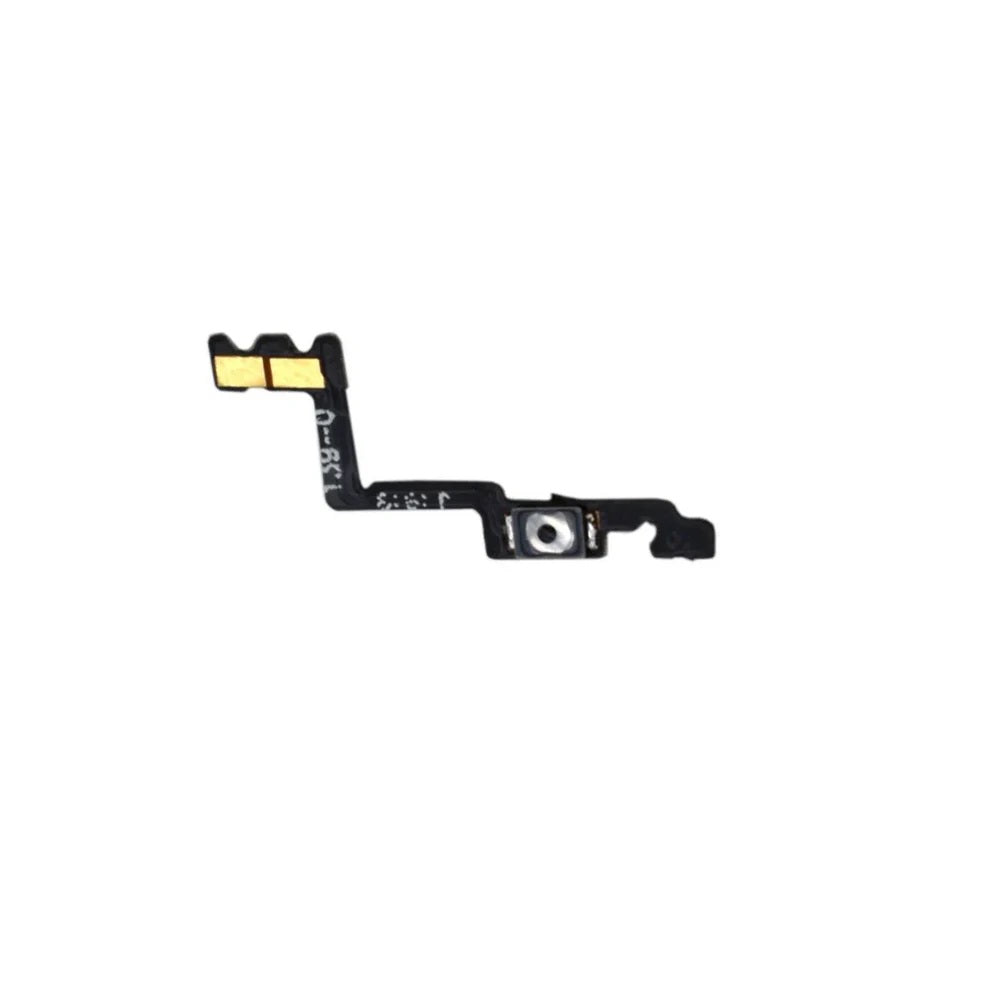
For OnePlus 7 Internal Power Button Flex Cable
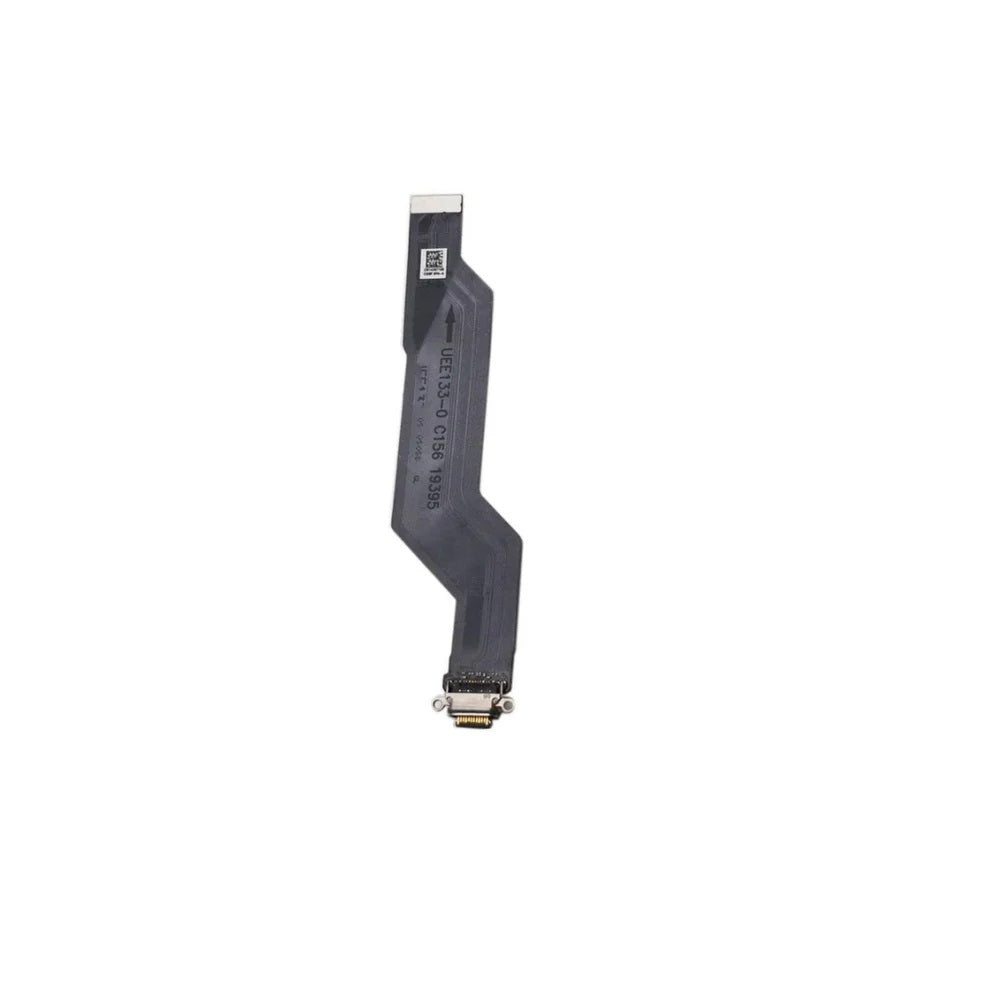
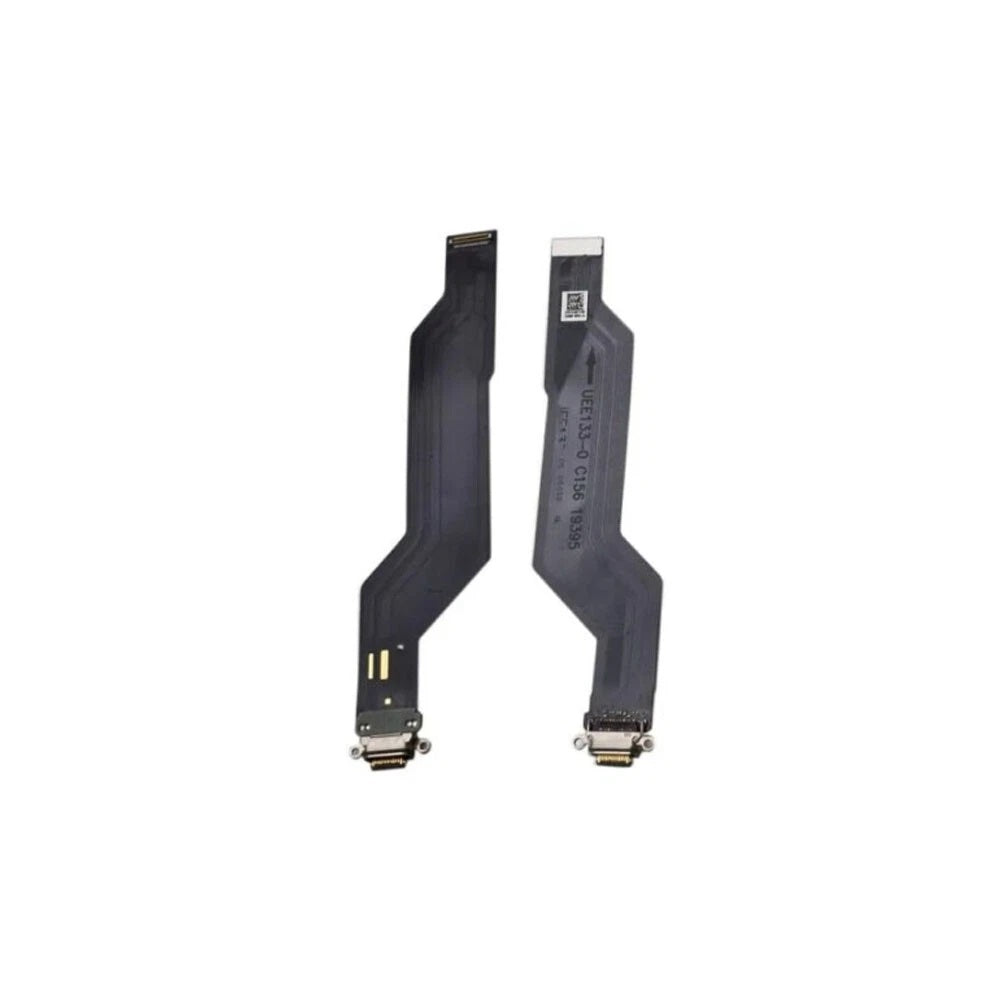
For OnePlus 7 Charging Port Flex Cable
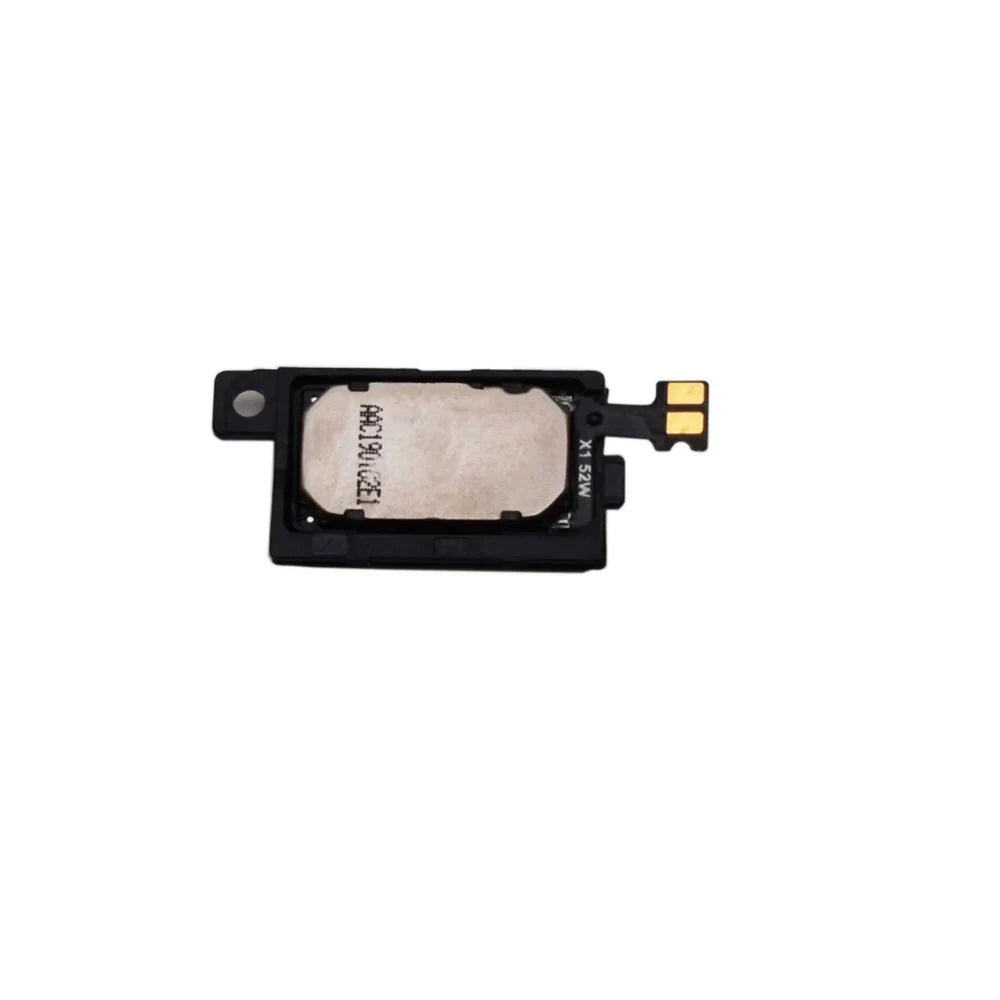
For the OnePlus 7, E-Tech61 lists SIM card trays, charging port flex cables, earpiece speakers, power and volume button flex cables, screen assemblies and more. Listings cover the OnePlus 7, 7 Pro and 7T, from SIM trays and charging port flex cables to earpiece speakers, an OLED screen for the OnePlus 7 and a 7T screen, so read each title. More OnePlus 7 listings are added as stock arrives.
Use Settings, then About phone, to find your OnePlus 7 model and match it to the listing. Repair shops and DIY fixers both use this OnePlus 7 range; email support@etech61.com if you need a part that is not listed. Cleared payment before 4pm Monday to Friday gets a OnePlus 7 order dispatched the same working day.
OnePlus 7 Replacement Parts: Frequently Asked Questions
Which OnePlus 7 parts does E-Tech61 list?
The OnePlus 7 range currently includes SIM card trays, charging port flex cables, earpiece speakers, power and volume button flex cables, screen assemblies and more. Listings are added as stock arrives, and if the part you need is missing you can email support@etech61.com with your exact model and we will look into it.
How do I check a part fits my OnePlus 7?
Open Settings, then About phone, and note the model name and number, then read the listing title carefully. Where you can, compare the old part's connector shape with the new one, and email support@etech61.com if you are unsure.
Which colour OnePlus 7 SIM tray should I choose?
SIM trays for this range are listed in Black, Blue, Grey, Gold and Red. Choose the finish closest to your handset's case colour; the tray carries the SIM card either way. Check the title against your OnePlus 7 model, and whether it is a single or dual SIM tray.
What capacity are the OnePlus 7 batteries listed here?
Battery titles in this range quote 4000mAh, each for the model named in its title, so pick the one for your OnePlus 7. Disconnect and handle a battery carefully, and use fresh adhesive when you fit it.