

For Samsung Galaxy A3, A5 and A7 (2017) (SM-A320, SM-A520, SM-A720) Earpiece Speaker
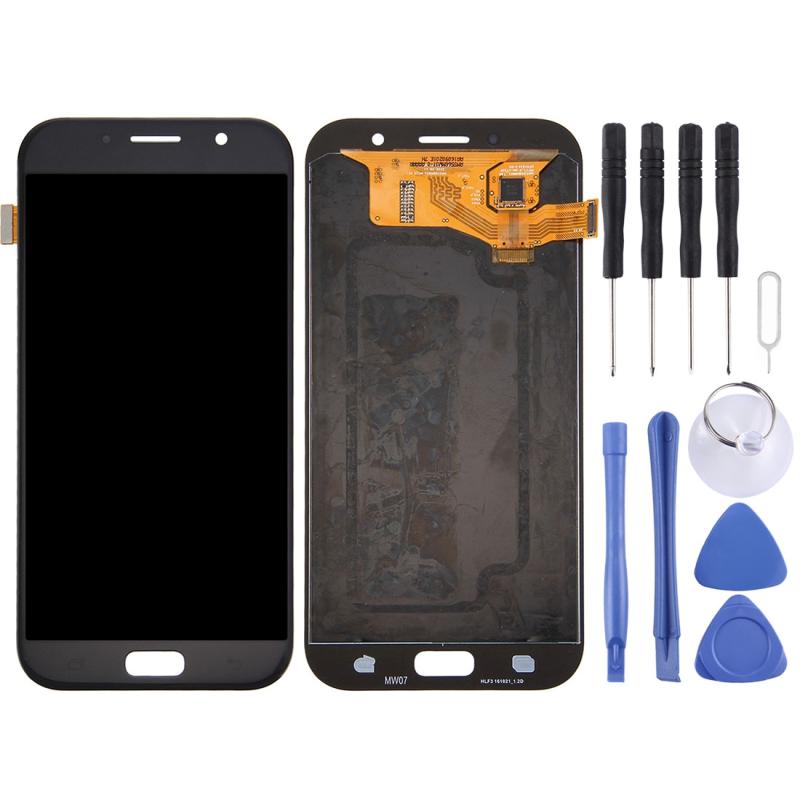
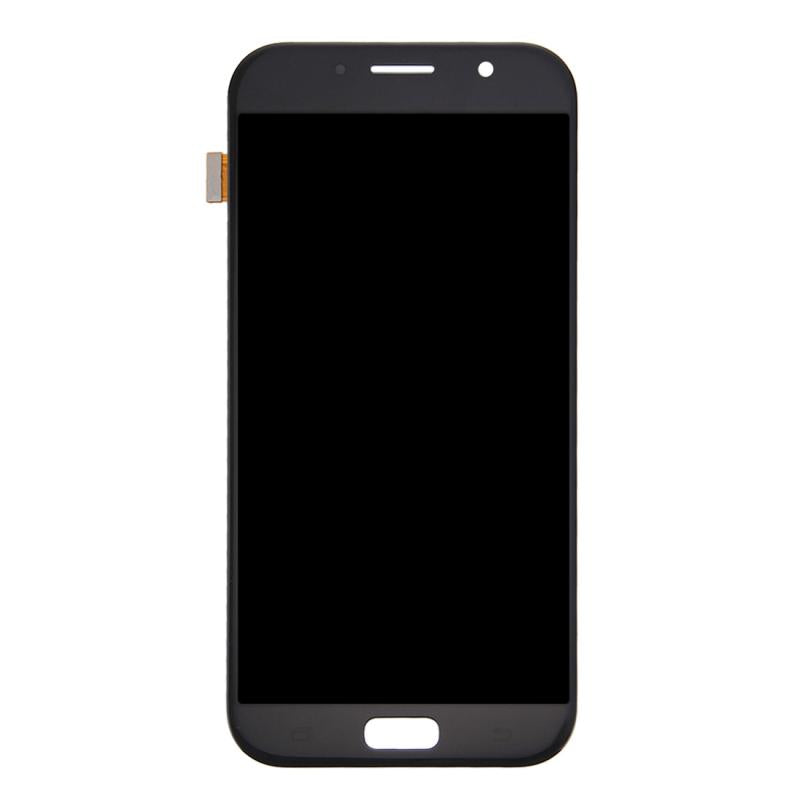
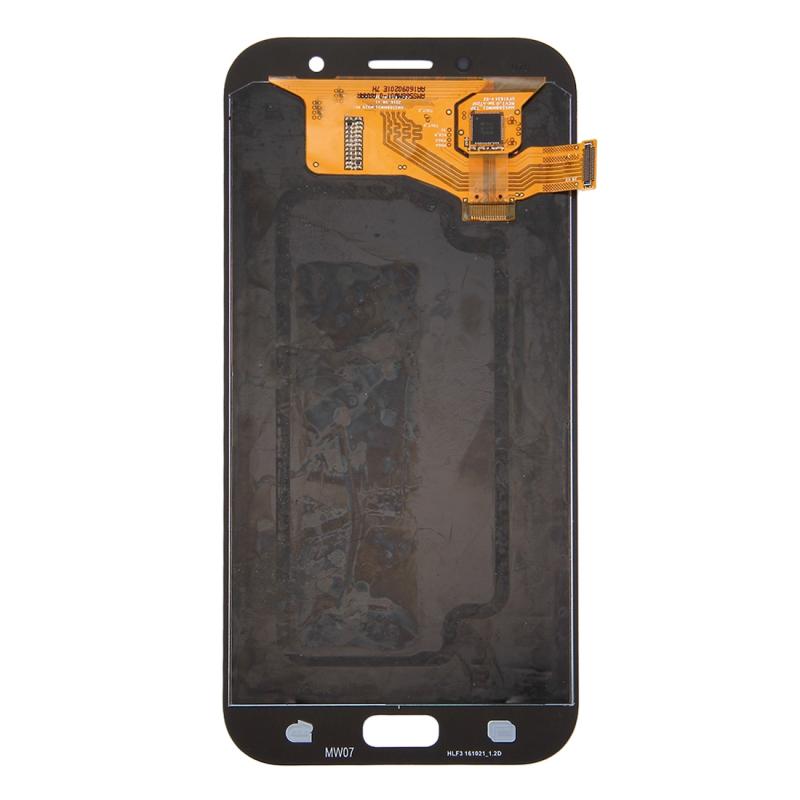
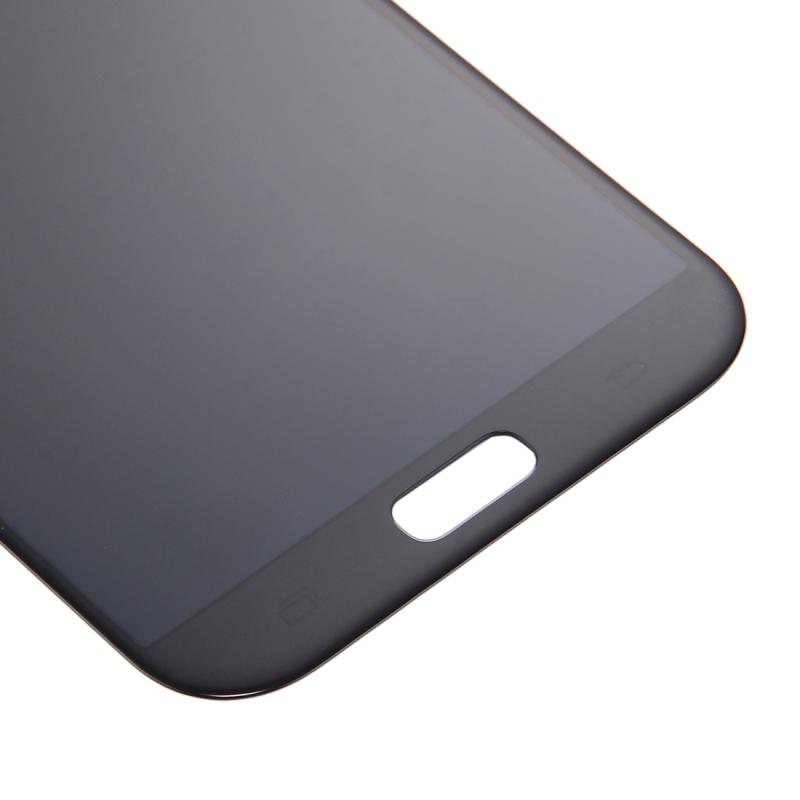

For Samsung Galaxy A5 (SM-A520) and Galaxy A7 (SM-A720) 2017 Navigation Flex Cable

For Samsung Galaxy A3 / A5 / A7 2017 (SM-A320 / SM-A520 / SM-A720) Home Button Flex Cable (Blue)

For Samsung Galaxy A3 / A5 / A7 2017 (SM-A320 / SM-A520 / SM-A720) Home Button Flex Cable (Gold)

For Samsung Galaxy A3 / A5 / A7 2017 (SM-A320 / SM-A520 / SM-A720) Home Button Flex Cable (Pink)

For Samsung Galaxy A3 / A5 / A7 2017 (SM-A320 / SM-A520 / SM-A720) Home Button Flex Cable (Black)

For Samsung Galaxy A3 / A5 / A7 (2017) (SM-A320 / SM-A520 / SM-A720) Charging Port Flex Cable
The Samsung Galaxy A7 (2017) collection is a placeholder for parts that are still to arrive. E-Tech61 adds Samsung Galaxy A7 (2017) listings as stock arrives, and the repairs most often needed on a handset like this are screen replacements, charge-port boards, SIM trays and small flex cables. Until a Samsung Galaxy A7 (2017) listing goes live, this page can still help you plan the job. The Galaxy A line covers many similar-looking models, and the Samsung Galaxy A7 (2017) is one where matching the exact variant matters.
Match the A720 in the Samsung Galaxy A7 (2017) name to the model number shown in Settings under About phone, since near-identical Galaxy names can hide different parts. DIY repairers and independent repair shops can both write to support@etech61.com about the Samsung Galaxy A7 (2017). Payment cleared before 4pm Monday to Friday means your Samsung Galaxy A7 (2017) order is dispatched that working day, with nothing sent at weekends.
Samsung Galaxy A7 (2017) Parts and Repair Spares: Frequently Asked Questions
Does E-Tech61 sell Samsung Galaxy A7 (2017) spares?
E-Tech61 sources repair parts from specialist suppliers and lists them model by model. The Samsung Galaxy A7 (2017) range fills up as stock arrives; if the part you need is not listed yet, email support@etech61.com and ask about it.
How do I confirm my phone is the Samsung Galaxy A7 (2017) A720?
Open Settings, then About phone, and check the model number: Samsung numbers start SM- and should contain A720. Matching it matters because Galaxy models with similar names often use different parts. If the number differs, email support@etech61.com before ordering.
Which parts most often need replacing on a Samsung Galaxy A7 (2017)?
On phones like the Samsung Galaxy A7 (2017), the usual repairs are cracked screens, worn batteries and damaged charging ports, followed by speakers and camera glass. Diagnose the fault first, then match the part to your exact model before ordering.
What tools help with a Samsung Galaxy A7 (2017) repair at home?
A set of precision screwdrivers, plastic pry tools and tweezers cover most jobs, with gentle heat for softening adhesive. Power the Samsung Galaxy A7 (2017) off first and disconnect the battery connector before you unplug anything else.