
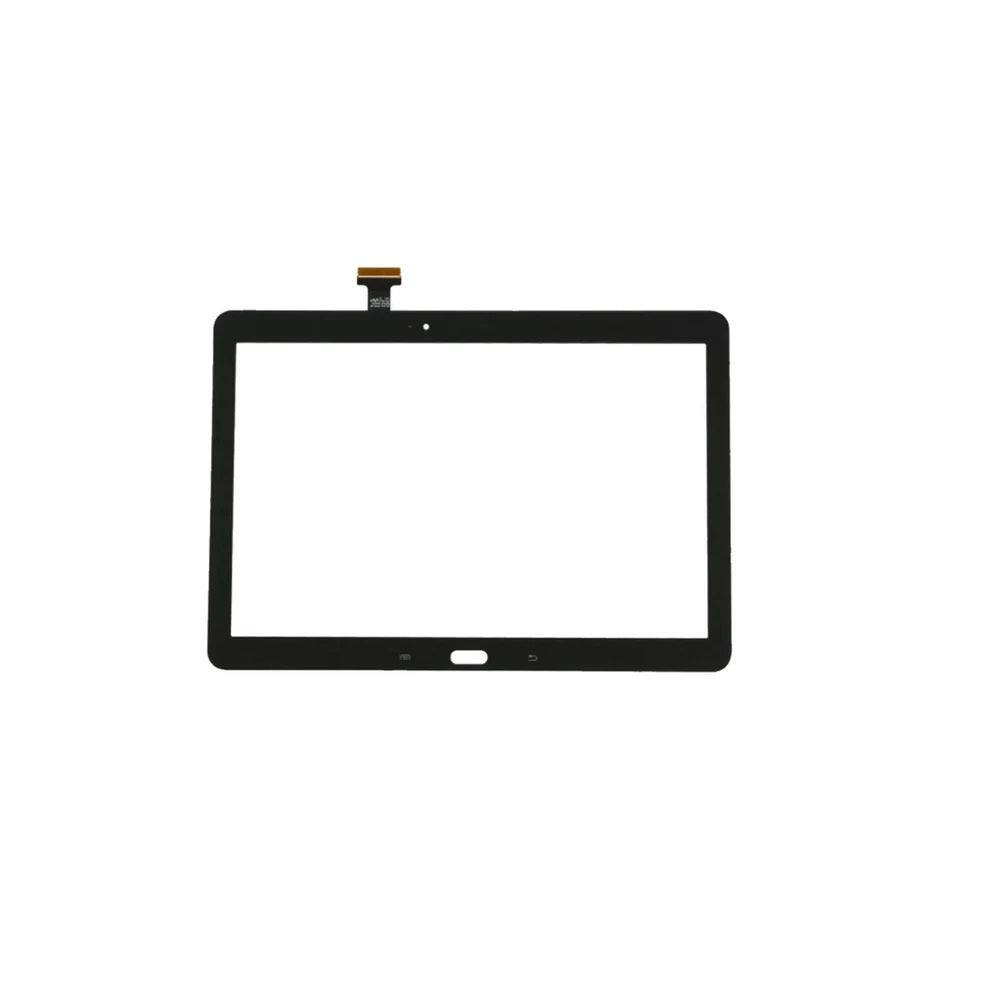

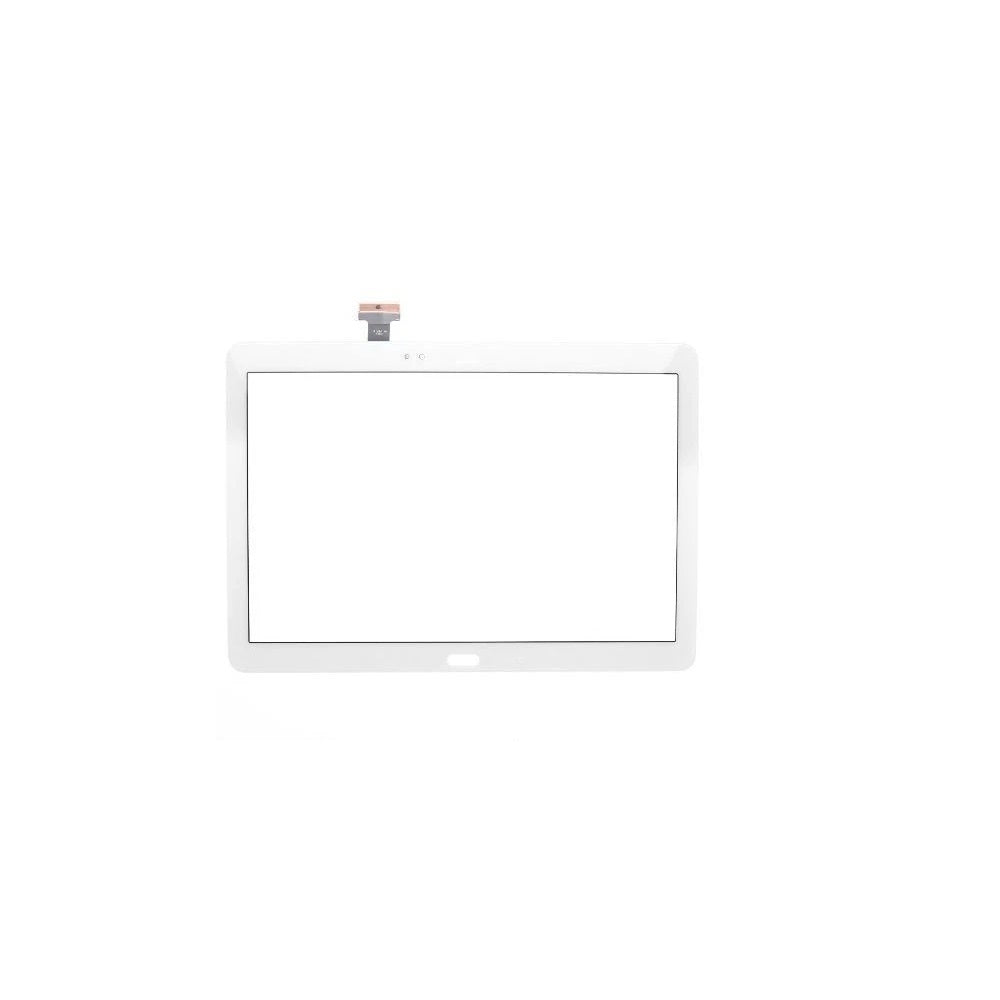
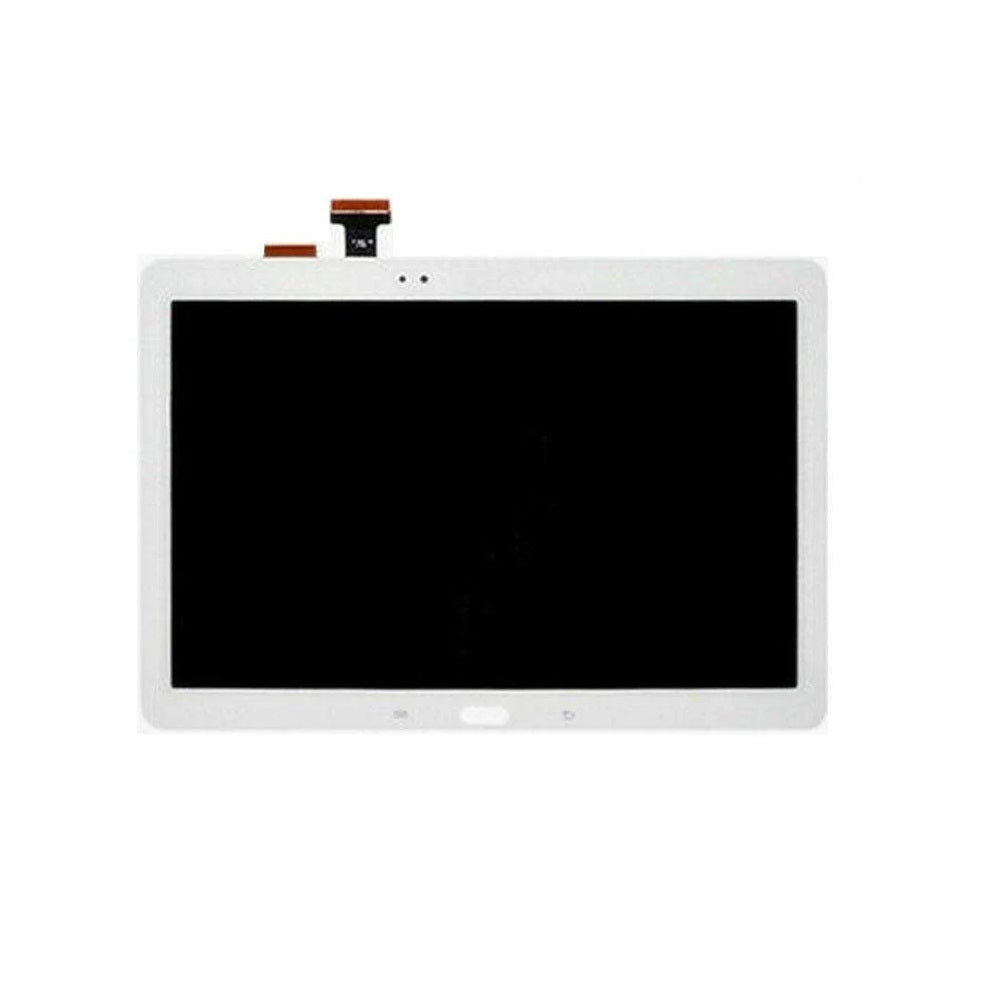
Built around four screen assemblies, this Samsung Galaxy Note 10.1 (P600) collection is aimed at anyone fixing the tablet themselves or fitting parts for customers. The Note 10.1 is a Samsung tablet made to work with an S Pen, and the listings cover its touch glass and full display assembly. Screen listings for the Galaxy Note 10.1 (P600) come in Black and White.
Look up the model number in Settings, then About tablet on your Galaxy Note 10.1 (P600), which should include SM-P600, then compare the old part's connector with the listing photo. The range suits DIY repairers replacing a single part at home as well as repair shops sourcing Galaxy Note 10.1 (P600) spares for customers. Orders for Galaxy Note 10.1 (P600) parts with cleared payment before 4pm Monday to Friday are dispatched the same working day from Manchester, and support@etech61.com can help if you are unsure which part you need.
Galaxy Note 10.1 P600 Replacement Parts: Frequently Asked Questions
Which colour should I choose for a Galaxy Note 10.1 (P600) screen?
The listings come in black and white, so match the colour of your tablet's front glass. Each colour is offered as a touch screen digitiser on its own and as a full LCD and digitiser assembly, so choose based on whether the LCD underneath is also damaged.
What should I check when buying a Galaxy Note 10.1 (P600) screen?
Read the product title closely: it states the panel type or extras (touch digitiser only or full LCD assembly) and the model it fits. Compare the connector and mounting points on your old panel with the listing photos before fitting.
How do I check the exact model of my Galaxy Note 10.1 (P600)?
Open Settings, then About tablet and read the model number, then compare it with SM-P600. Manufacturers often sell close cousins in the same range, so the number matters more than the marketing name. If the tablet will not start, the retail box or an old invoice usually shows it.