


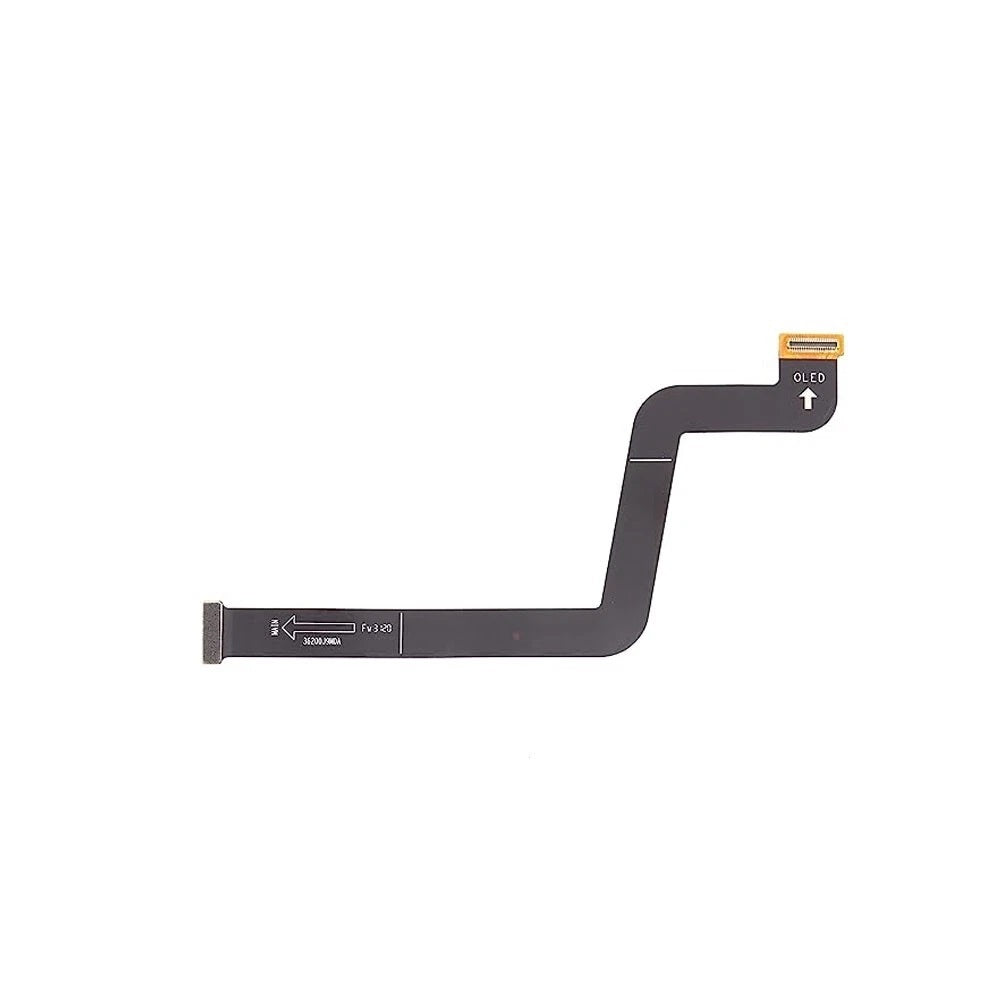
This collection covers replacement parts for the Xiaomi Mi 10 Lite. The Mi 10 Lite has an OLED screen and an LCD flex cable listed, both named for the 5G version. At the moment the Xiaomi Mi 10 Lite range lists one screen assembly and one flex cable, all sourced from specialist suppliers for DIY repairers and repair shops. The Xiaomi Mi 10 Lite screen is listed as an OLED replacement.
The quickest check on a Xiaomi Mi 10 Lite is the model number under Settings, then About phone; similar names from the same range carry different parts. Both DIY buyers and repair shops use this page when they need something for a Xiaomi Mi 10 Lite. Orders with cleared payment before 4pm Monday to Friday are dispatched the same working day, and you can email support@etech61.com if you are unsure whether a Xiaomi Mi 10 Lite part fits.
Xiaomi Mi 10 Lite Replacement Parts: Frequently Asked Questions
What should I check when buying a Xiaomi Mi 10 Lite screen?
The Xiaomi Mi 10 Lite screen titles show details such as OLED. Match those to what you are replacing, and compare the old panel's connector and mounting points with the listing photos before you start.
How do I check the exact model of my Xiaomi Mi 10 Lite?
Open Settings, then About phone and read the model number. Manufacturers often sell close cousins in the same range, so the number matters more than the marketing name. If the phone will not start, the retail box or an old invoice usually shows it.
Which Xiaomi Mi 10 Lite parts are listed at the moment?
The current range covers one screen assembly and one flex cable. Stock changes as new lines arrive, so if the part you need is not shown, email support@etech61.com with your model number and we will check whether it can be sourced.
What tools do I need to repair a Xiaomi Mi 10 Lite?
A typical Xiaomi Mi 10 Lite repair calls for a set of precision screwdrivers, plastic opening picks and a heat source such as a heat gun or hot plate to soften adhesive. Disconnect power before touching internal connectors, keep screws sorted by location, and take photos as you go so nothing ends up in the wrong place.