
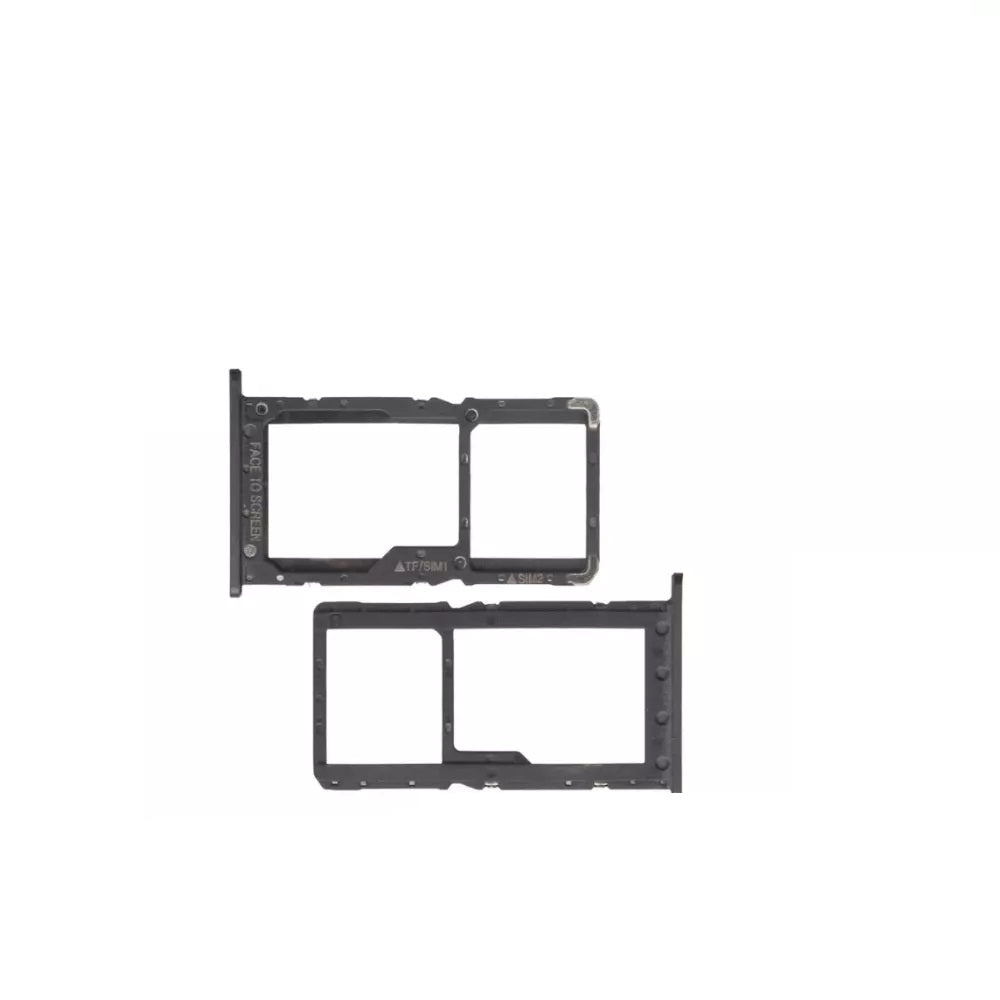

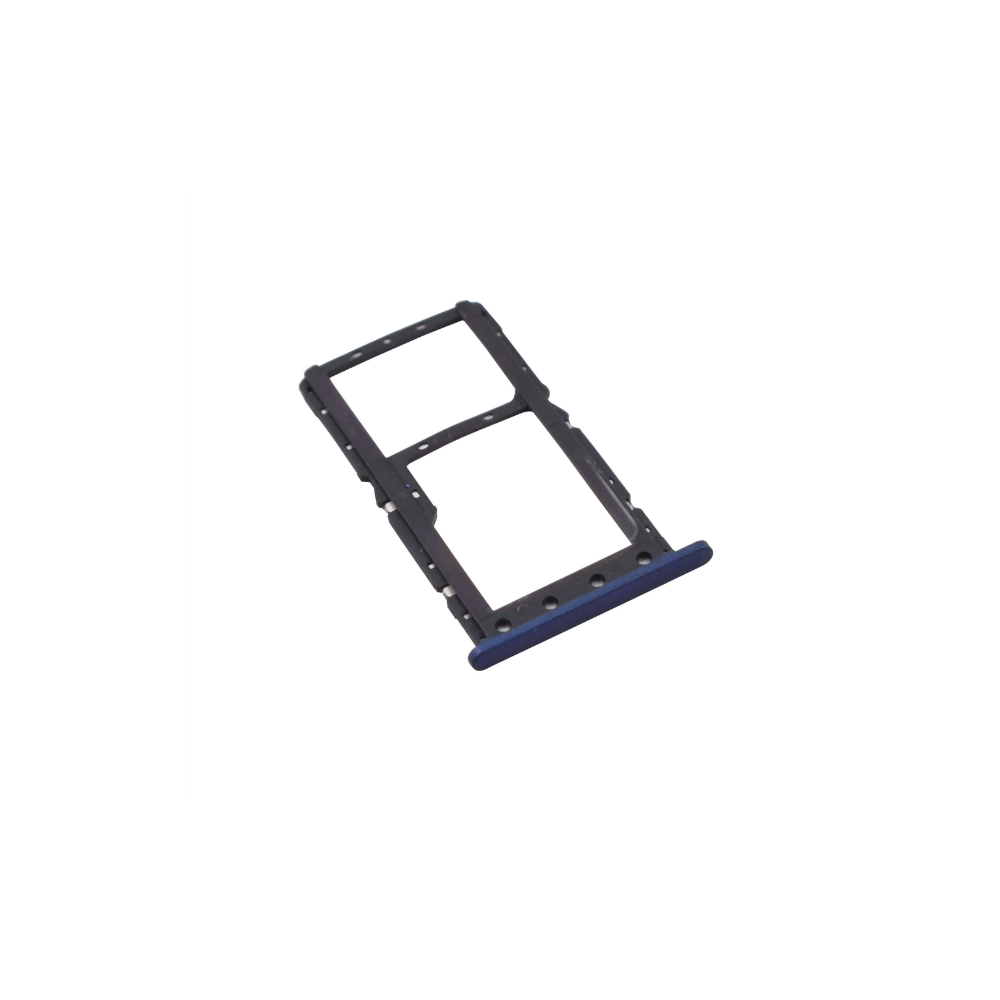
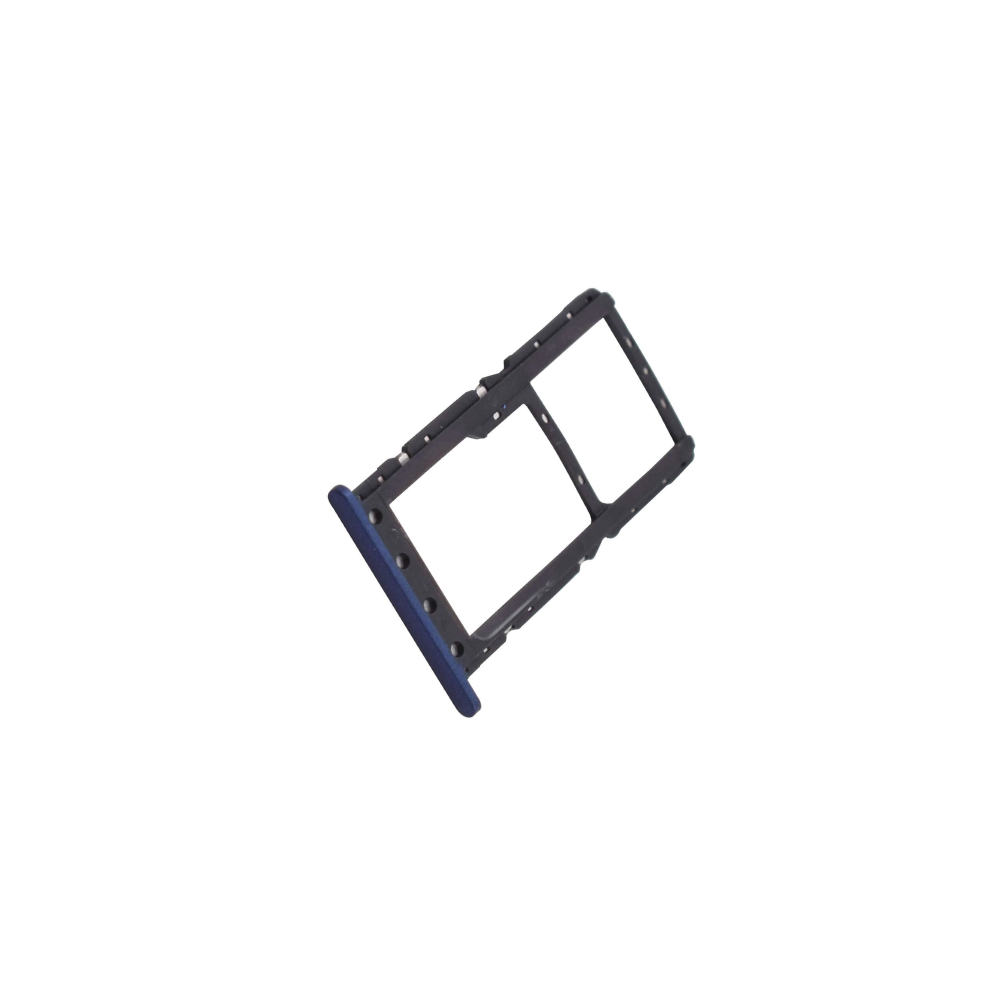
For Xiaomi Pocophone Poco F1 SIM & microSD Card Tray


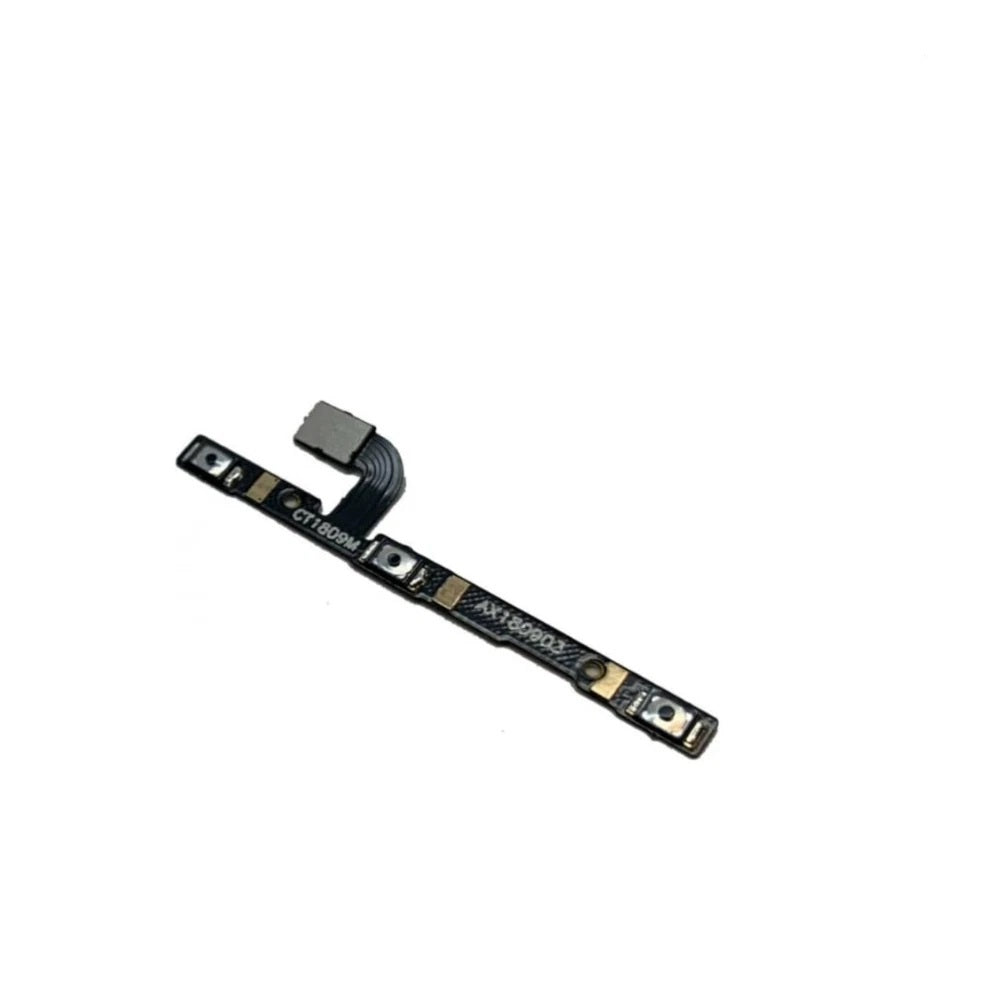
Xiaomi Poco F1 Replacement Parts – Complete OEM Quality Spares for Every Repair
Full Xiaomi Poco F1 Spare Parts Range — LCD, Camera, Charging Port & Flex Cables
Why UK Repair Technicians & Customers Choose E-Tech61 for Xiaomi Poco F1 Parts
Same-Day Dispatch & Fast Tracked UK Delivery on All Xiaomi Poco F1 Parts
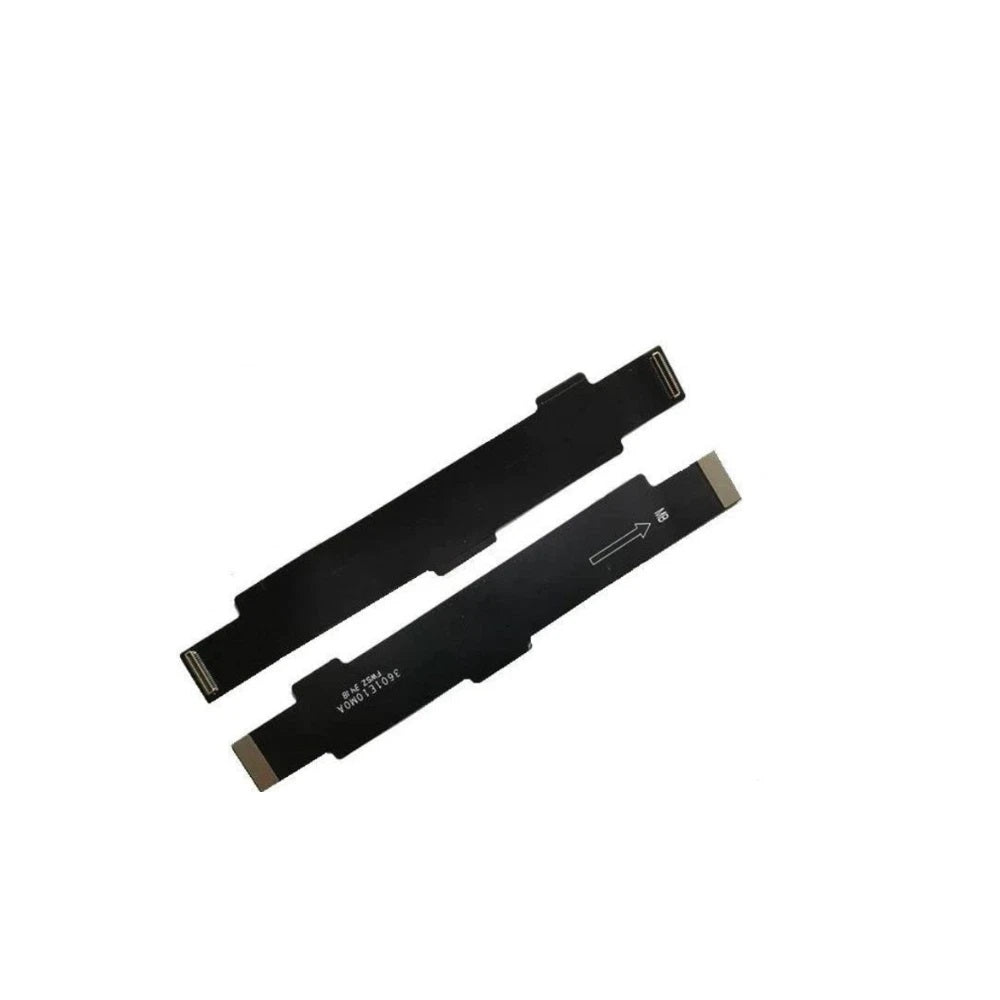
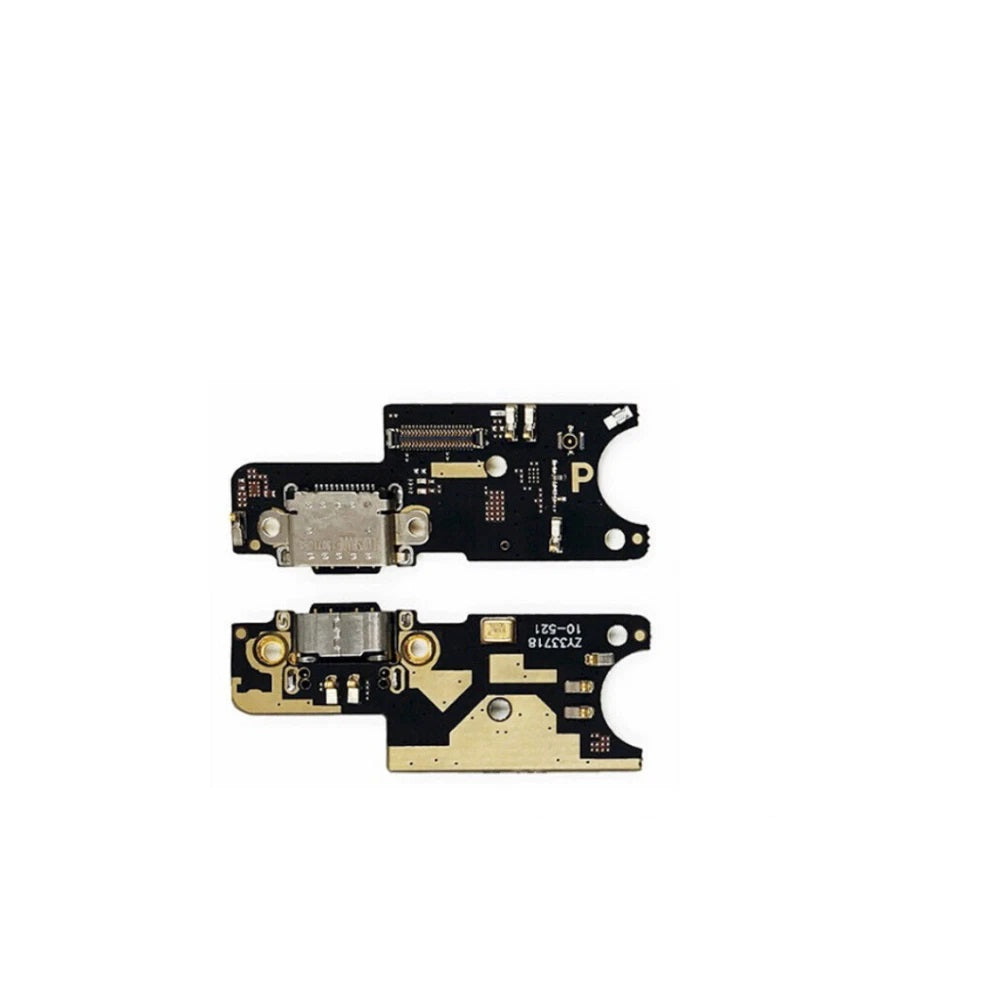
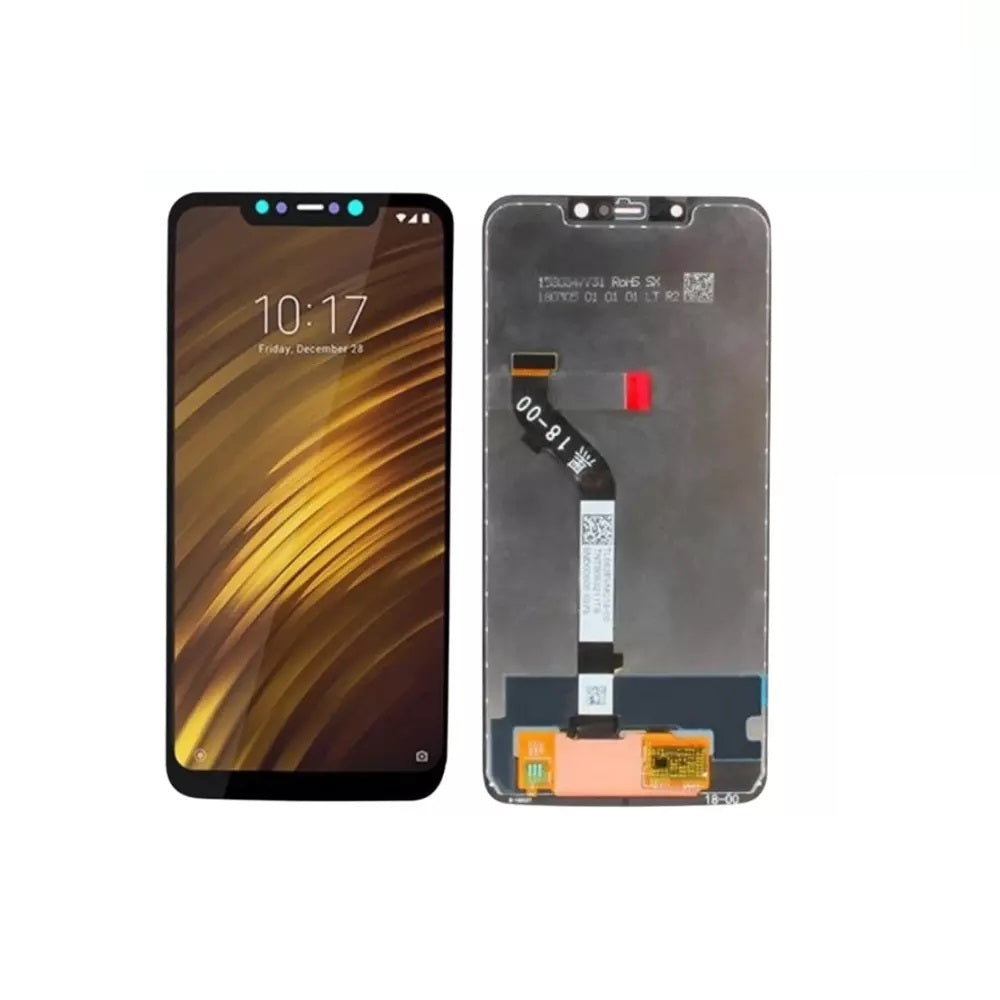
Here you will find Xiaomi Poco F1 parts: two flex cables, one camera lens, one power and volume button flex, one charging port flex cable and one screen assembly. The Poco F1, also sold as the Pocophone F1, has listings for its screen, camera lens and charging board, among others. Every Xiaomi Poco F1 part is sourced from specialist suppliers, and E-Tech61 does not manufacture the parts itself.
Check Settings, then About phone for the model number before ordering anything for a Xiaomi Poco F1. Xiaomi Poco F1 parts are bought by hobbyists doing their own repairs and by trade customers who repair for others. For a Xiaomi Poco F1 order with cleared payment before 4pm Monday to Friday, dispatch is the same working day; questions about fit can go to support@etech61.com.
Xiaomi Poco F1 Replacement Parts: Frequently Asked Questions
How do I check the exact model of my Xiaomi Poco F1?
The model number sits in Settings, then About phone. Use that rather than the name alone, since siblings in the same series often use different parts. A photo of your old part next to the listing photo is a good second check.
Which Xiaomi Poco F1 parts are listed at the moment?
You will find two flex cables, one camera lens, one power and volume button flex, one charging port flex cable and one screen assembly for the Xiaomi Poco F1. If your repair needs something else, email support@etech61.com with the part and model number rather than guessing from a similar listing.
What tools do I need to repair a Xiaomi Poco F1?
Plan on fine screwdrivers, opening picks, tweezers and a hair-dryer-style heat source for adhesive. Fit new adhesive where the old part used it, work slowly around ribbon connectors, and disconnect the battery first where the design allows. Photograph each step so reassembly is easier.