

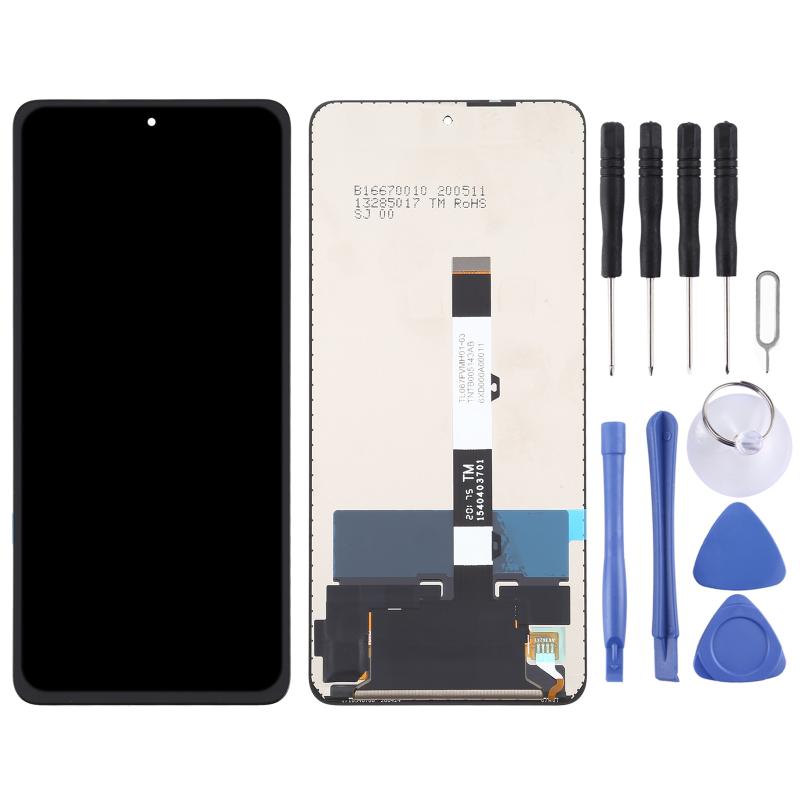

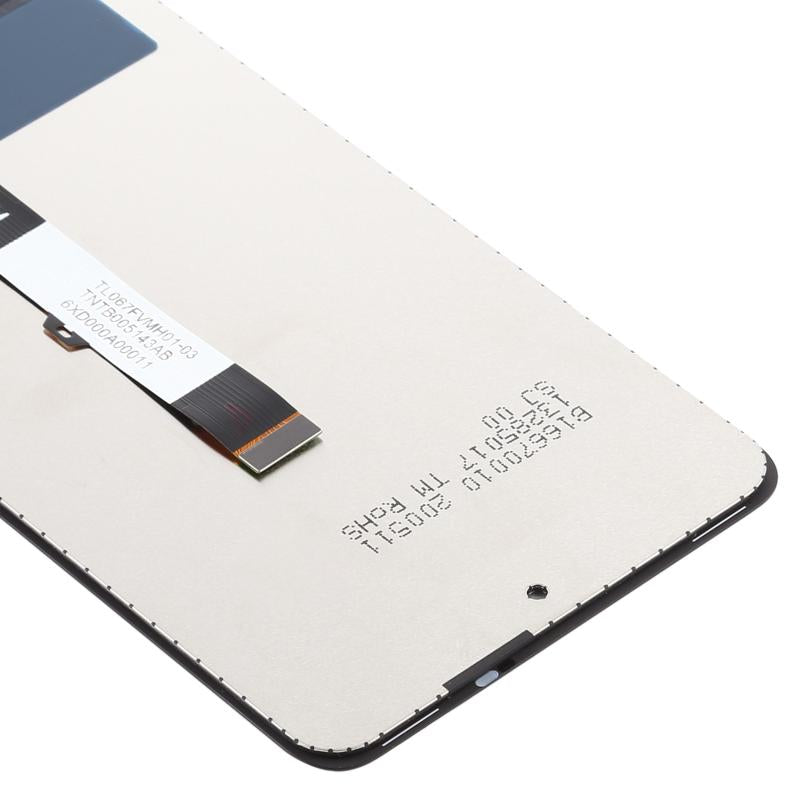
Xiaomi Poco X3 NFC repairs usually begin with the screen, battery, charging port and rear camera lens. This collection will hold those parts once they are listed; none are available for the Xiaomi Poco X3 NFC today, and new listings are added as stock arrives. A screen listed for the Poco X3, X3 NFC and X3 Pro is on the Poco X3 page.
Look up the model number in Settings, then About phone on your Xiaomi Poco X3 NFC, then compare the old part's connector with the listing photo. The range suits DIY repairers replacing a single part at home as well as repair shops sourcing Xiaomi Poco X3 NFC spares for customers. Once Xiaomi Poco X3 NFC parts are listed, orders with cleared payment before 4pm Monday to Friday are dispatched the same working day from Manchester. If you need a Xiaomi Poco X3 NFC part sooner, email support@etech61.com with what you are after.
Xiaomi Poco X3 NFC Replacement Parts: Frequently Asked Questions
How do I check the exact model of my Xiaomi Poco X3 NFC?
Open Settings, then About phone and read the model number. Manufacturers often sell close cousins in the same range, so the number matters more than the marketing name. If the phone will not start, the retail box or an old invoice usually shows it.
Are Xiaomi Poco X3 NFC parts available at the moment?
No Xiaomi Poco X3 NFC parts are listed right now. Listings are added as stock arrives, so it is worth checking back. If you need a particular part, email support@etech61.com with the part name and your model number and we will see what can be arranged.
Which parts most often need replacing on a Xiaomi Poco X3 NFC?
On this kind of phone, the usual repairs are the screen, battery, charging port and rear camera lens. Diagnose the fault first: a charging problem, for instance, can come from the port, the flex or the battery.