


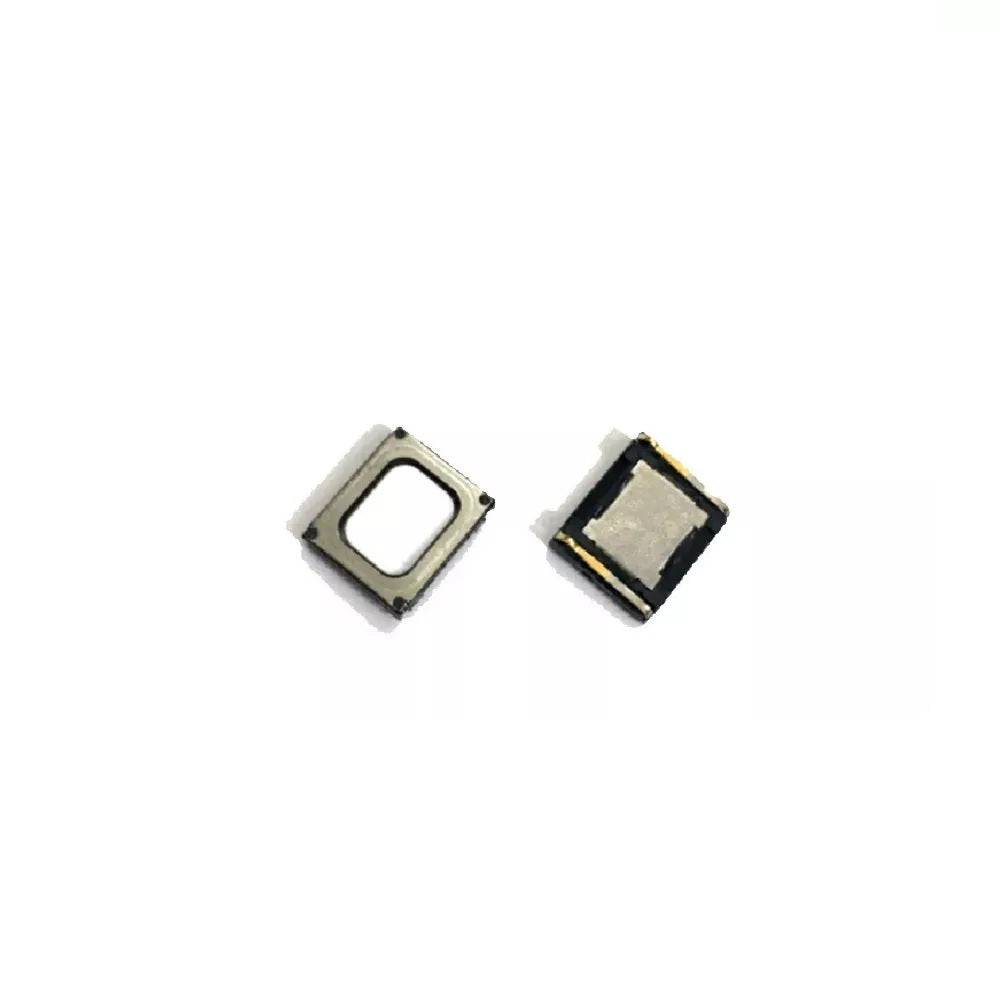
Xiaomi Redmi Note 7 Parts & Replacement Components
Xiaomi Redmi Note 7 Audio Repair Solutions
Reliable Components for Professional Repairs
Why Choose E-Tech61 for Xiaomi Redmi Note 7 Parts?
Need a part for a Xiaomi Redmi Note 7? Right now this page lists one screen assembly and one earpiece speaker for the Xiaomi Redmi Note 7. The Redmi Note 7 has a TFT LCD screen and an earpiece speaker listed. New Xiaomi Redmi Note 7 lines are added as stock arrives. Screen listings for the Xiaomi Redmi Note 7 come in Black.
Before you buy for a Xiaomi Redmi Note 7, read the model number from Settings, then About phone; regional variants can differ in small ways. Anyone repairing a Xiaomi Redmi Note 7, from first-time DIY repairers to busy workshops, can use it to find compatible spares. Manchester dispatch is the same working day for Xiaomi Redmi Note 7 orders with cleared payment before 4pm Monday to Friday, and support@etech61.com is there for compatibility questions.
Xiaomi Redmi Note 7 Replacement Parts: Frequently Asked Questions
Which colour screen should I choose for my Xiaomi Redmi Note 7?
Match the colour of your phone's front glass. Current Xiaomi Redmi Note 7 screen listings come in Black. If the front is a different shade or you cannot tell, email support@etech61.com with a photo and your model number before ordering.
How do I check the exact model of my Xiaomi Redmi Note 7?
The model number sits in Settings, then About phone. Use that rather than the name alone, since siblings in the same series often use different parts. A photo of your old part next to the listing photo is a good second check.
Which Xiaomi Redmi Note 7 parts are listed at the moment?
You will find one screen assembly and one earpiece speaker for the Xiaomi Redmi Note 7. If your repair needs something else, email support@etech61.com with the part and model number rather than guessing from a similar listing.
What tools do I need to repair a Xiaomi Redmi Note 7?
A typical Xiaomi Redmi Note 7 repair calls for fine screwdrivers, opening picks, tweezers and a hair-dryer-style heat source for adhesive. Disconnect power before touching internal connectors, keep screws sorted by location, and take photos as you go so nothing ends up in the wrong place.