

For Google Pixel 4 Antenna Connecting Cable
£2.41 ex VAT · UK VAT-registered company
Buy more, save more
Mix any partsAdd 1 more item to save 3% — mix any parts.
Complete the repair
Fits Google Pixel 4Buy with Shop buys this part only. Use Add to cart or Buy it now to include the parts you ticked.
Add £2.11 more for FREE Tracked 48 delivery
Secure, encrypted checkout
Same-day dispatch on orders before 4pm, Mon–Fri
Royal Mail Tracked 48® · dispatched from Manchester
Delivery options
Dates are estimates in working days. Orders after 4pm, at weekends or on bank holidays are dispatched the next working day. Final options and prices are shown at checkout.
Fitting advice
Phone parts are delicate. We recommend fitting by a qualified repair technician.
Test the part before final installation, before any adhesive or seal is applied. Parts with adhesive applied can’t be returned for change of mind.
Returns
You have 30 days from the day you receive your item to request a return. Items must be unused, in the condition and packaging they were supplied in, with proof of purchase.
Please contact us before sending anything back. Return postage is the buyer’s responsibility unless the item is faulty. For faulty or incorrectly described items, we cover return postage in full. Approved refunds go to the payment method you used within 10 business days. Your statutory rights are not affected.
0161 425 8273 · support@etech61.com
Mon–Fri 10am–6pm
More Google Pixel 4 parts
View all Google Pixel 4 partsMix any parts: 2+ items save up to 10%
-
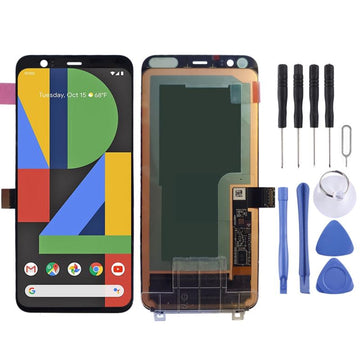 Screen Assembly Screen Replacement (Black)
£60.00
-
 SIM Card Tray Google Pixel 4 / Pixel 4 XL SIM Card Tray (Black)
£3.49
-
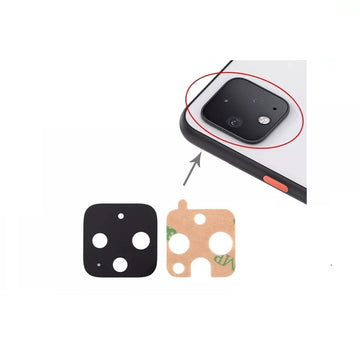 Camera Lens Google Pixel 4 / 4 XL Rear Camera Glass Lens with Adhesive
£1.61
-
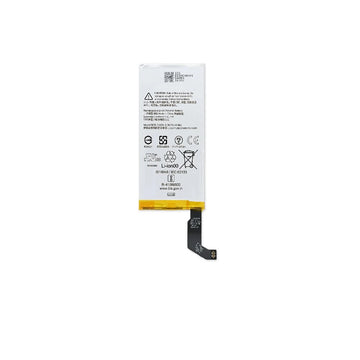 Battery Replacement Battery 2800mAh
£7.91
-
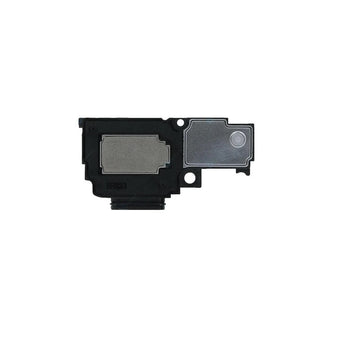 Loudspeaker Loudspeaker
£3.89
-
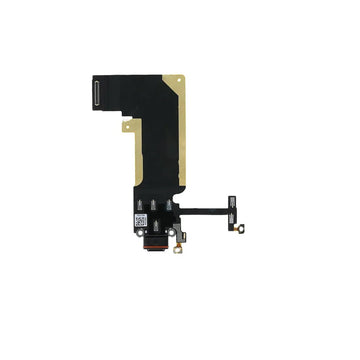 Charging Port Flex Cable Charging Port Flex Cable
£5.89
-
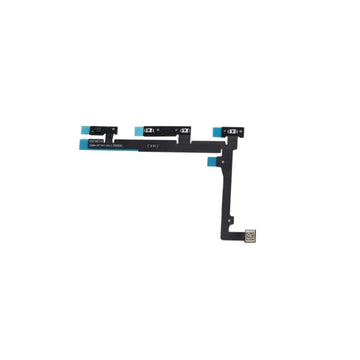 Power & Volume Button Flex Cable Power and Volume Button Flex Cable
£6.89
-
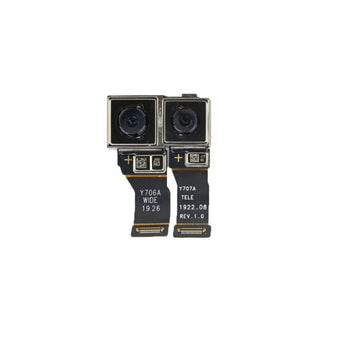 Camera Module Google Pixel 4 / 4 XL Rear Dual Main Camera
£8.89
-
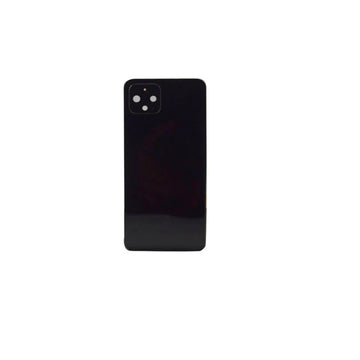 Battery Cover Rear Battery Cover with Adhesive (Black)
£9.39
-
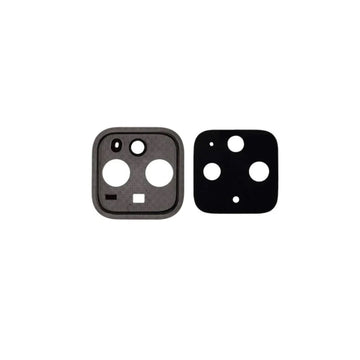 Camera Lens Google Pixel 4 / 4 XL Rear Camera Lens with Cover (Black)
£2.89
-
 SIM Card Tray SIM Card Tray (Just Black)
£3.49
-
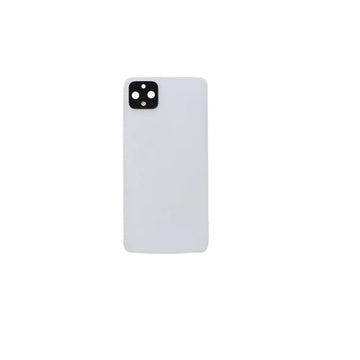 Battery Cover Battery Cover / Rear Panel with Camera Lens and Adhesive (Clearly White)
£9.89

Product details
Everything you need to know
- Fits: Google Pixel 4
- Part: Antenna Connecting Cable
- In the box: Antenna connecting cable for the Google Pixel 4
- Dispatch: Same day from Manchester, UK, on orders before 4:00PM Mon–Fri
- Returns: 30 days on unused items
Product Description
This antenna connecting cable is a replacement for the Google Pixel 4. It is the sort of part considered when a Pixel 4 has lost signal or has unreliable network connection and the antenna cable inside the phone is suspected.
It is an internal component, so the Pixel 4 must be opened to fit it, and the phone should be tested before it is closed up again. Compare it with the old cable before you start, note how it is routed, and check the connectors are fully seated before closing the phone.
Key Features & Highlights
Compatibility
- Google Pixel 4
Signs Your Flex Cable Needs Replacing
- A function linked to the flex (such as display signal, charging, buttons, signal or sensors) stops working or cuts in and out.
- The fault appears after a drop, liquid exposure or a previous repair.
- The flex is visibly torn, creased or has a damaged connector.
- The problem changes when the phone is pressed or flexed.
- Before replacing, reseat the connectors — a loose connector can cause the same symptoms.
How to Check Your Model Number
On the Pixel go to Settings › About phone. The device name and model are shown under Model; you can also check the regulatory labels in Settings.
Specifications
- Professional installation is recommended.
- Contact us to confirm the exact quantity and detail supplied before ordering.
- Handle the cable gently while opening the Pixel 4, using heat and careful prying.
- Clean out any dust or debris around the connectors before fitting.
- Replacement parts are model-specific — check that your device matches the model shown above before ordering.
- Professional fitting is recommended where the device has to be opened; flex cables and connectors are easily damaged.
- Test the part before sealing the device or applying new adhesive.
- If you are unsure which part you need, contact us with your model number before ordering.
Frequently Asked Questions
What is the antenna connecting cable for on a Google Pixel 4?
It is the antenna cable of the Google Pixel 4, connecting the antenna so the phone can pick up network signal.
Could this cable fix weak signal on a Google Pixel 4?
It may, if the antenna cable in the Google Pixel 4 is damaged or faulty. Test the Pixel 4 before sealing it after the repair.
Do I need to open the Google Pixel 4 to fit this cable?
Yes. It is an internal cable, so the Pixel 4 must be opened, and professional installation is recommended.
What is included with the Pixel 4 antenna connecting cable?
The antenna connecting cable for the Google Pixel 4. Contact us to confirm exact contents.
How quickly will my order be dispatched?
Orders paid before 4:00PM Monday to Friday are dispatched the same day from our Manchester warehouse. Orders placed later, at weekends or on bank holidays go out the next working day.
How much is UK delivery?
Royal Mail Tracked 48 is free on UK orders of £5 or more (£2.49 below that). Royal Mail Special Delivery Guaranteed by 1pm is available at checkout, and you can also collect from our shop at 33 Moulton St, Manchester M8 8FQ.
Can I return it if it is not right?
Yes. You have 30 days from delivery to return an unused item in the condition it was supplied in. Please contact us before sending anything back. Your rights under the Consumer Rights Act 2015 are not affected.
Delivery
Fast, tracked delivery from Manchester
Same-day dispatch
Order and pay before 4pm, Monday to Friday, and it leaves us the same day. Later orders, weekends and bank holidays go out the next working day.
Royal Mail Tracked 48®
Free on UK orders of £5+Tracked to your door. £2.49 on orders under £5.
Special Delivery by 1pm®
From £7.99Guaranteed next working day by 1pm (UK). Choose it at checkout.
International Tracked
£9.99To selected countries in Europe, the US, Canada, Australia and New Zealand. Not available for every part — your options show at checkout.
Local pickup
Collect from 33 Moulton St, Cheetham Hill, Manchester M8 8FQ. Usually ready within 24 hours — we’ll email you when it’s ready.
Returns
30 days to change your mind
- 30 days to request a return, from the day you receive your item
- Item unused, in the condition and packaging it was supplied in, with proof of purchase
- Contact us before sending anything back — unauthorised returns can’t be accepted
- Approved refunds go to the payment method you used within 10 business days
- Test the part before final installation — adhesive applied voids a change-of-mind return
- Return postage is paid by the buyer unless the item is faulty
Your rights: as a UK business we always uphold the Consumer Rights Act 2015 and the Consumer Contracts Regulations 2013. For faulty or incorrectly described items, we cover return postage in full. Read the full refund policy.

Phone repair parts, from a real UK business
E-Tech61 Ltd is a Manchester-based supplier of phone, tablet and tech repair parts to DIY fixers and repair shops across the UK.
- Company
- E-Tech61 Ltd
- Companies House
- 08915335
- VAT number
- GB 209 379 096
- Phone
- 0161 425 8273
- support@etech61.com
- Hours
- Mon–Fri, 10am–6pm