
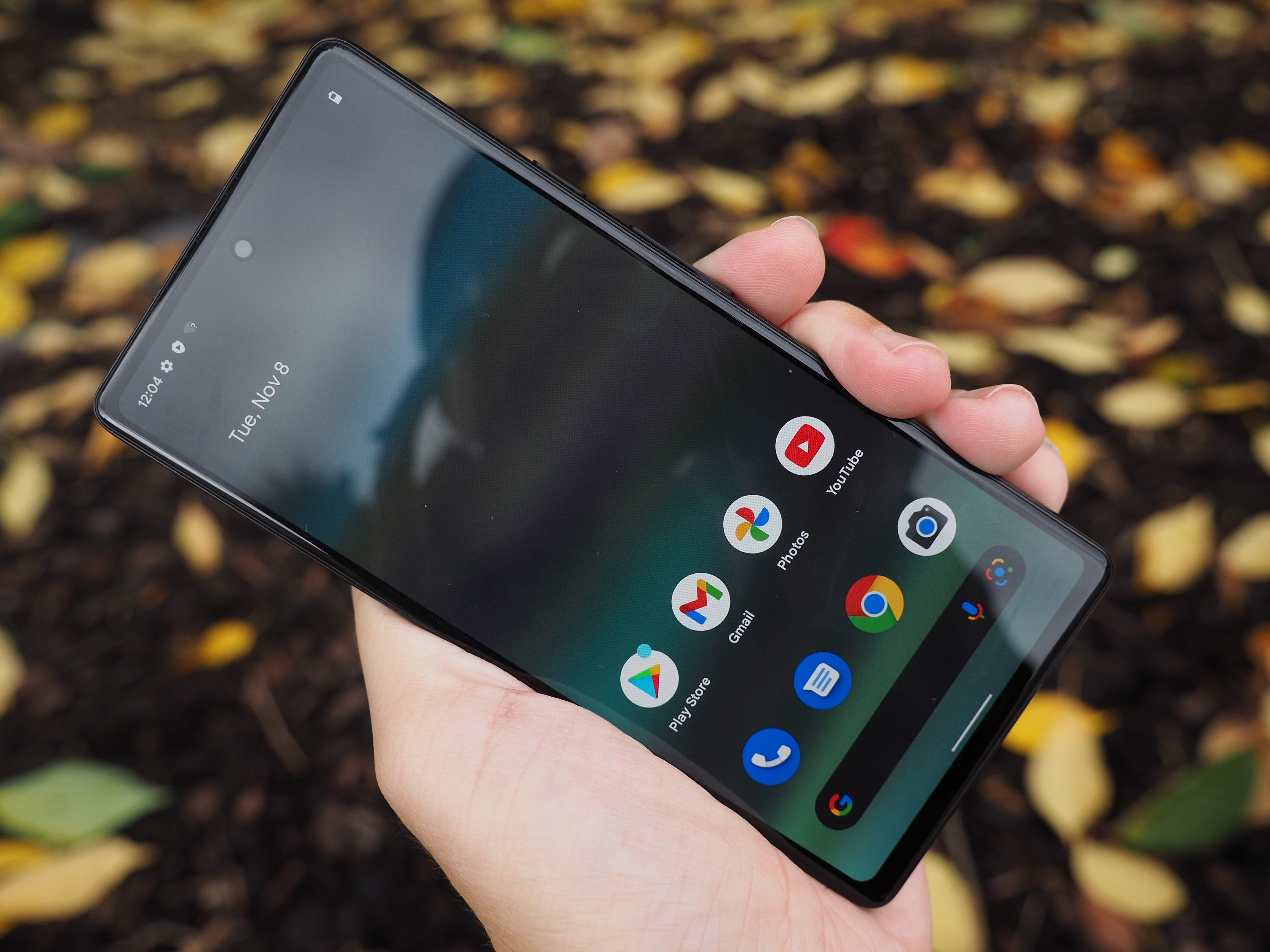
I dropped my Pixel 6A face down on my driveway last summer, and for one glorious second I thought I had gotten away with it completely unscathed. Then I picked it up and noticed the protector glass had this spider web of cracks spreading from one corner, while the actual screen underneath looked perfectly fine. That tiny moment of relief taught me something I now explain to customers constantly. A cracked protector is not the same disaster as a cracked screen, but figuring out the difference, and knowing what to do next, trips up more people than you would expect.
If you are dealing with Broken Screen Protector Glass Google Pixel 6A right now, you are probably staring at your phone trying to figure out whether this is a five minute fix or something more serious. Let me walk you through everything, the same way I worked through it myself that day standing in my driveway feeling weirdly grateful and mildly annoyed at the same time.
How To Tell If It Is Just The Protector Or The Actual Screen
This is genuinely the first thing you need to figure out, and honestly it is easier than most people assume once you know what to look for. Run your finger gently across the surface. If you feel a raised edge or a slight separation where the crack is, that is usually the protector lifting away rather than the phone's actual glass. Another trick I use constantly involves shining a flashlight at a low angle across the screen. Cracks in a protector tend to catch light differently than cracks in the actual display glass underneath, almost like the difference between a scratch on a window versus a crack in the wall behind it.
When people search specifically for Broken Screen Protector Glass Google Pixel 6A, they are usually hoping the answer is simple, and thankfully it often is. A damaged protector is generally a quick, affordable fix, nothing like the more involved process of replacing the phone's actual display.
Also Read:
Google Pixel 6 Replacement OLED Screen
The Driveway Moment That Started This Whole Habit
That day in my driveway, I genuinely could not tell at first whether I was looking at protector damage or real screen damage, and I remember feeling this specific kind of dread while turning the phone over in the sunlight trying to figure it out. Eventually I noticed the crack pattern sat slightly above the surface when I ran my fingernail across it, and that tiny detail told me everything I needed to know. Ever since, I have gotten weirdly good at spotting this distinction almost instantly, a skill I never expected to develop but genuinely use all the time now.
What To Do Once You Confirm It Is Just The Protector
Good news first. If your actual screen is intact and it really is just the protector that took the hit, removing and replacing it is refreshingly simple. Peel the damaged one off slowly, working from one corner rather than yanking at the whole thing at once, since rushing this step sometimes leaves adhesive residue behind that becomes annoying to clean off properly. Clean the screen underneath thoroughly, checking for dust or fingerprints before applying anything new, because trapped particles under a fresh protector create those irritating little air bubbles that never quite go away no matter how much you press on them.
At E-Tech61, we see plenty of customers who bring their phone in convinced they need a full screen replacement, only to realize once we inspect it closely that the actual display is completely fine underneath a beaten up protector. It is honestly one of the more satisfying moments in this job, delivering good news instead of a repair bill someone was dreading.
When It Turns Out To Be More Than Just The Protector
Sometimes though, the news is not quite as good, and the display itself has genuinely taken damage alongside the protector. If you notice dead pixels, discoloration, or touch response issues beneath the cracked protector, that points toward needing an actual Google Pixel 6A OLED Quality LCD Screen replacement rather than a simple protector swap. This is where part quality genuinely matters, since a poorly made replacement panel can introduce color inconsistencies or unreliable touch sensitivity that leaves you more frustrated than when you started.
I always tell people to think of screen quality like buying shoes. A cheap pair might look fine standing in the store, but the difference becomes painfully obvious after a few weeks of actual daily wear. The same logic applies here, and it is exactly why we prioritize proper quality panels for Pixel 6A repairs rather than chasing the absolute lowest price available.
Also Read:
Pixel 8 Pro SIM Card Tray Gold
Other Common Pixel 6A Repairs Worth Knowing About
Since we are already talking about this device, let me cover a few other issues that tend to show up around the same time as screen or protector damage, usually because whatever caused the initial impact affected more than just the front of the phone.
Battery Concerns
A Google Pixel 6A Replacement Battery request comes up fairly often, usually from people noticing their phone dying earlier in the day than it used to, or the battery percentage jumping unpredictably instead of draining steadily. Batteries degrade gradually through normal daily charging cycles, and honestly there is no way around that reality no matter how carefully you use your phone. If your Pixel is a couple years into daily use and struggling to make it through a full day, a fresh battery often restores that reliable feeling you remember from when the phone was new.
SIM Tray Troubles
It seems like such a tiny, insignificant piece of metal until it stops working properly. A Google Pixel 6a SIM Tray Replacement becomes necessary more often than people expect, usually after a drop bends the tray slightly or repeated insertion and removal wears down the mechanism over time. Try using your phone without a functioning SIM tray for even a day and you will quickly appreciate how much you depend on that small component.
Speaker Problems
If your ringtone suddenly sounds muffled or distorted, or notifications barely register anymore, a Google Pixel 6a Ringer Speaker Repair Part might be exactly what you need. This is another one of those quieter issues that develops gradually rather than happening all at once, often from dust accumulation or moisture exposure over time rather than any single dramatic incident.
Why Protection Matters Even After A Repair
Here is something I learned the hard way and now repeat constantly to anyone who will listen. Once you have gone through the process of fixing your Pixel 6A, whether that meant a simple protector swap or a full screen replacement, protecting it properly afterward genuinely matters. A quality protector, applied correctly without trapped air bubbles, absorbs impact that would otherwise transfer directly to the actual display underneath. Pairing that with a case that has raised edges around the screen dramatically reduces how often you end up back in this exact situation.
I say this as someone who learned the lesson through repetition rather than reading it somewhere. After my driveway incident, I started actually researching what separates a genuinely protective glass protector from something that just looks similar on a store shelf, and the difference in actual drop performance surprised me. Thickness, hardness rating, and how well it is applied all factor into whether it does its job when your phone inevitably meets the ground again someday.
Also Read:
iPhone 16 Pro LCD Screen Replacement
How To Decide Between DIY And Professional Help
I get asked this constantly, and honestly the answer depends on what exactly needs fixing. Replacing a cracked protector is genuinely something most people can handle themselves with a bit of patience and a clean workspace. But once you are dealing with anything involving the actual display, battery, or internal components like the SIM tray or speaker, professional repair becomes the smarter choice. These repairs involve delicate connections that are easy to damage if you are not experienced with this specific device, and I have seen enough DIY attempts go sideways to genuinely recommend against it for anything beyond a simple protector swap.
At E-Tech61, we always explain exactly what a repair involves before starting, so customers understand why certain fixes are quick and affordable while others require more careful handling and correspondingly more time.
What I Tell Everyone Who Asks Me About This Now
Looking back at that driveway moment, and every similar conversation I have had with customers since, I keep coming back to the same core advice. Do not panic the second you see a crack. Take a moment to actually assess whether it is the protector or the real screen underneath, since that distinction changes everything about your next step, both in terms of cost and urgency. And once whatever needed fixing is actually fixed, invest in protection that genuinely works rather than just grabbing whatever is cheapest at the checkout counter.
Final Thoughts
Dealing with Broken Screen Protector Glass Google Pixel 6A does not have to feel like the stressful ordeal it initially seems like standing there staring at a spider web of cracks. More often than not, it is a quick, affordable fix rather than a sign of serious damage underneath. But it is also worth using that moment as a reminder to check the rest of your phone too, the battery, the SIM tray, the speaker, since impact damage rarely stays as contained as we would like to assume. My driveway mishap turned into an oddly useful lesson about paying closer attention to my phone's condition overall, and I hope walking through my experience helps you feel a little more confident handling whatever crack you are currently staring at.
Share:
iPhone 16 比較 Google Pixel 9: OLED Technology
Google Pixel 9 Pro 預訂時間 Availability Details | E-TECH61